DutyPeers Crews
Why create a Crew
Organizations, businesses, media brands and public safety agencies: give the people who already follow your work a place to meet, inside a network of verified public safety professionals. A Crew is yours to run, it's open to anyone who wants in, and it never gets a way into anyone's inbox they didn't give it.
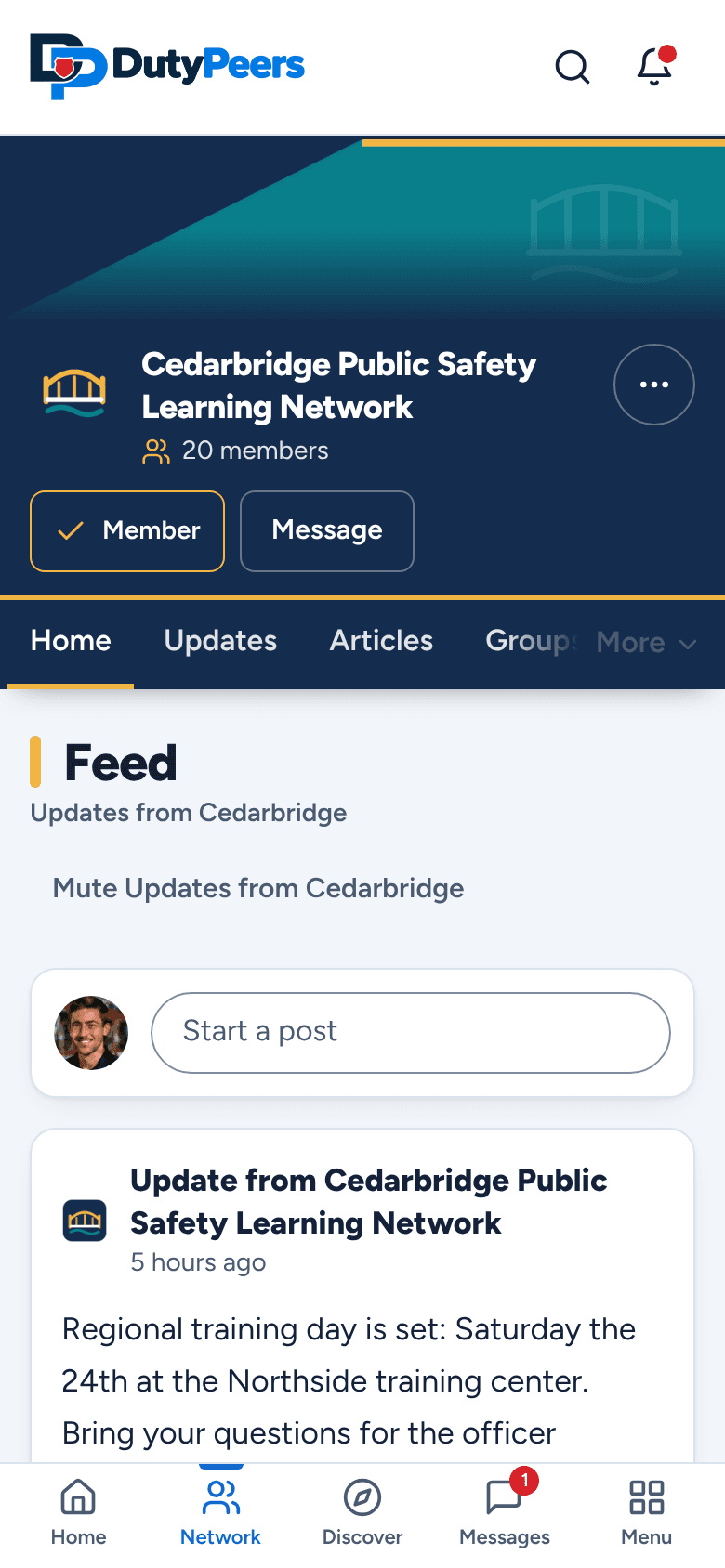
What a Crew is
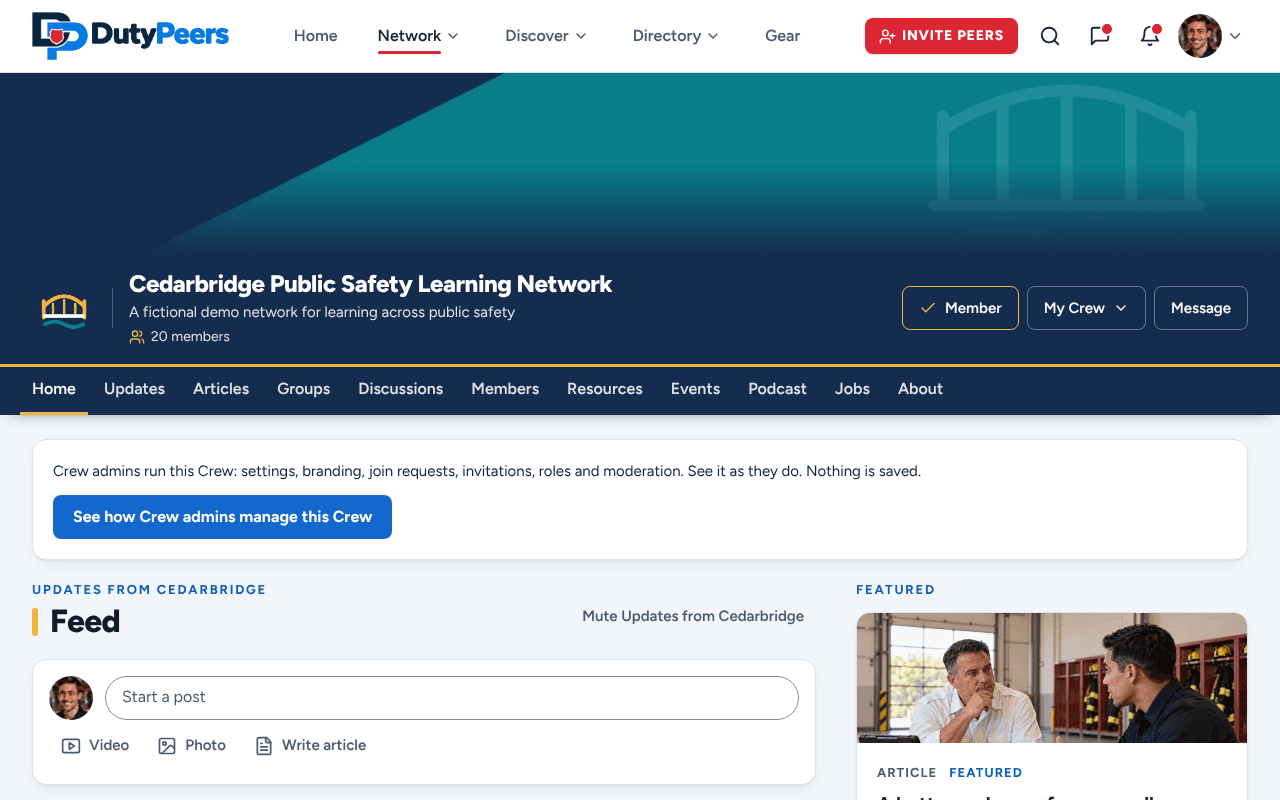
A Crew is your branded community inside DutyPeers: your name, your logo and your colors on your own pages, with your groups, discussions, articles, resources and events in one place. Members join with the DutyPeers account and verification they already have, and they carry your badge on their profile and on everything they write in your Crew.
You don't build or host anything. Sign-in, verification, profiles, messaging, moderation tools and accessibility come with it, and so do the people: firefighters, EMS, law enforcement, dispatchers, emergency managers and search and rescue.
Your Crew runs itself
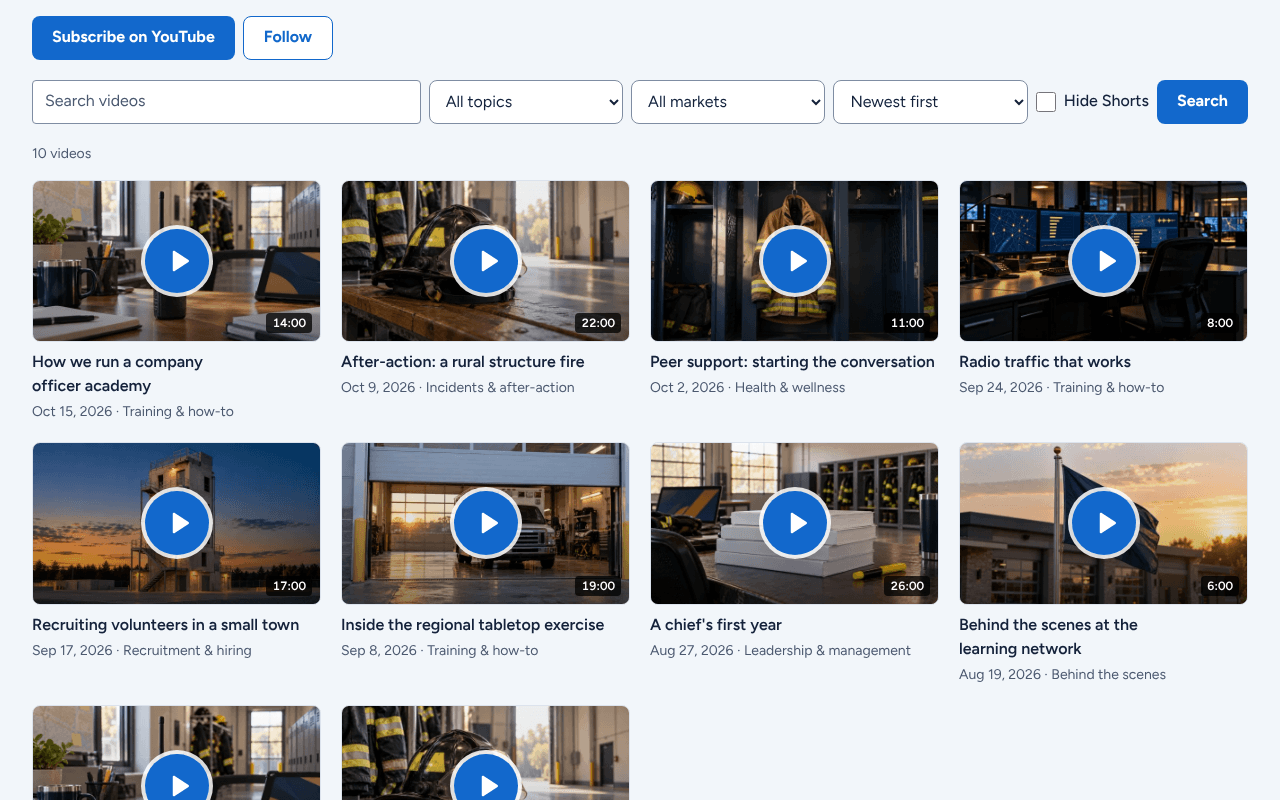
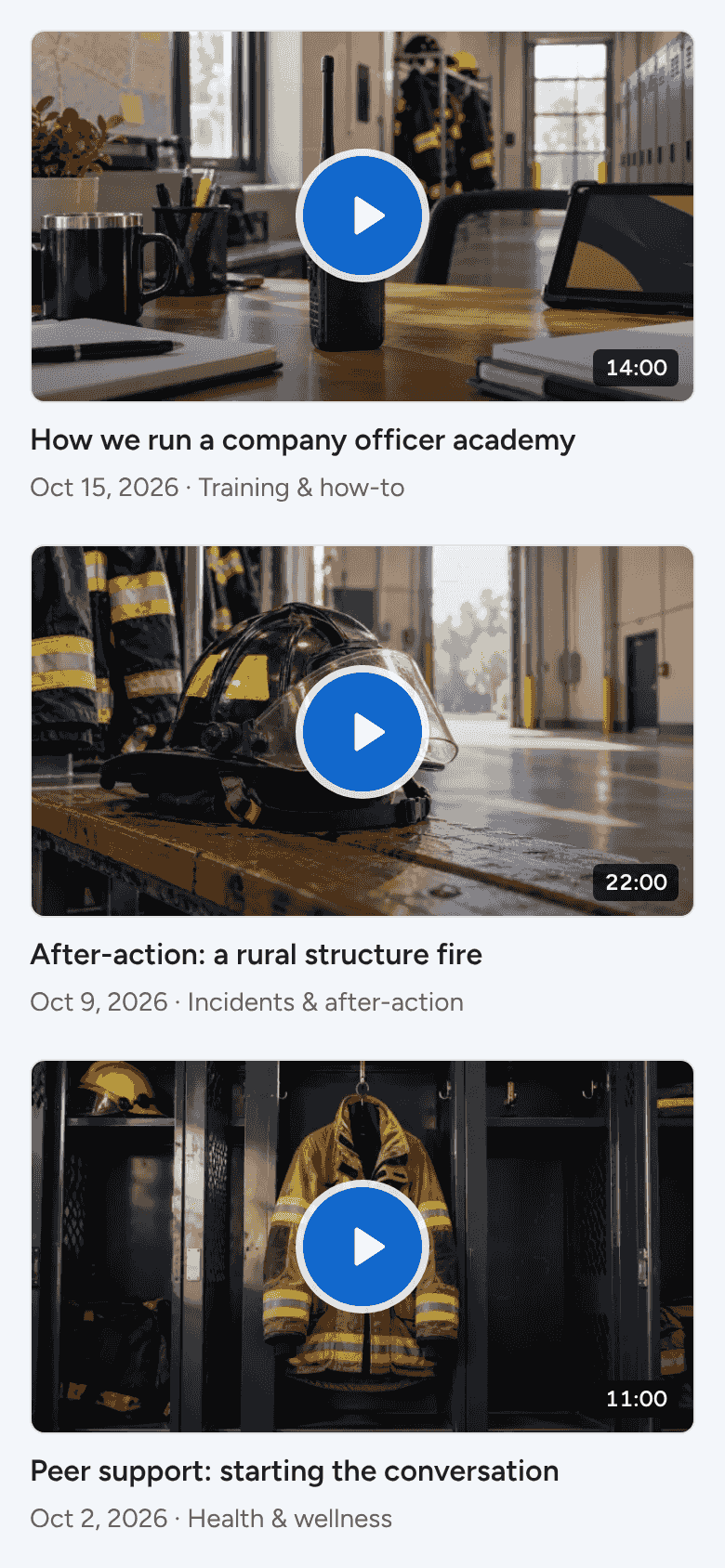
Connect your website, store, YouTube, events calendar and training once, and your Crew stays up to date on its own. Your news, videos, events, courses, openings, podcast episodes, documents and store items arrive as short excerpts that link back to you, so there's nothing to post twice. Each address has a Test button that tells you in plain words whether it can be read.
When you're ready, turn on the Feed, Discussions and Groups to engage your community. Until then your Crew is a page that fills itself.
Who it's for
Four kinds of Crews, one set of tools. Each gets a home page shaped for what it does best.
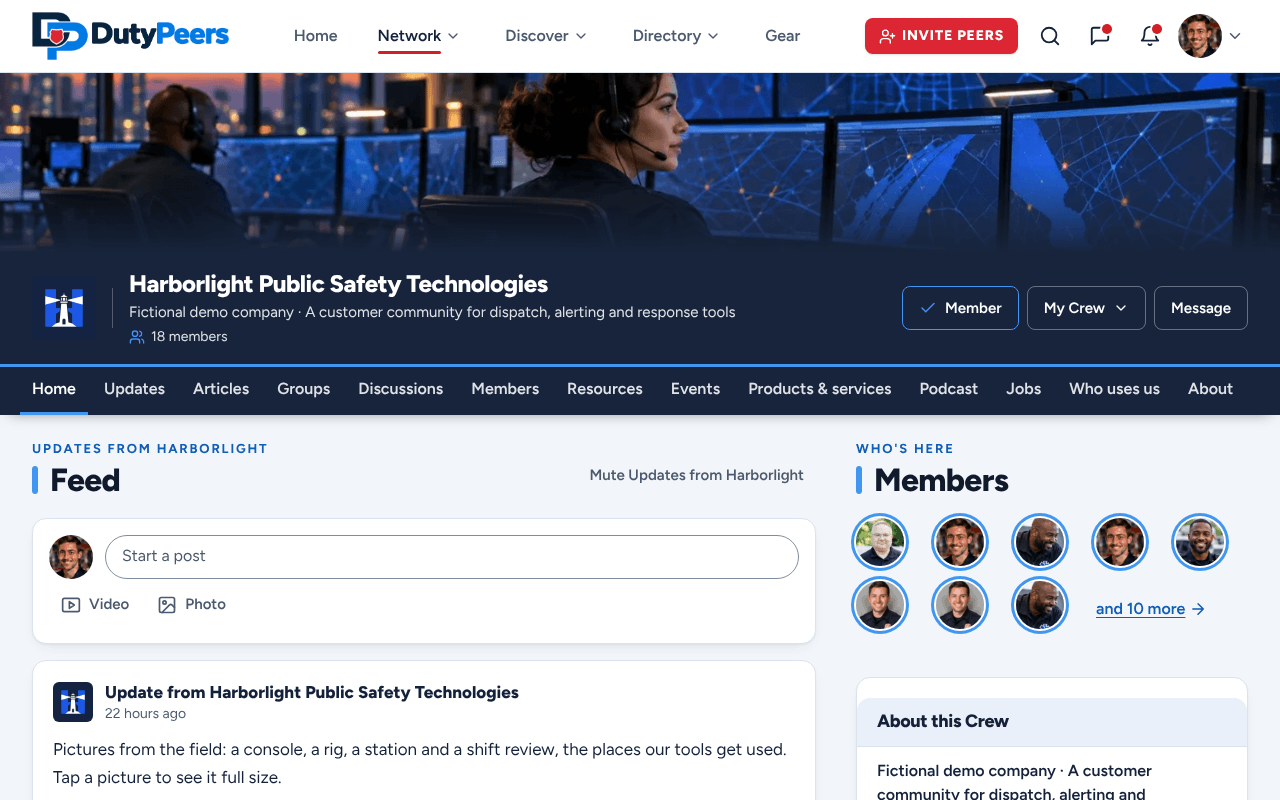 BusinessA company page that fills itself from your store, videos, events and jobs.See what businesses get
- OrganizationGroups, events and resources for your members, kept current from your own site.See what organizations get
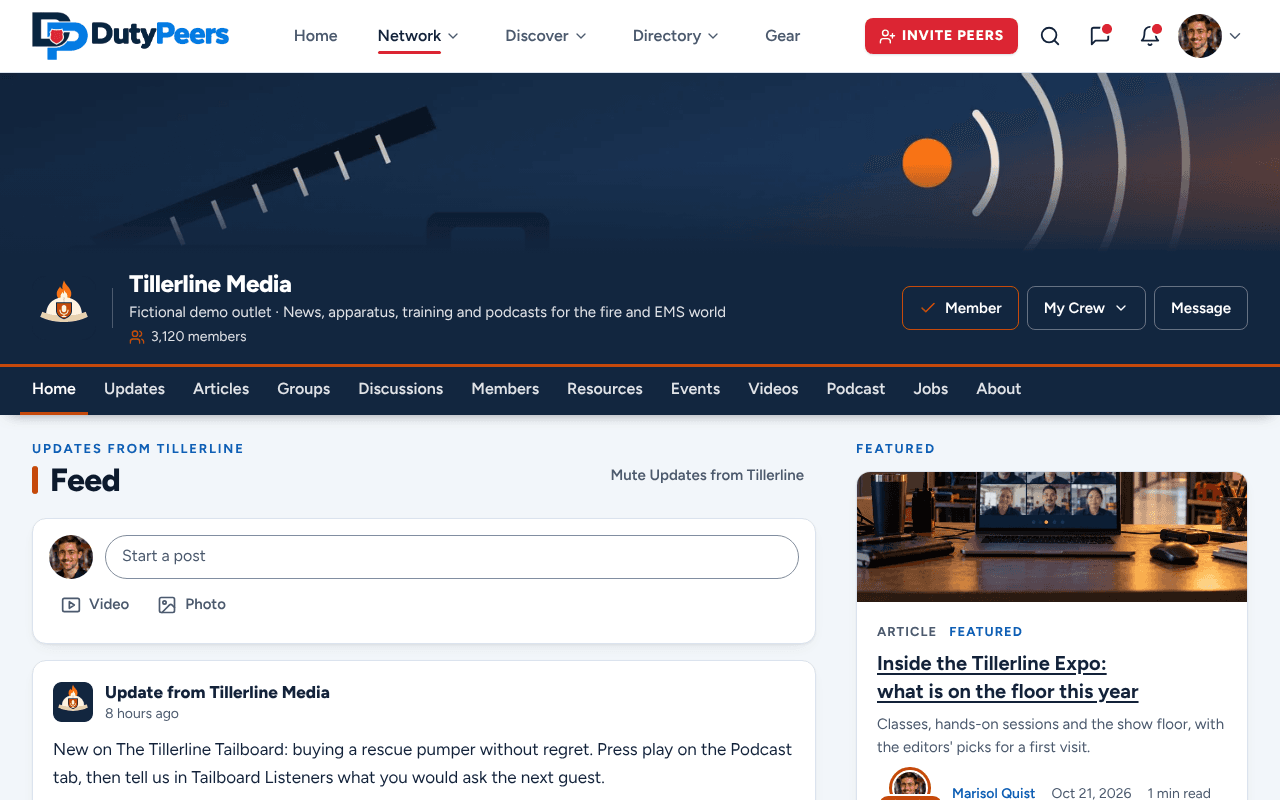 MediaYour stories, podcast and events, with readers who talk back.See what media brands get
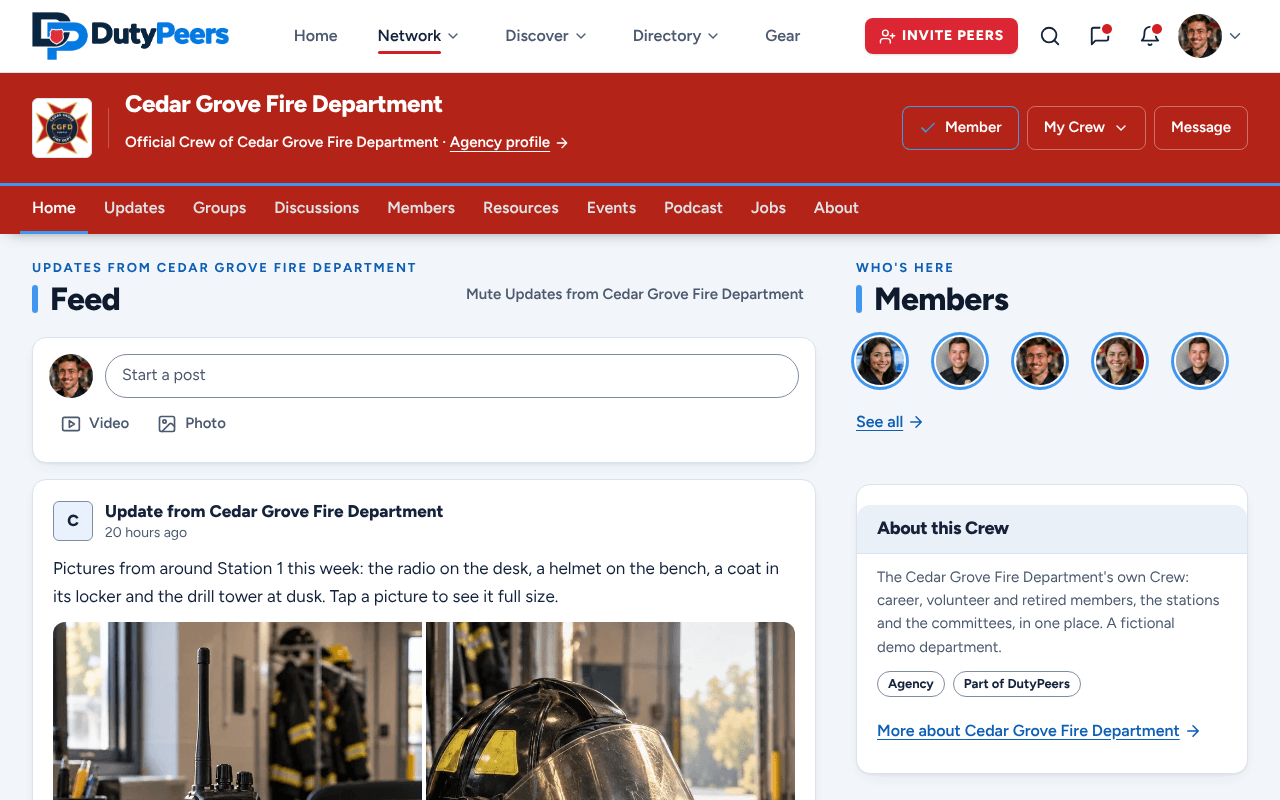 AgencyA department's own space for its people, current and retired.See what agencies get
Business accounts
For people who work for a public safety business or media outlet: vendors, manufacturers, training providers, publishers and consultants — your company gets a Crew, and its people get profiles.
What a Business account gets
- Your company's Crew and any other Crew you join under its rules
- Your products and services showcase, articles and events in your Crew
- Employee verification with your work email
- Contact with members only inside a Crew, under that Crew's permissions
What it doesn't get
- No member directory or people search
- No direct messages or connection requests outside a shared Crew
- No member-only pages: the home feed, groups outside Crews, the gear locker, the credential wallet or job tools beyond the public listings
- No bulk outreach: no spam, by design
No spamming anyone. Message only members of your Crews who have opted in to be contacted. Accounts that spam — and their business's Crew — may be suspended or removed without notice.
If you serve or served in public safety too, verify your agency affiliation and your account becomes a full member account, keeping everything it has.
See a Crew that runs itself
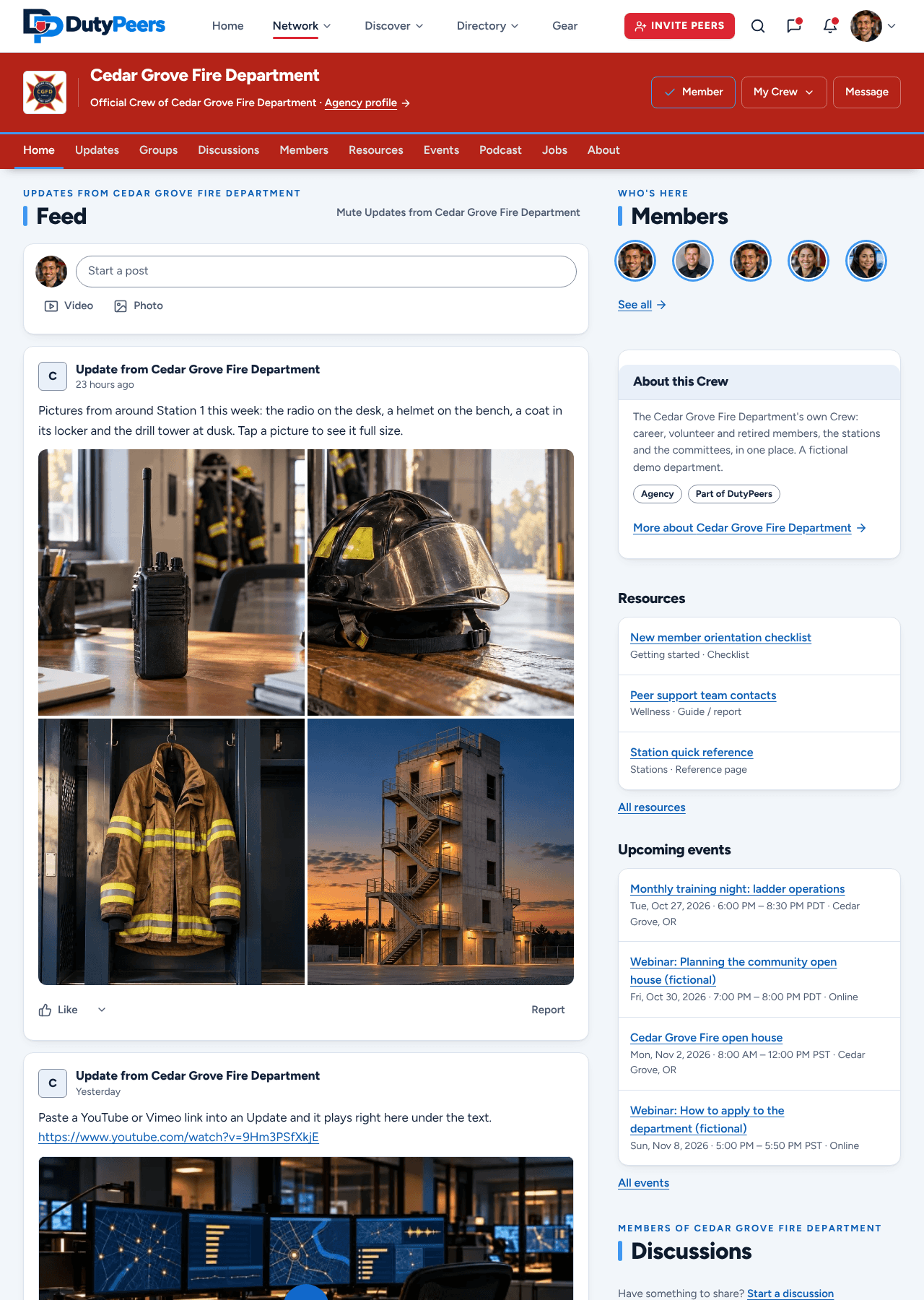
Your Crew runs itself: connect your website, store, YouTube, events calendar and training once, and your Crew stays up to date on its own. When you're ready, turn on the Feed, Discussions and Groups to engage your community.
Three kinds of Crew home page
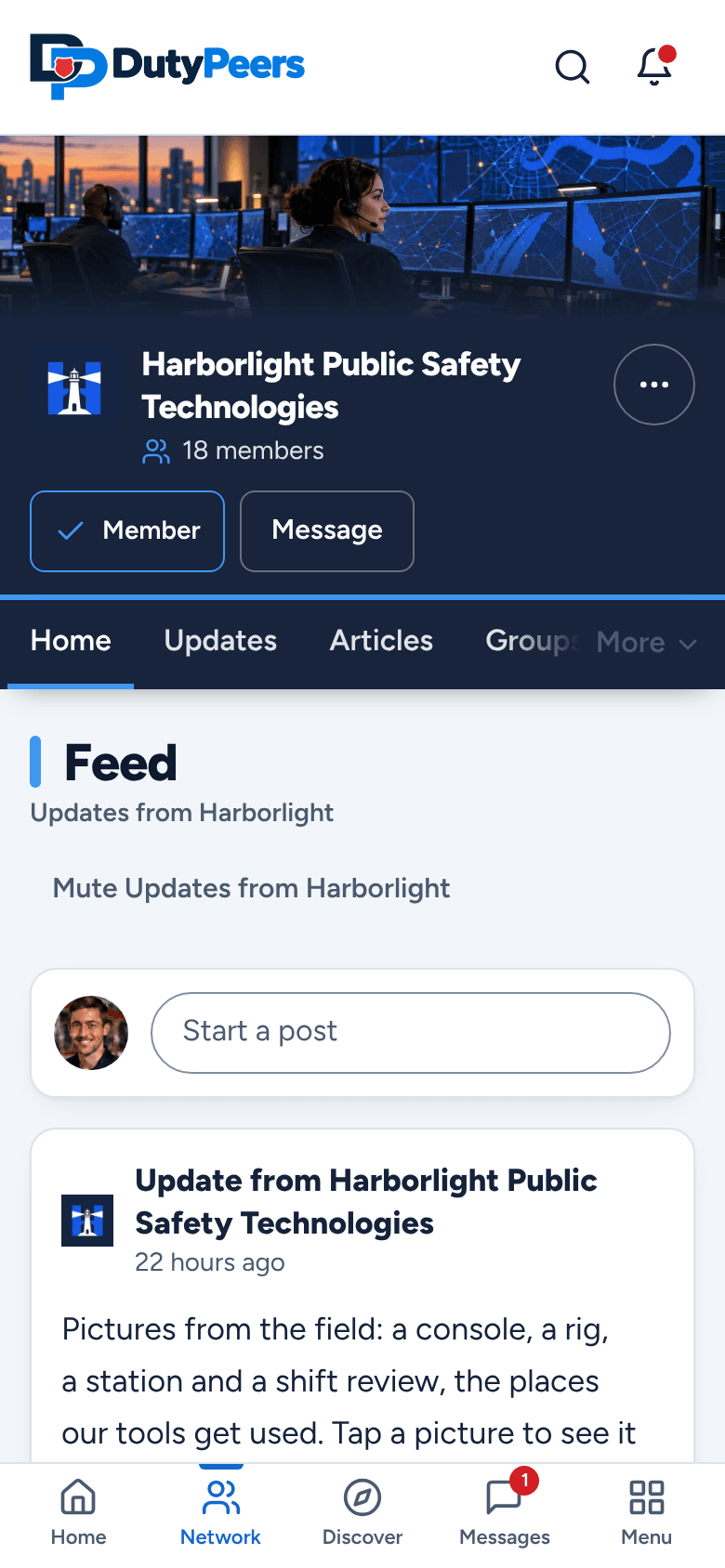
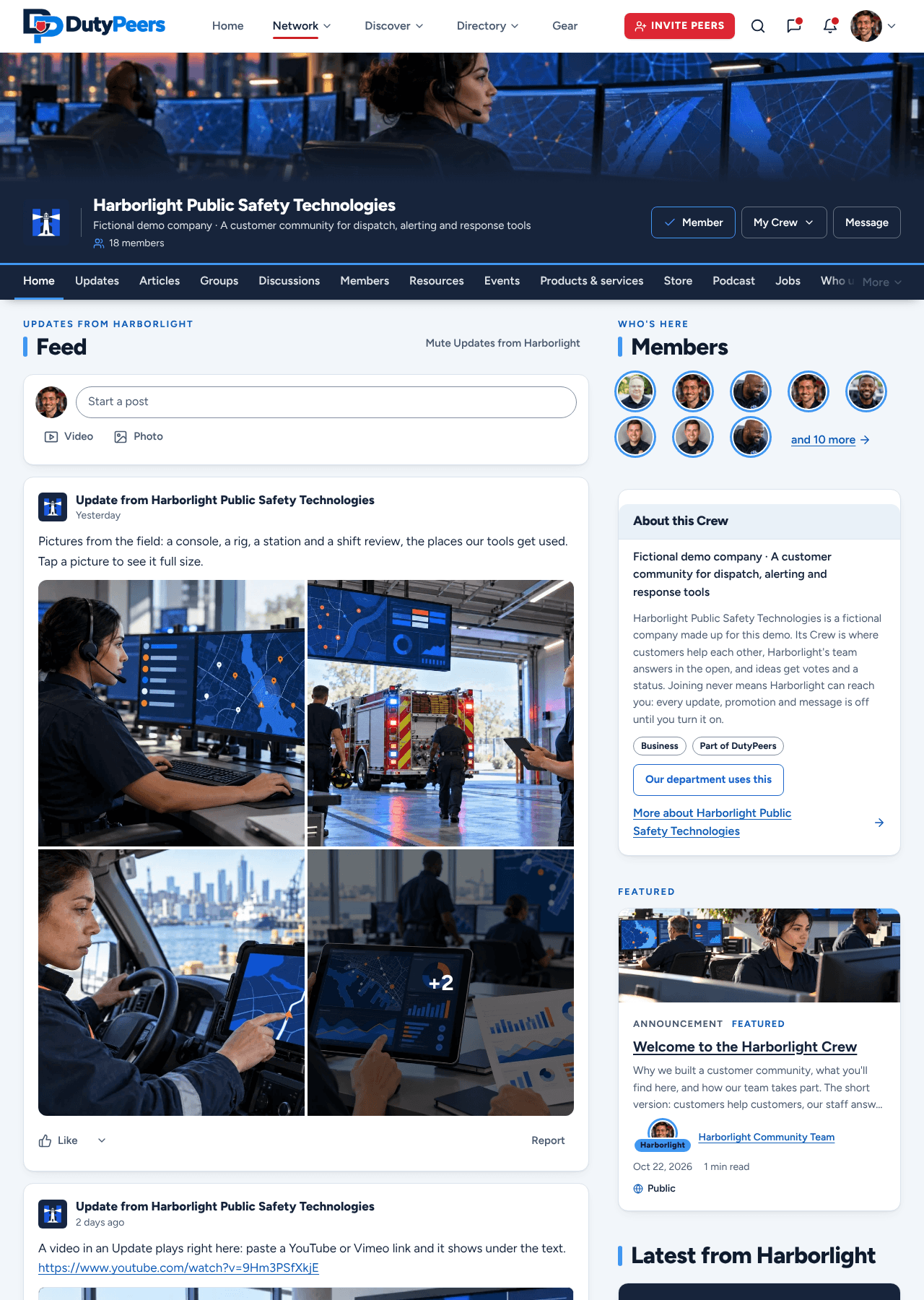
- A business Crew
Updates, members and its products and services in one place.
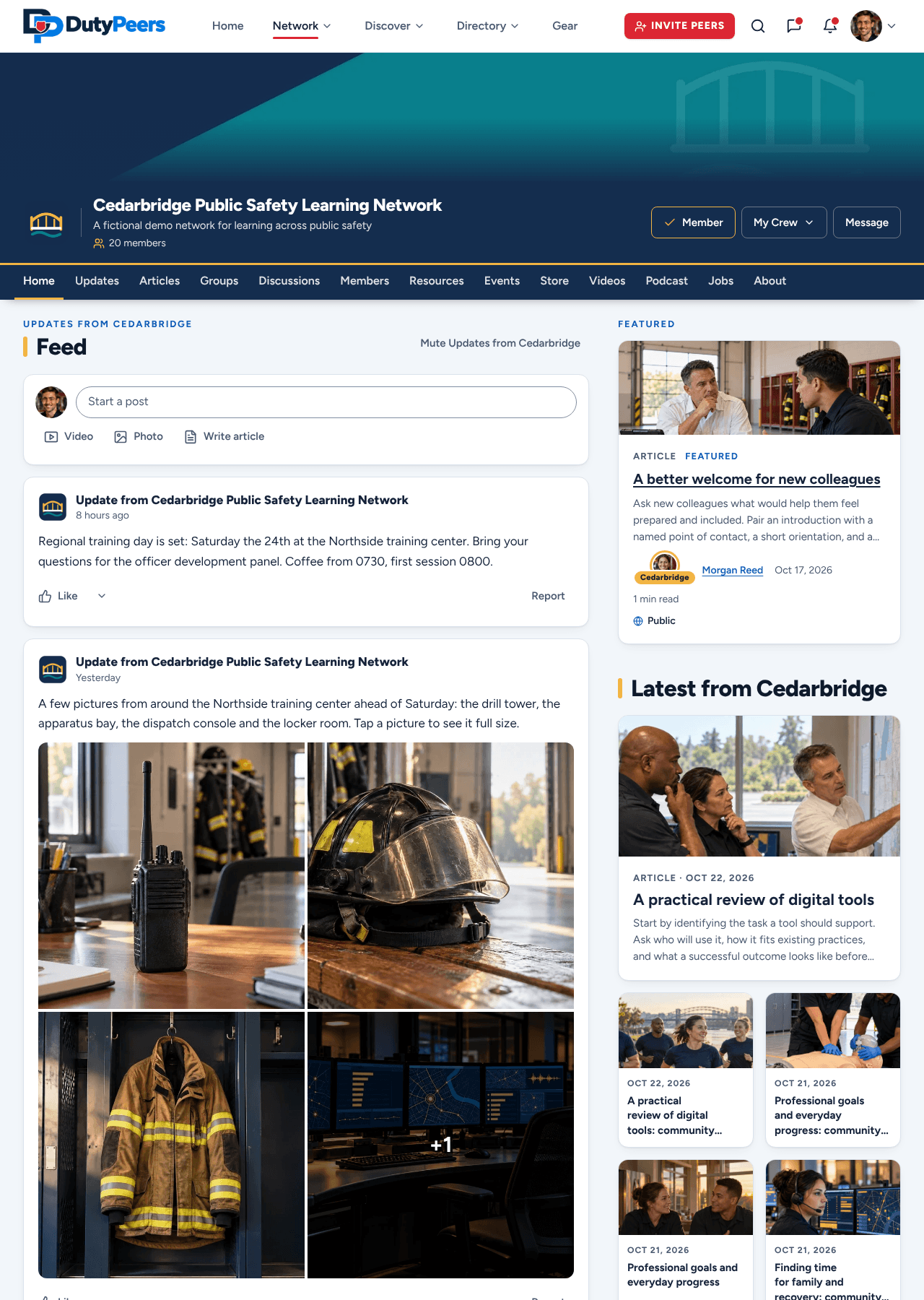
More about business Crews - An organization Crew
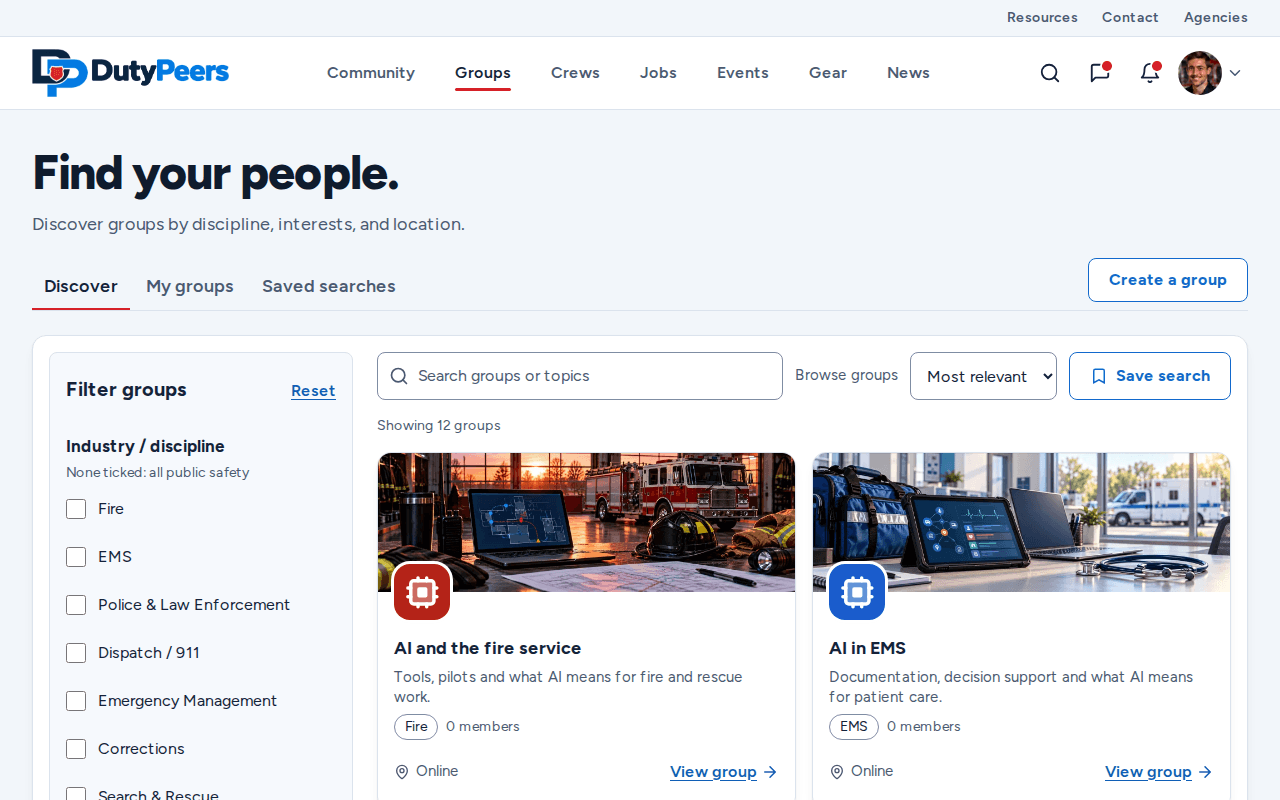
Groups, a featured article and the latest updates, under its own name.
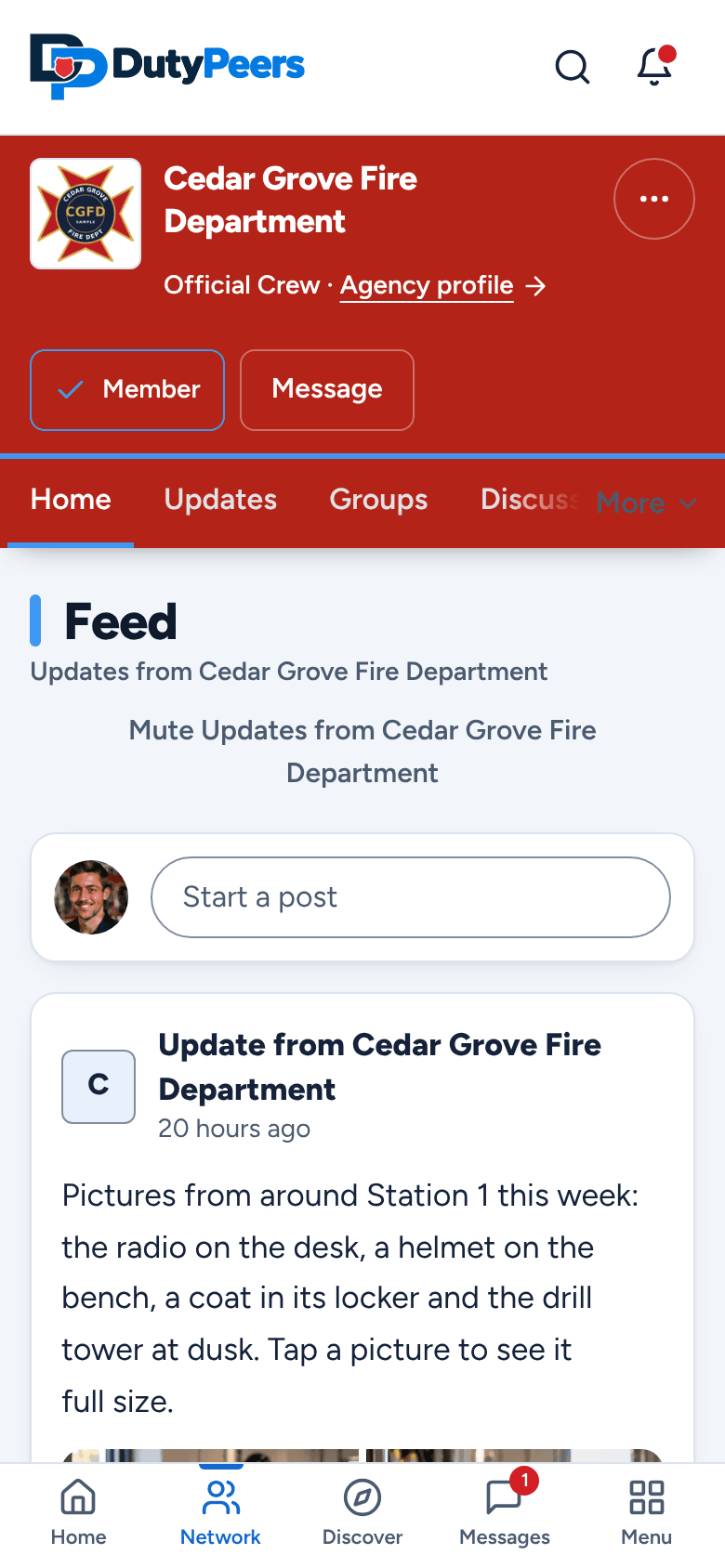
More about organization Crews - An agency Crew
A department's own space for its people, with its updates and an About card.
More about agency Crews
What you get
Increased exposure
Your Crew is listed in Explore Crews, and the stories, events and resources you choose can reach DutyPeers' main feed, news, resources and events pages.
Links back to you
Your website, your stories and your products are linked from your Crew, your articles and your members' badges.
Community among your users, members and customers
They meet each other, answer each other and stick around, not just hear from you.
Internal networking
Your own people find each other across stations, regions, chapters and teams.
Sharing webinars and content
Post articles, announcements, recordings and documents once, with the audience you pick for each.
More participation
Groups, discussions, events and polls give people a reason to show up between conferences and issues.
Part of a broader network
Your Crew sits inside a growing network of verified responders, so the next member is one click away.
Totally open, nothing exclusive
Joining yours never stops anyone joining another. You decide who joins your Crew; nobody decides that for your members.
You run your Crew
Your admins set the rules, approve members, moderate, publish and decide what reaches the wider site.
Members control their inbox
People join because they want to, and stay because nothing shows up that they didn't ask for.
The control promise
Joining a Crew never means the Crew can reach you. You are in full control, and a Crew is walled off from the rest of your DutyPeers experience at your option.
- Every channel from a Crew to a member is opt-in: private messages from members, messages from your staff, community updates, promotions, bulk announcements and in-app notifications.
- Nothing is pre-checked. Joining, following, saving an event or attending one turns nothing on.
- Members change any of it from My Crew Settings or from Notifications and Messaging, at any time, without leaving your Crew.
- Your admins see a member's name and headline. A member's email address is never shared with a Crew unless they choose to share it.
- Every choice has a date. Each member sees their own history of what they turned on and off for your Crew, and leaving turns everything off. Your admins never see it; DutyPeers' staff see counts only.
- Verify your own employees by company email. A Business Crew can name its company email domains; a member whose account email is on one confirms a code and carries the Employee label, shown as "Company employee · Crew member", never as public safety. It opens no channel to them.
A member's settings for your Crew, the day they join
- Private messages from membersOff
- Private messages from the Crew's staffOff
- Community updatesOff
- PromotionsOff
- Bulk announcementsOff
- In-app notificationsOff
Only the member can turn one on.
Ask for a Crew
Crews are set up by the DutyPeers team with you. Tell us who you are and what you have in mind, and a person on our team will write back. Running a public safety agency? See your agency's Crew.
See a sample agency CrewSee a sample organization CrewSee a sample business CrewSee a sample media Crew
There is a place for you here.
Career, volunteer, paid-on-call or reserve. Public safety only, no ads, and private by default.
Opening in waves with an invite link or code.