For organizations
A home for your members that keeps itself current
Connect your website, events calendar and training once. Your Crew stays up to date, and your members meet in groups.
For associations, unions, foundations, nonprofits and training bodies.
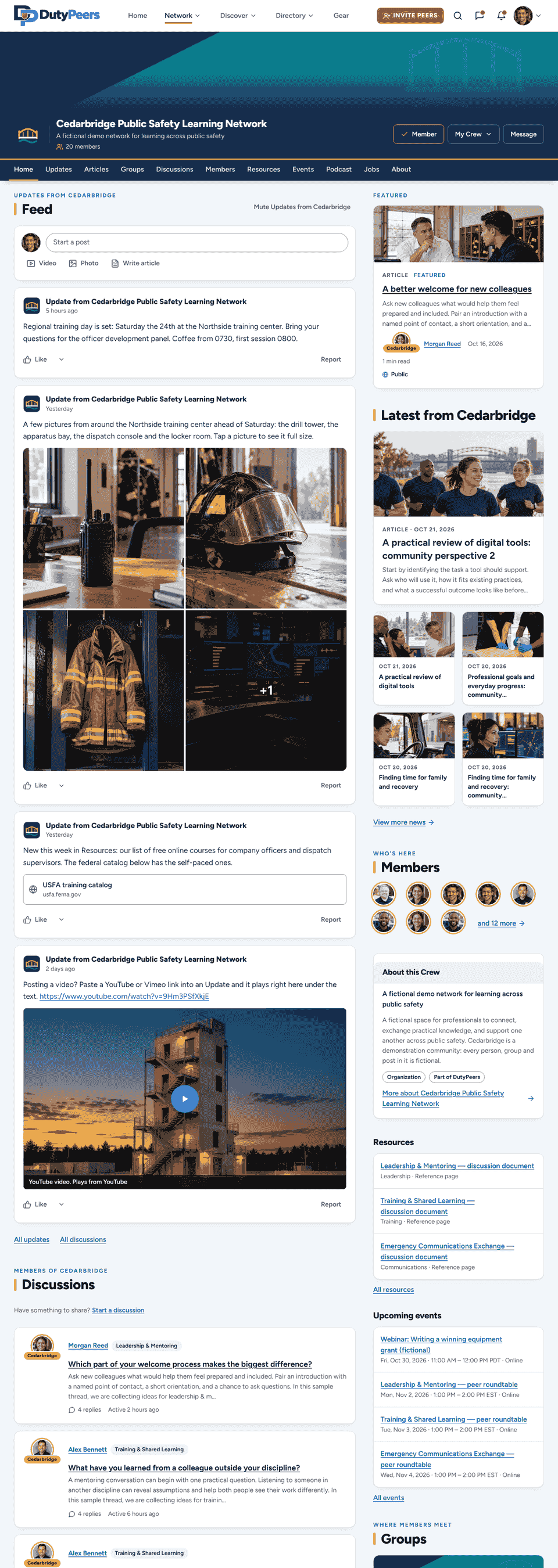
What your Organization Crew looks like, full
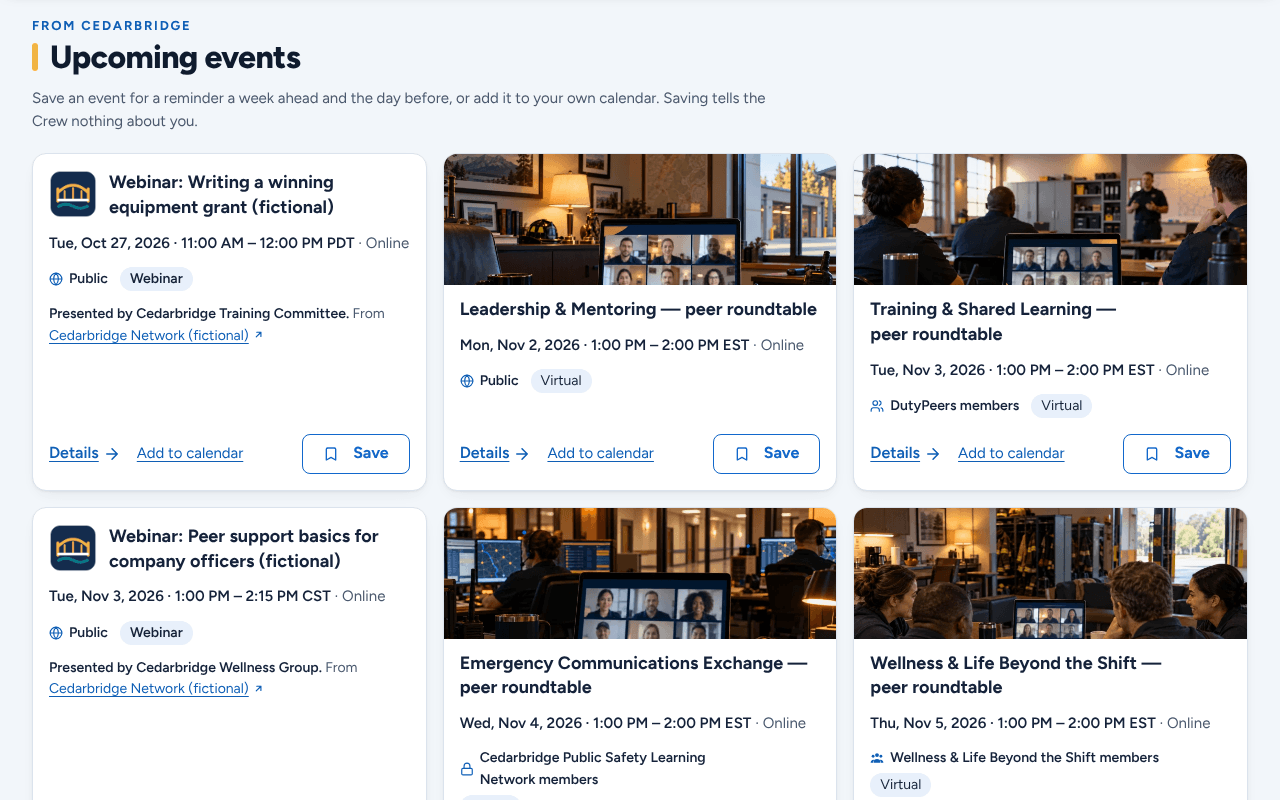
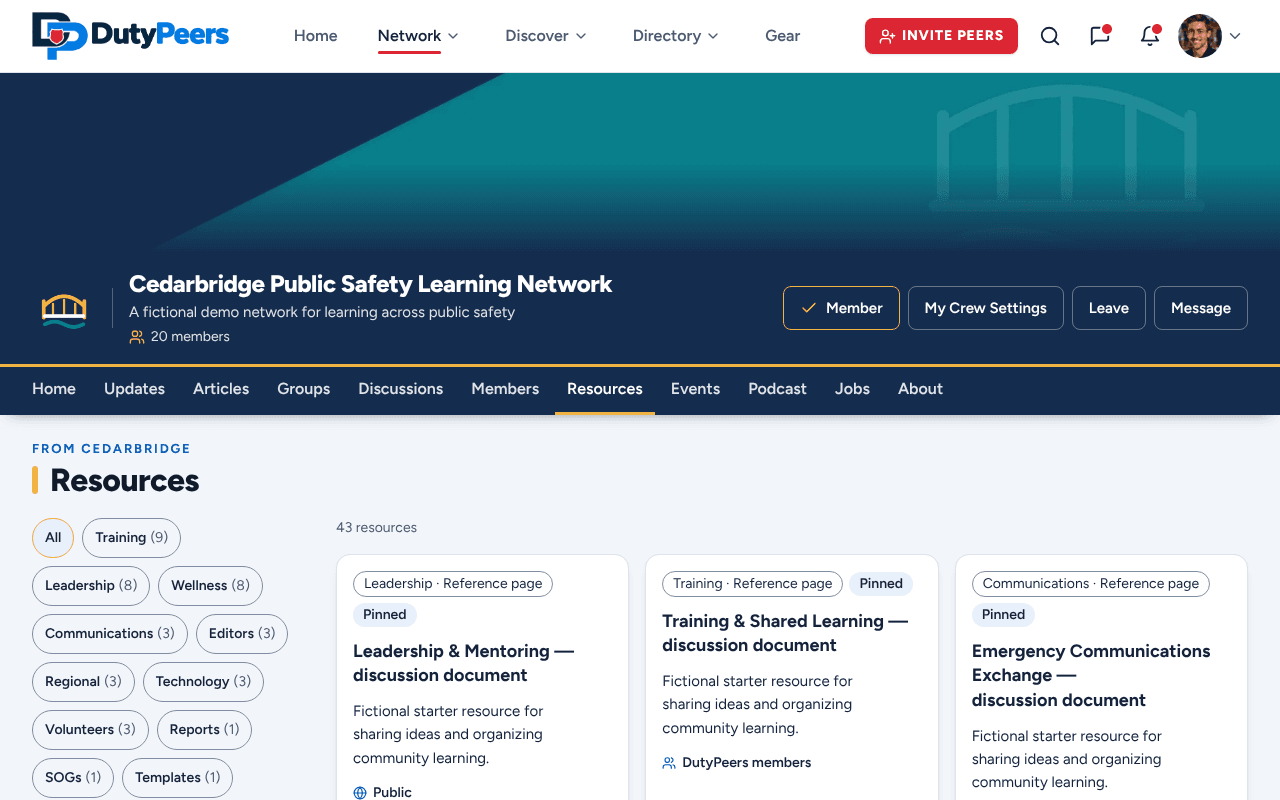
An Organization Crew's home page, with its feed, featured article, news, events, resources, groups and discussions. This sample is Cedarbridge, a fictional learning network. Everyone in it is made up.

See it live
Open a real example page. Everyone in it is fictional, and nothing on it can be joined, followed or changed.
An Organization Crew that runs itself
Your Crew runs itself: connect your website, store, YouTube, events calendar and training once, and your Crew stays up to date on its own. When you're ready, turn on the Feed, Discussions and Groups to engage your community.
- Your news, events, courses, documents, videos and podcast arrive as short excerpts that link back to you.
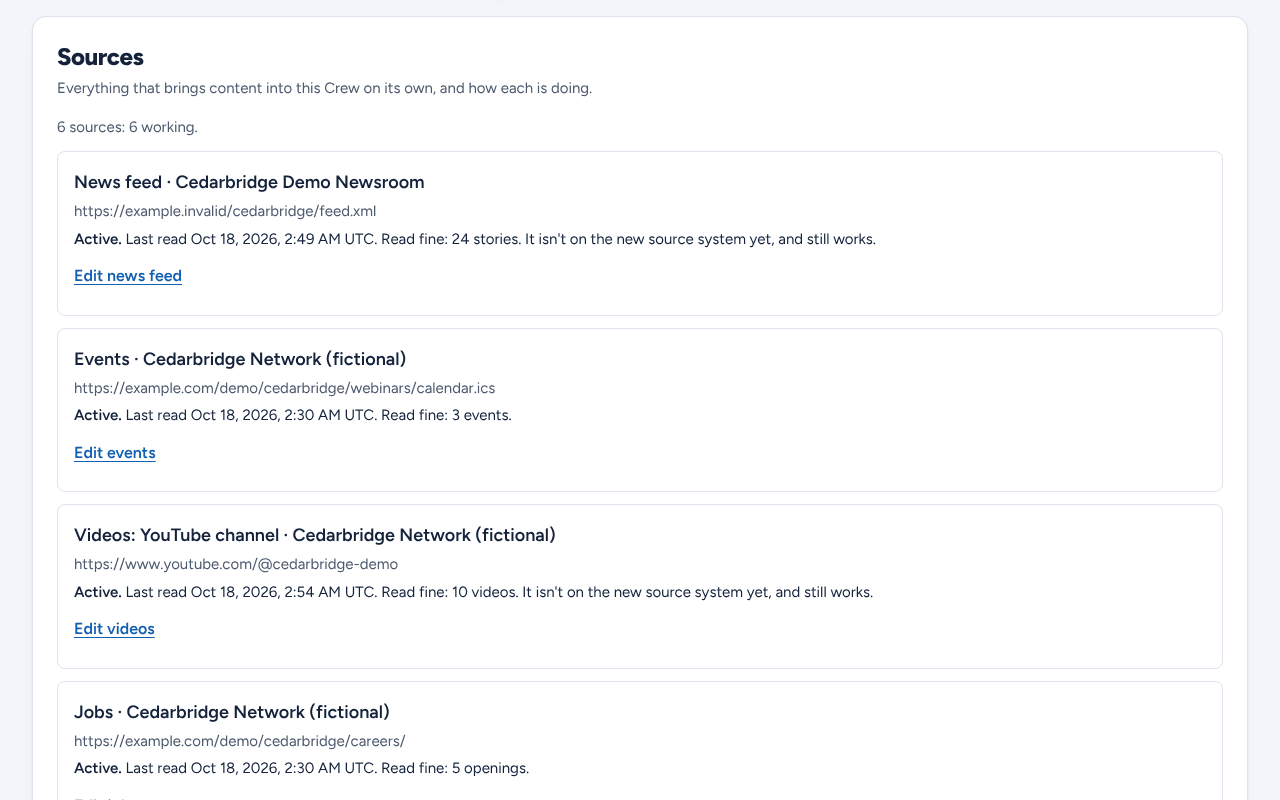
- Paste an address, press Test and save. The sync does the rest, and a Sources overview shows how each address is doing.
- News is checked every hour and videos twice a day; your store, events, training, jobs, podcast and documents every night. Sync now on any address brings a change in right away.
- New videos and news show on your home page and their own tabs as soon as they're read.
- Once your Crew is claimed, up to 3 a day can post to your Feed on their own, so a big upload never floods your followers. Events and jobs can too, if you turn them on. One switch turns automatic posts off.
- You still post your own Updates and manage your Feed. A Crew that is not claimed never posts on its own.
- Your Crew is a page that fills itself until you turn the community on.
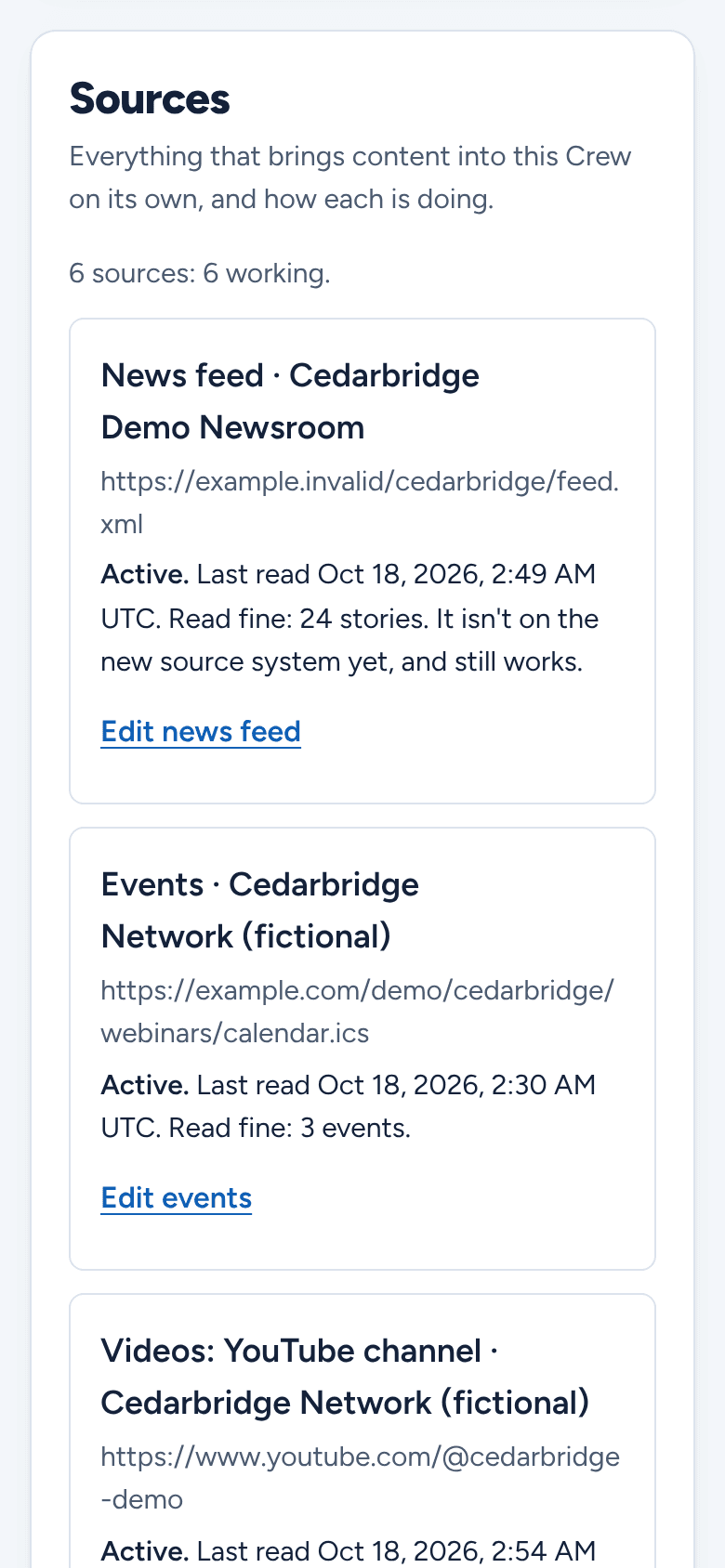
Groups and discussions
Give members one place for committee work, and the history for whoever joins next.
- Set up groups for committees, chapters and classes. Discussions happen there, so new members find the history.
- Sign-in, verification, profiles, moderation tools and accessibility come with it. You build and host nothing.
- You decide who joins your Crew. Joining yours never stops anyone joining another.
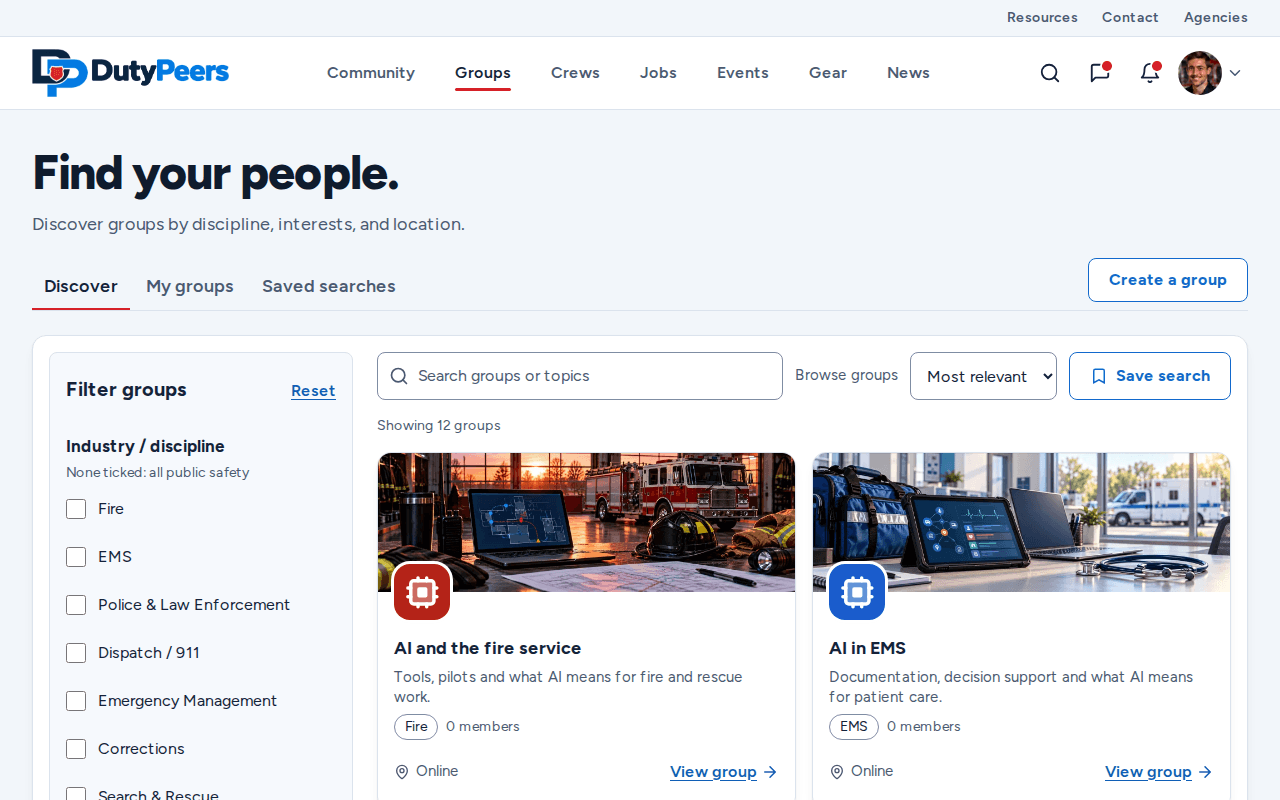
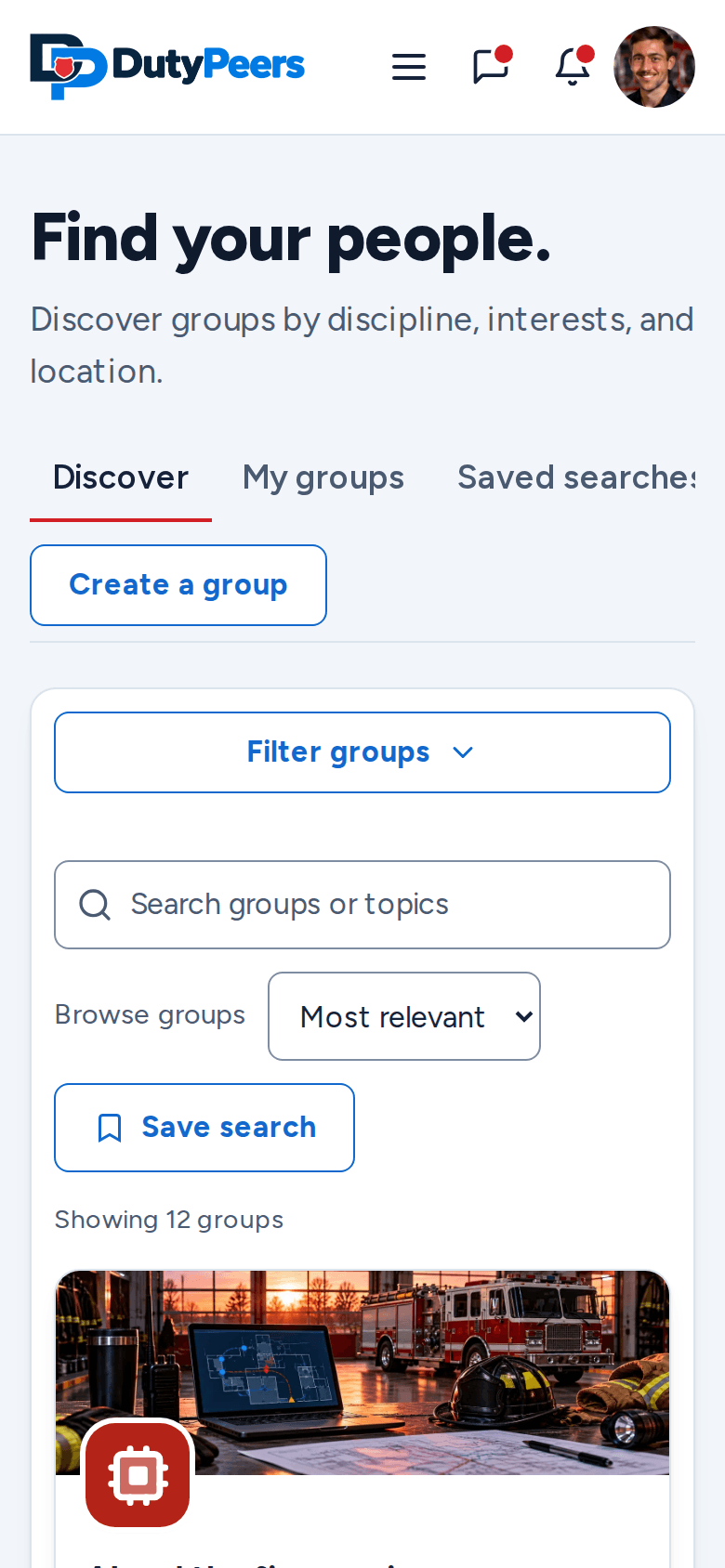
Events, webinars and training
Your calendar and your courses, in front of verified responders.
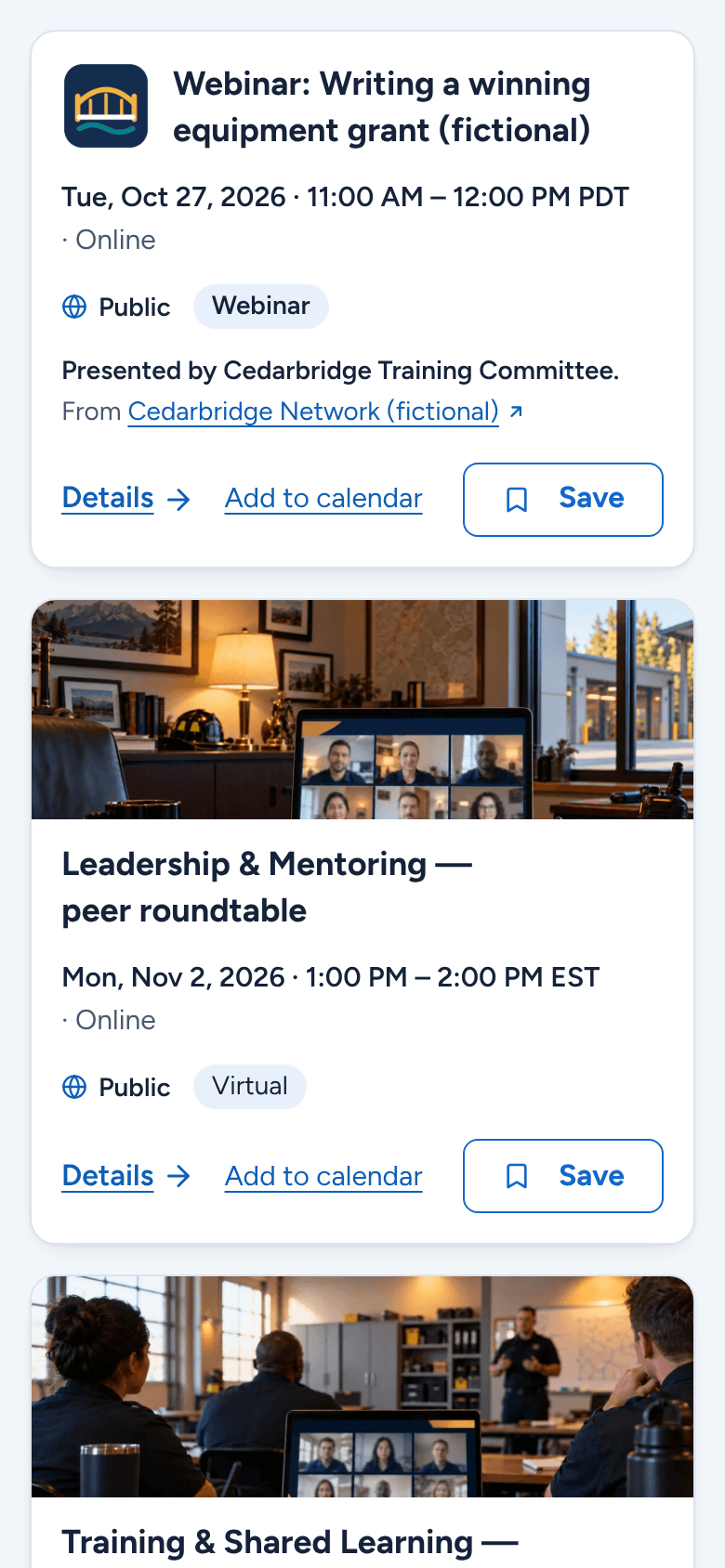
- Events from iCal, schema.org Event, The Events Calendar or an RSS feed with dates.
- Zoom, GoTo, ON24 and Teams pages come in as webinars.
- Courses from schema.org Course, a course feed or links to course pages.
- A past event drops off by date, so your calendar stays current.
What you get
News and stories
From a feed or any page of your site, each story linking back to you.
Events and webinars
From your calendar, and from Zoom, GoTo, ON24 and Teams pages.
Training
Courses from your website or a course feed.
Documents
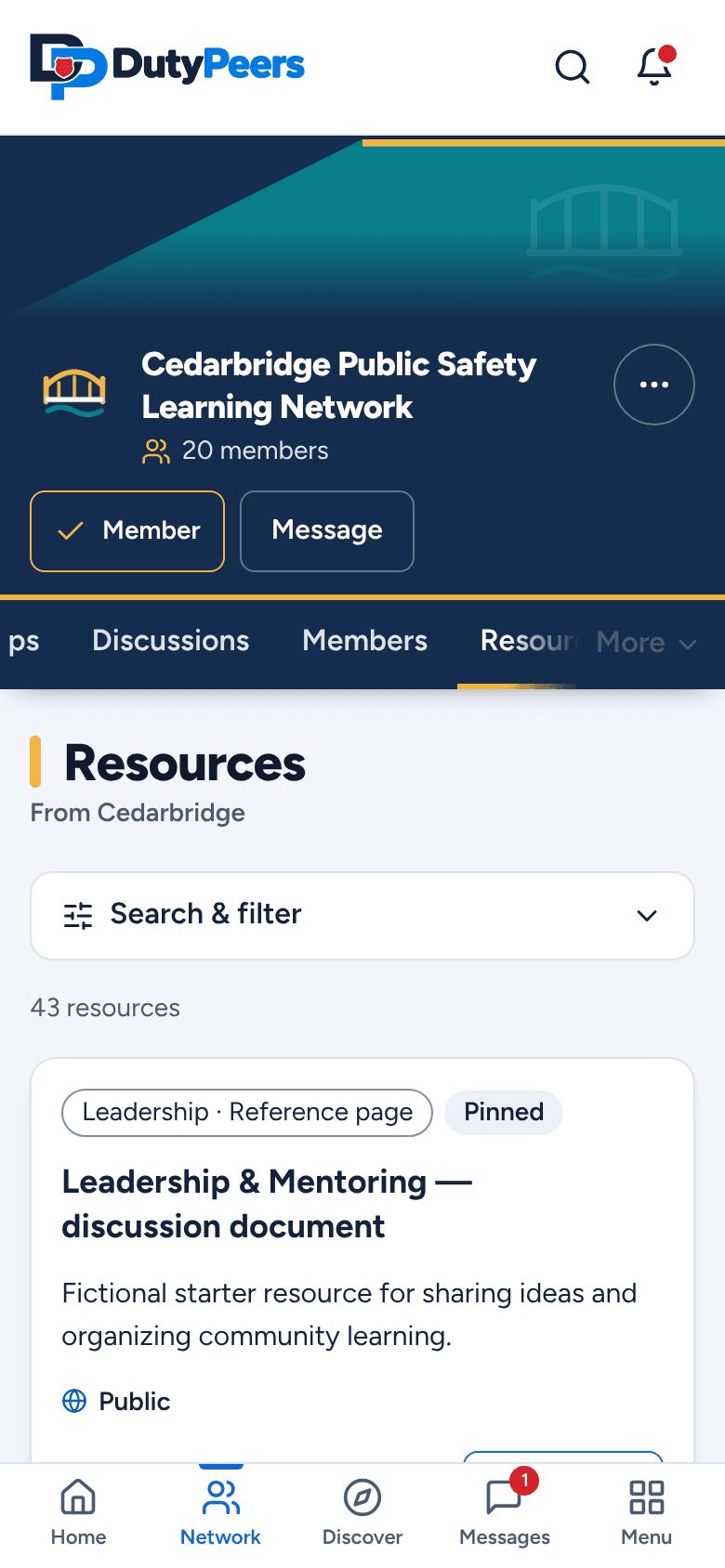
A page or feed of PDFs and documents, linked as resources.
Videos
A YouTube or Vimeo channel, and YouTube playlists.
Podcast
Episodes from your podcast feed.
Groups
Committees, chapters and classes, each with its own space.
Discussions
Conversations in your groups, not reply-all threads.
Members who opt in
Every channel to a member is off until the member turns it on.
The documents members keep asking for
Stop emailing the same PDF again.
- Point your Crew at a page or feed that lists your documents. They come in as linked resources.
- We link to your documents and never re-host the files.
Members opt in, and stay in control
People join because they want to, and stay because nothing shows up that they didn't ask for.
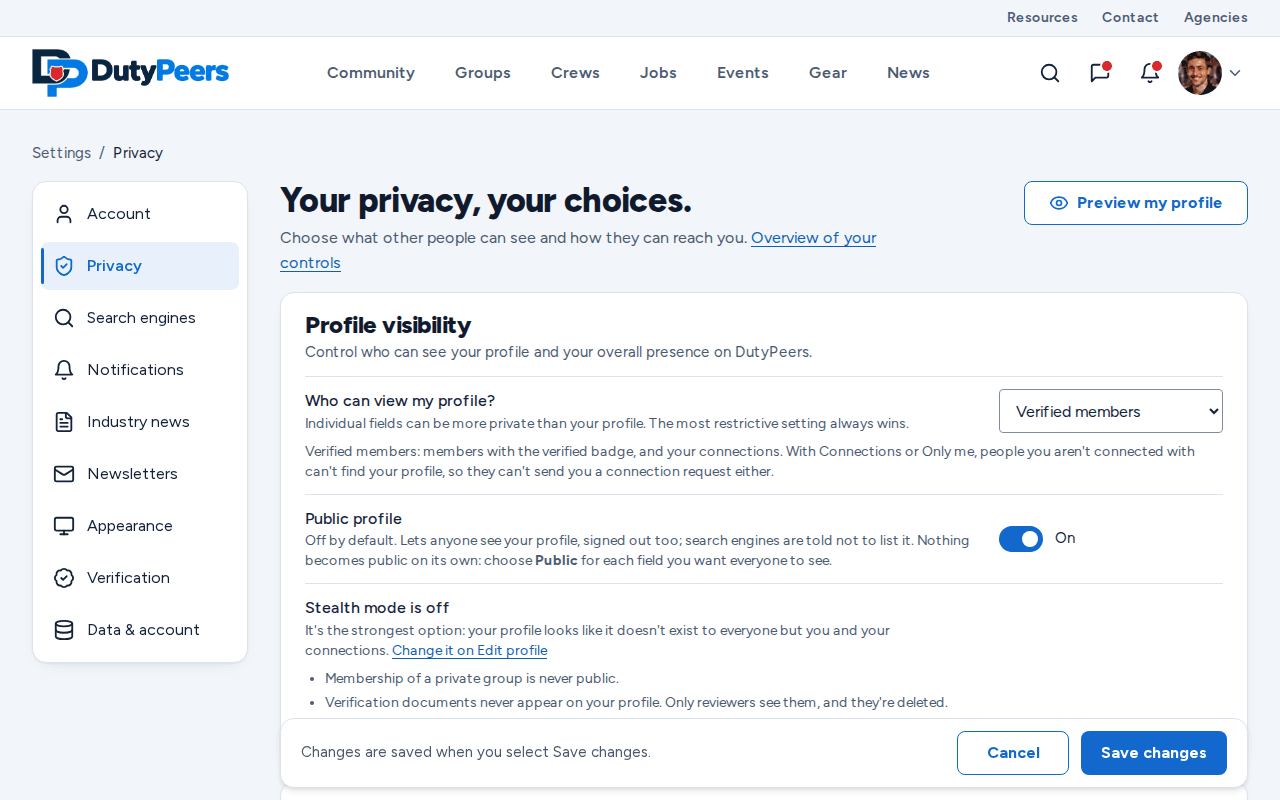
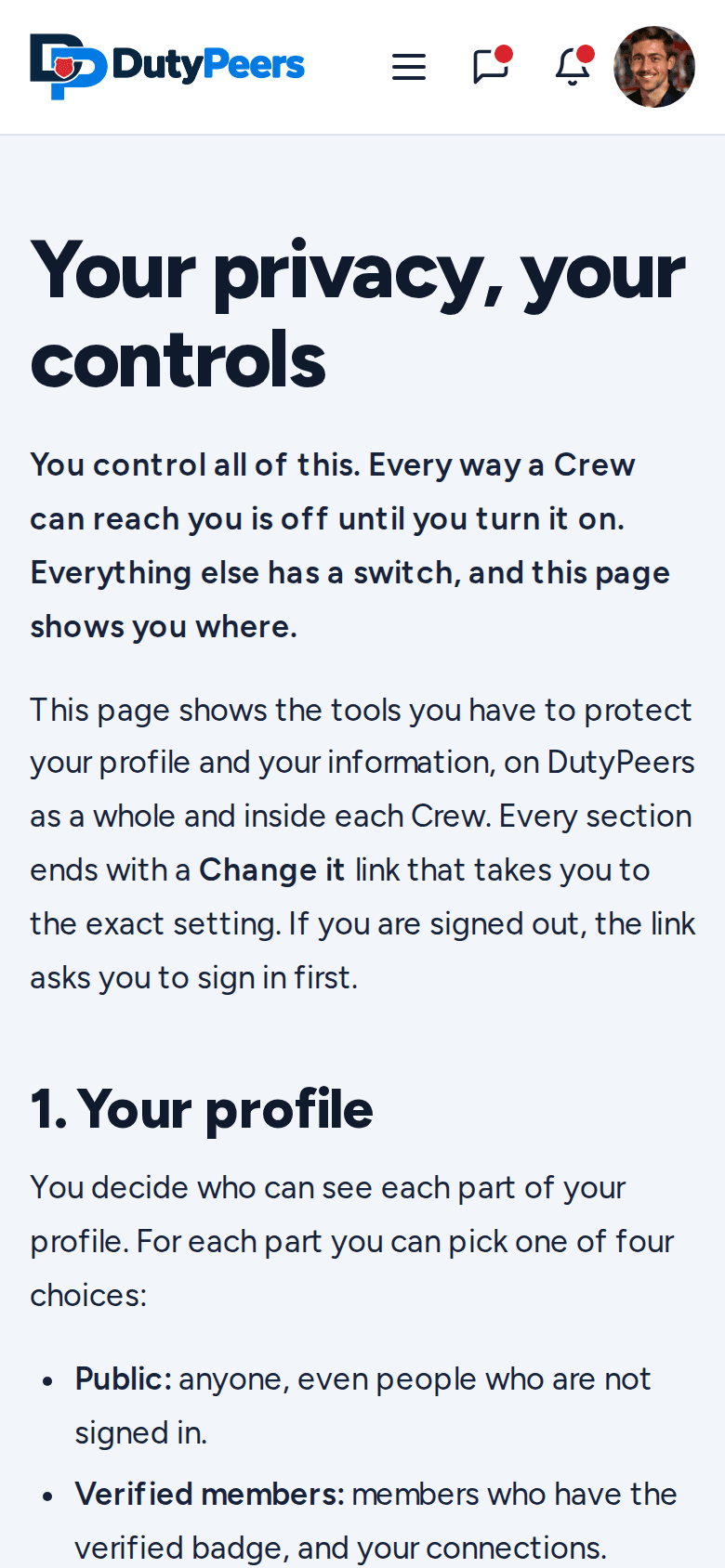
- Private messages from members, messages from your staff, updates, promotions, announcements and notifications are each opt-in.
- Nothing is pre-checked. Joining, following or going to an event turns nothing on.
- Each member sees a dated history of what they turned on and off. Your admins never see it.
- Your admins see a member's name and headline. An email address is never shared unless the member chooses to share it.
How it works
Ask for your Crew
Tell us who you are. A person on our team writes back and sets it up with you.
Connect your sources
Paste your website, calendar, courses and documents addresses. Press Test, then save.
Let it run, then invite members
Your Crew stays up to date. Turn on the Feed, Discussions and Groups when you're ready.
Questions
What's the difference between a Crew and a group?
A Crew is your branded community, with your name, logo and colors. Groups live inside it, for committees, chapters and classes.
Do we have to post everything twice?
No. Your sources bring your news, events, courses and documents in as short excerpts that link to your site.
Who decides who joins?
You do. Your admins set the rules, approve members, moderate and publish. Nobody else decides that for your members.
Where do magazines and podcasts go?
Media brands have a page of their own, with a Media Crew built for stories, podcasts, videos and events. Organizations use the same tools for their news, events and training.
Will we get our members' email addresses?
No, not unless a member chooses to share theirs. Your admins see a name and a headline.
Who else it's for
- PeopleFind your people, share what you know and keep control of your privacy.See the page
- BusinessesA Business Crew that runs itself, from your store, videos, events, training, jobs and podcast.See the page
- AgenciesAn agency page with its people, news, videos and events, and a Crew for your department.See the page
- MediaA Media Crew that brings in your stories, podcast, videos and events, with readers who talk back.See the page
There is a place for you here.
Career, volunteer, paid-on-call or reserve. Public safety only, no ads, and private by default.
Opening in waves with an invite link or code.