Your peers. Your profession. Your network.
Everything in one network
DutyPeers brings public safety peers together: Crews for agencies, organizations, businesses and publishers, groups for every discipline, Fieldnotes to share what you've learned, a profile and credential wallet for your service record, and privacy controls on every part of it. Verification is optional and earns a Verified badge one of four ways, and crisis lines and peer support are on every page.
48,000+ agencies already in the directory. Find yours.
For public safety only. You're welcome if you serve now or have served with a public safety agency, paid or volunteer. No civilians, no fans.
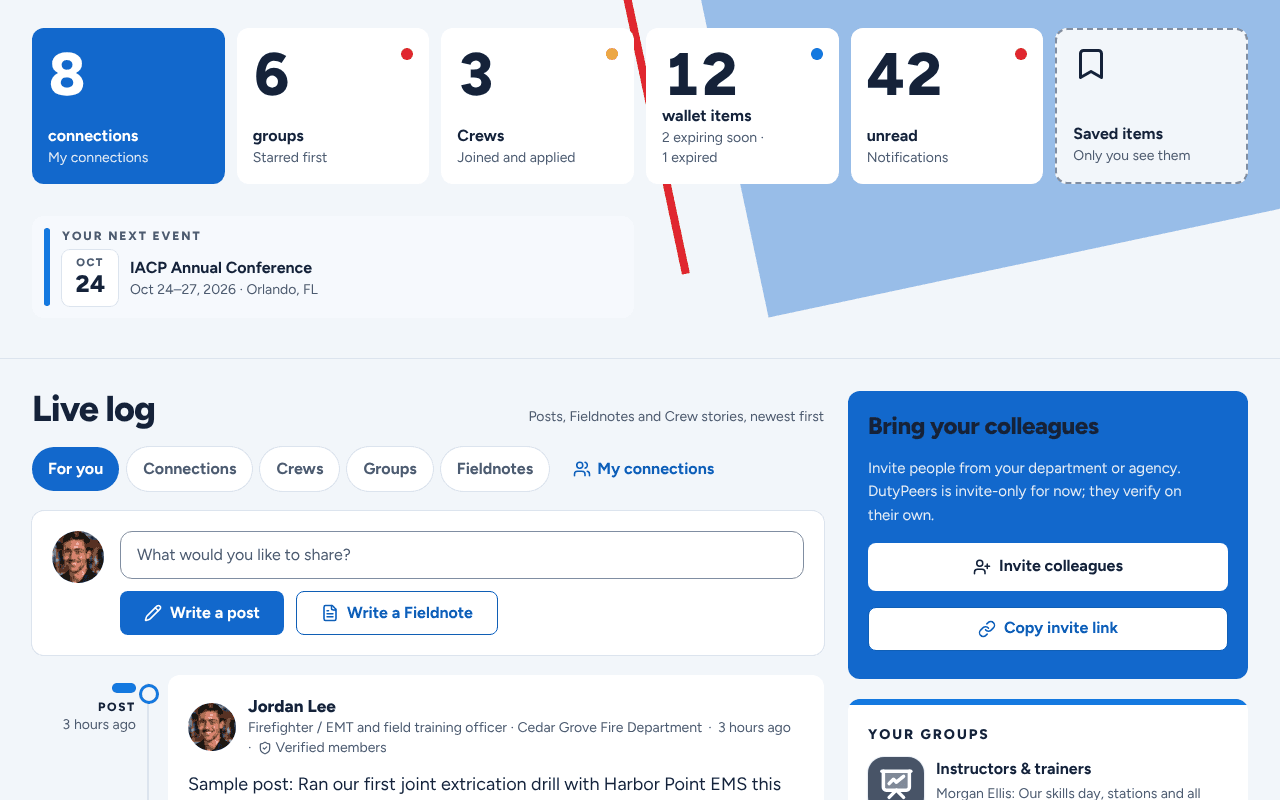
Your feed and your home
Posts, Fieldnotes and news from your connections, groups and Crews, in the layout that fits how you work.
- Three layouts with the same things in each: Classic, Shift board and Morning edition.
- Switch any time from Layout on your home or in Settings; your choice follows you to every device.
- Just joined? Empty spots turn into your next step: find colleagues, browse groups, add a credential.
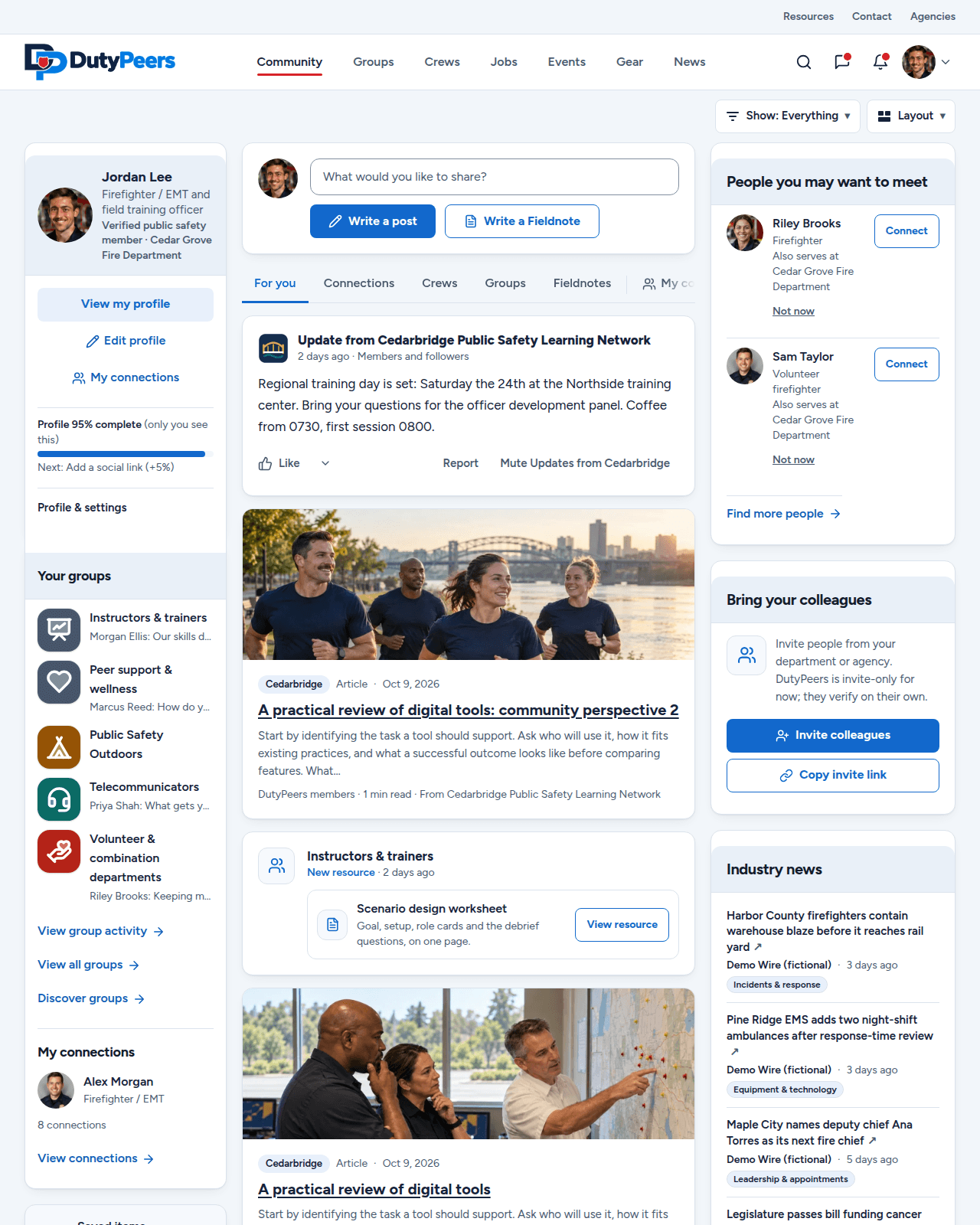
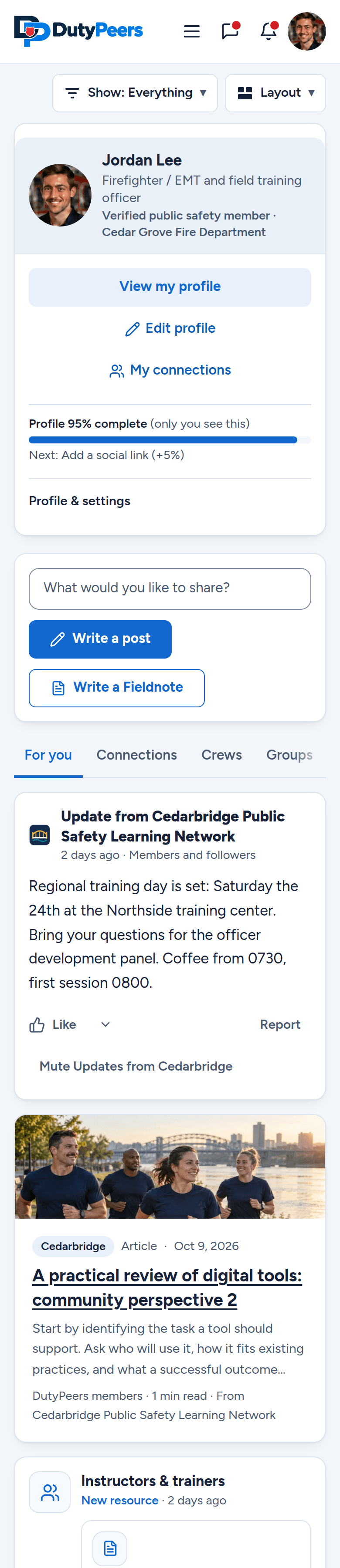
Classic
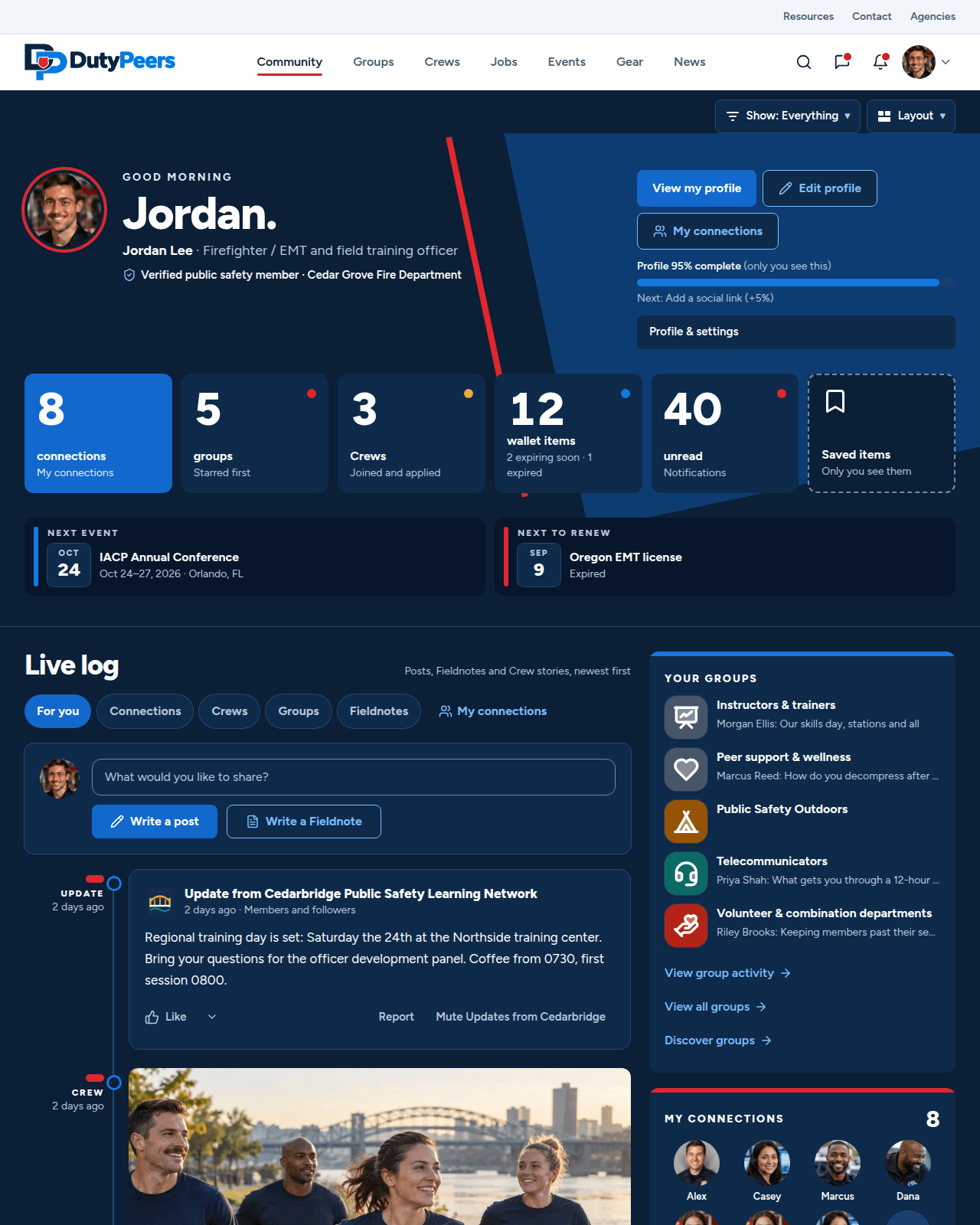
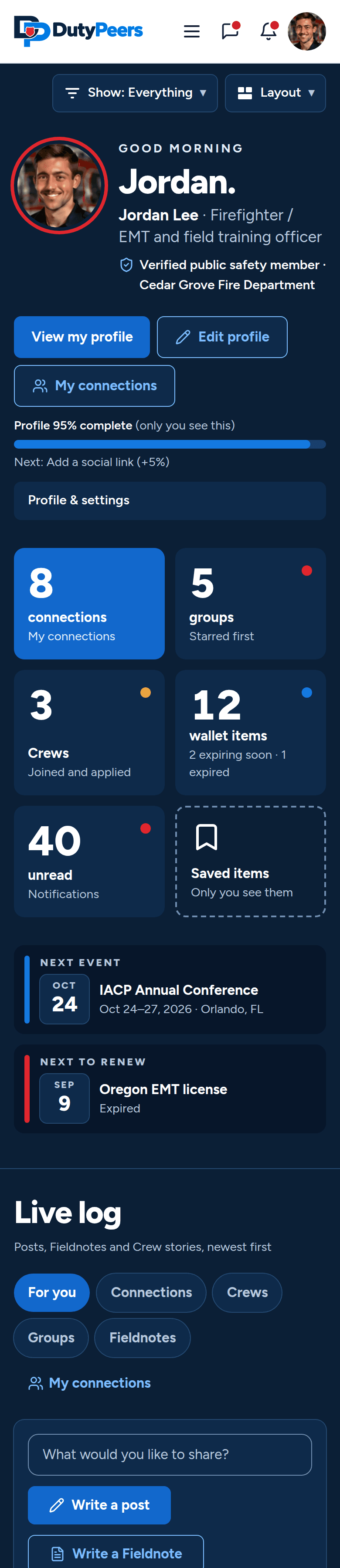
Shift board
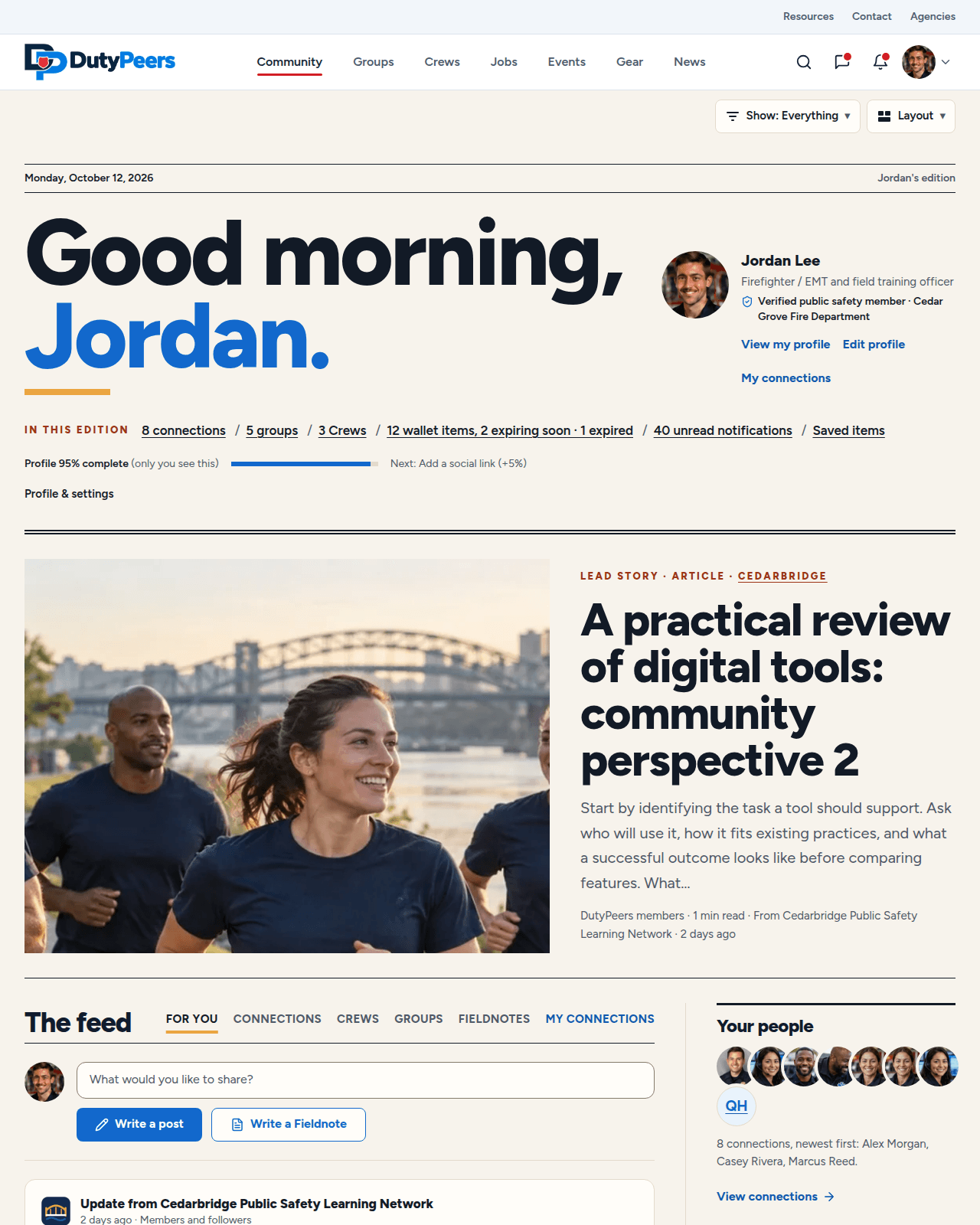
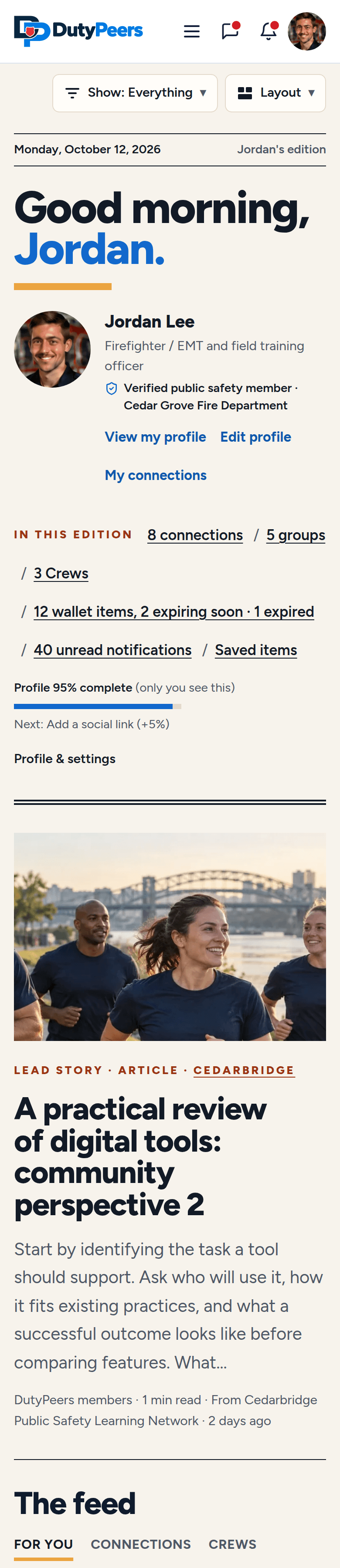
Morning edition
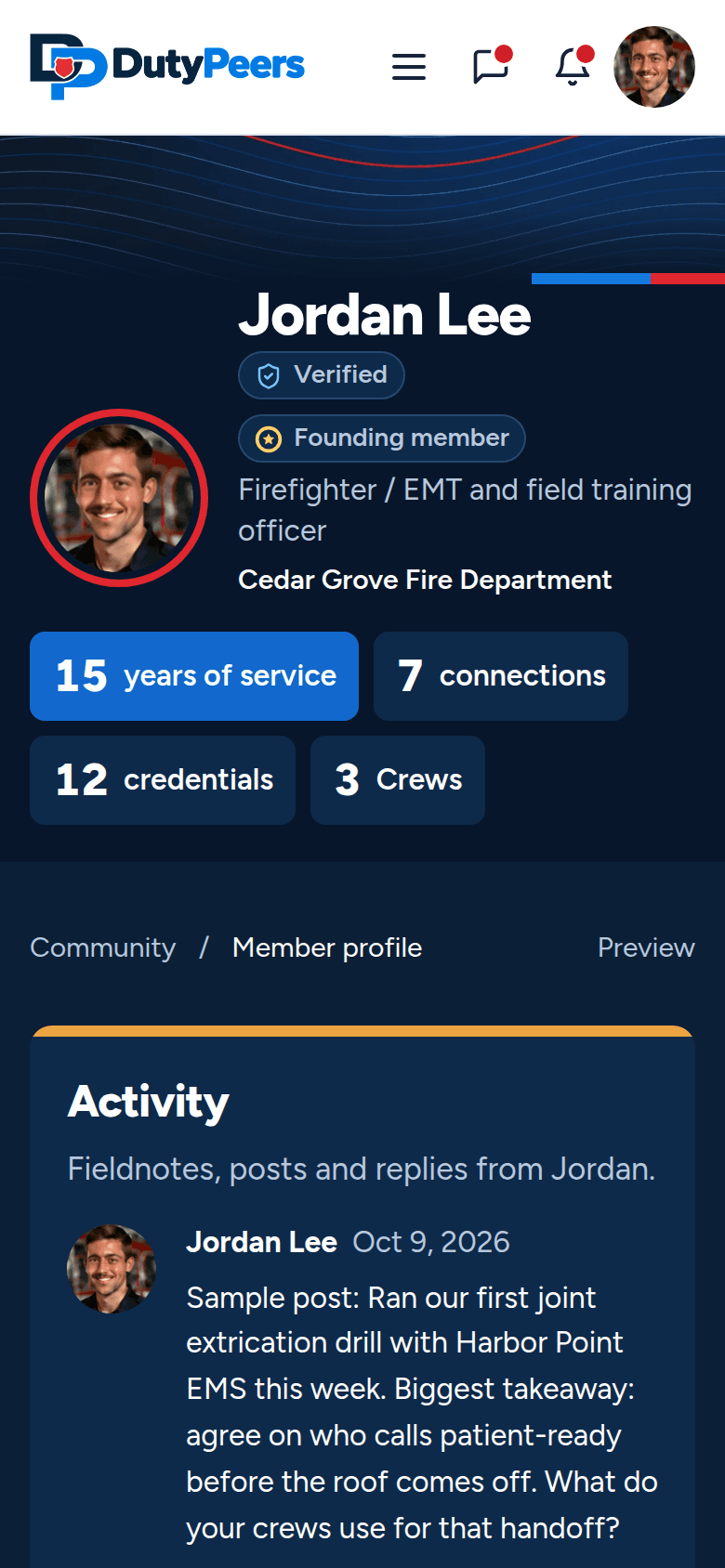
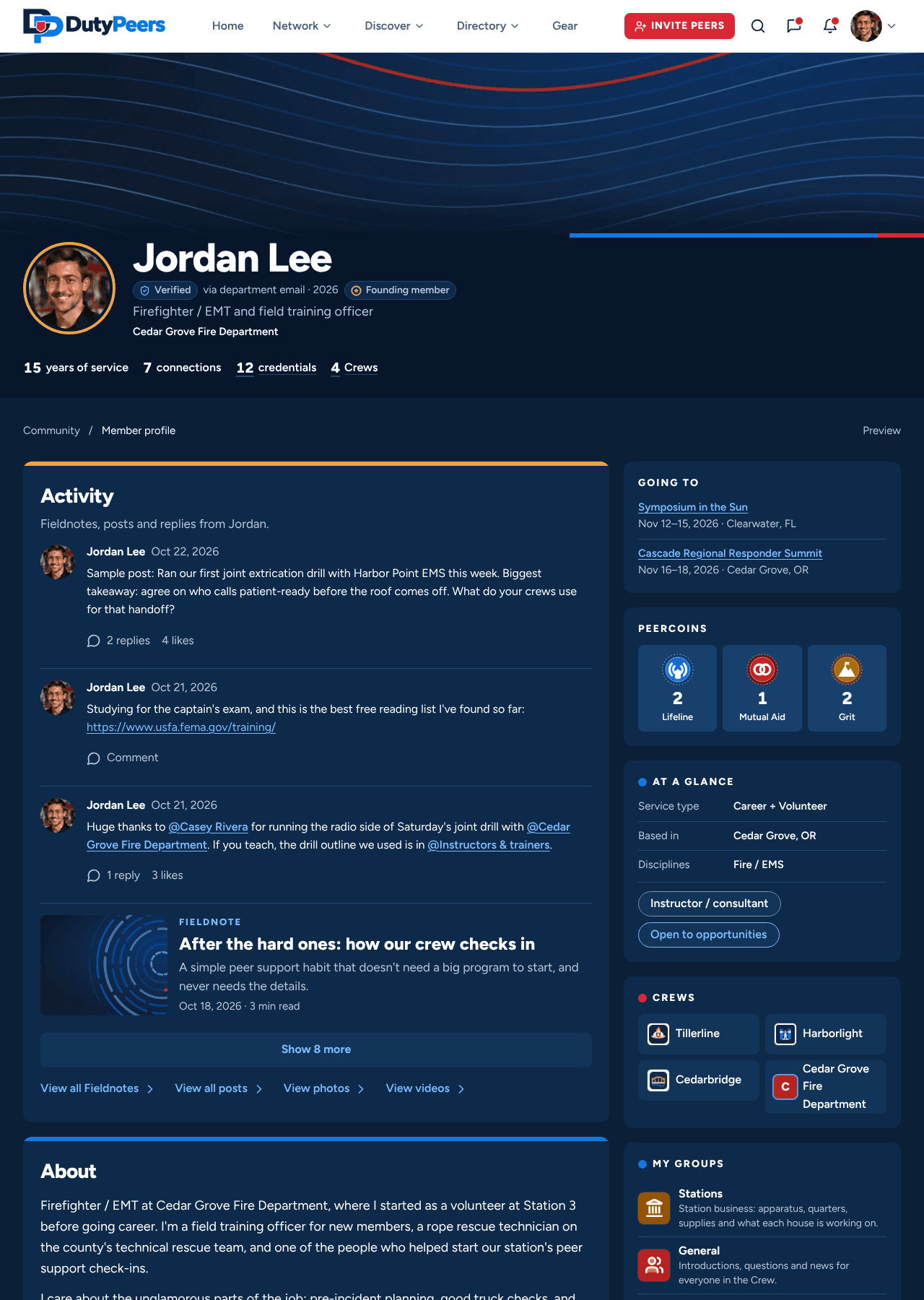
Your profile, on the job and off it
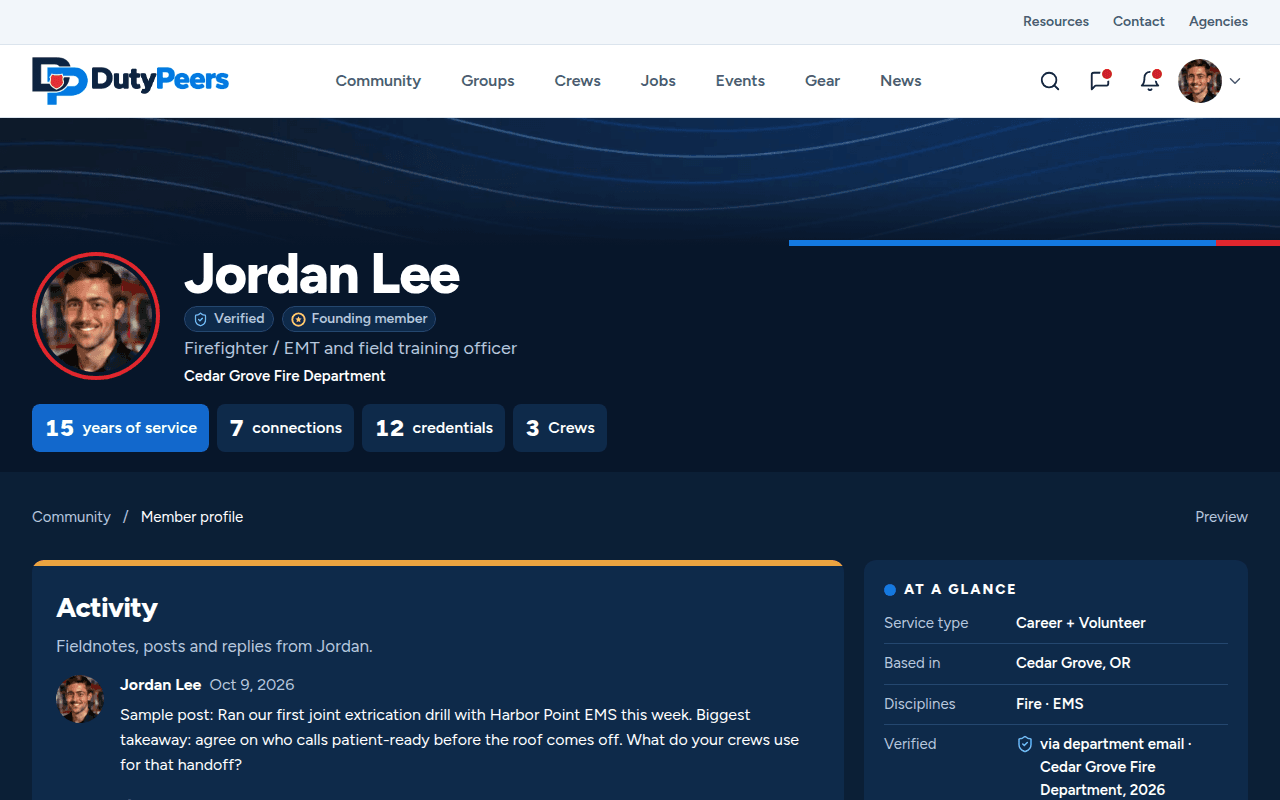
Your service record and experience, your training and credentials, and an Outside of service section for the rest of you.
- Career, volunteer, part-time, paid-on-call and reserve positions. They can overlap, and years of service counts that time once.
- Teams, deployments, awards, languages and specialties on the same record.
- Ask me about: the topics people can message you or connect with you about.
- Your newest Fieldnotes, posts and replies, right under your name.
Your connections
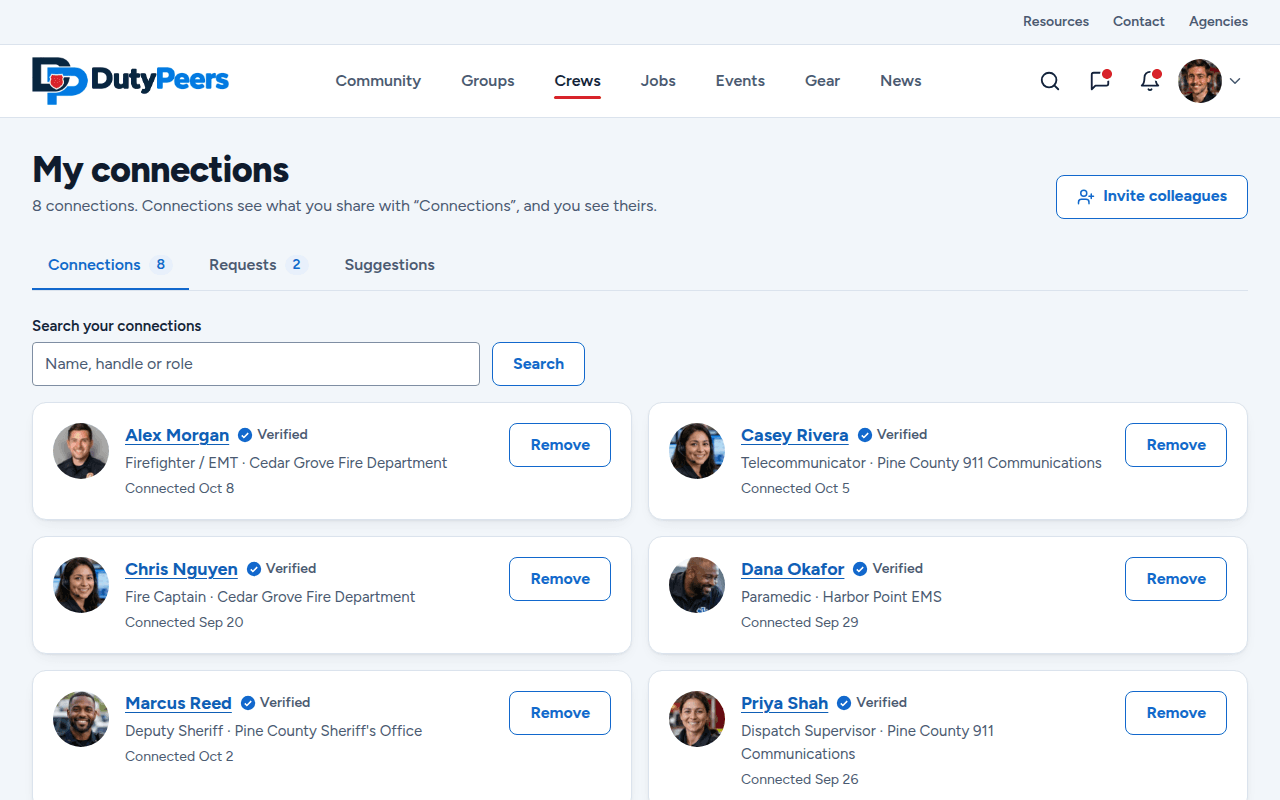
Your connections in one place, with requests and suggestions of people you may know from your department, groups and Crews.
- Connections see what you share with Connections, and you see theirs.
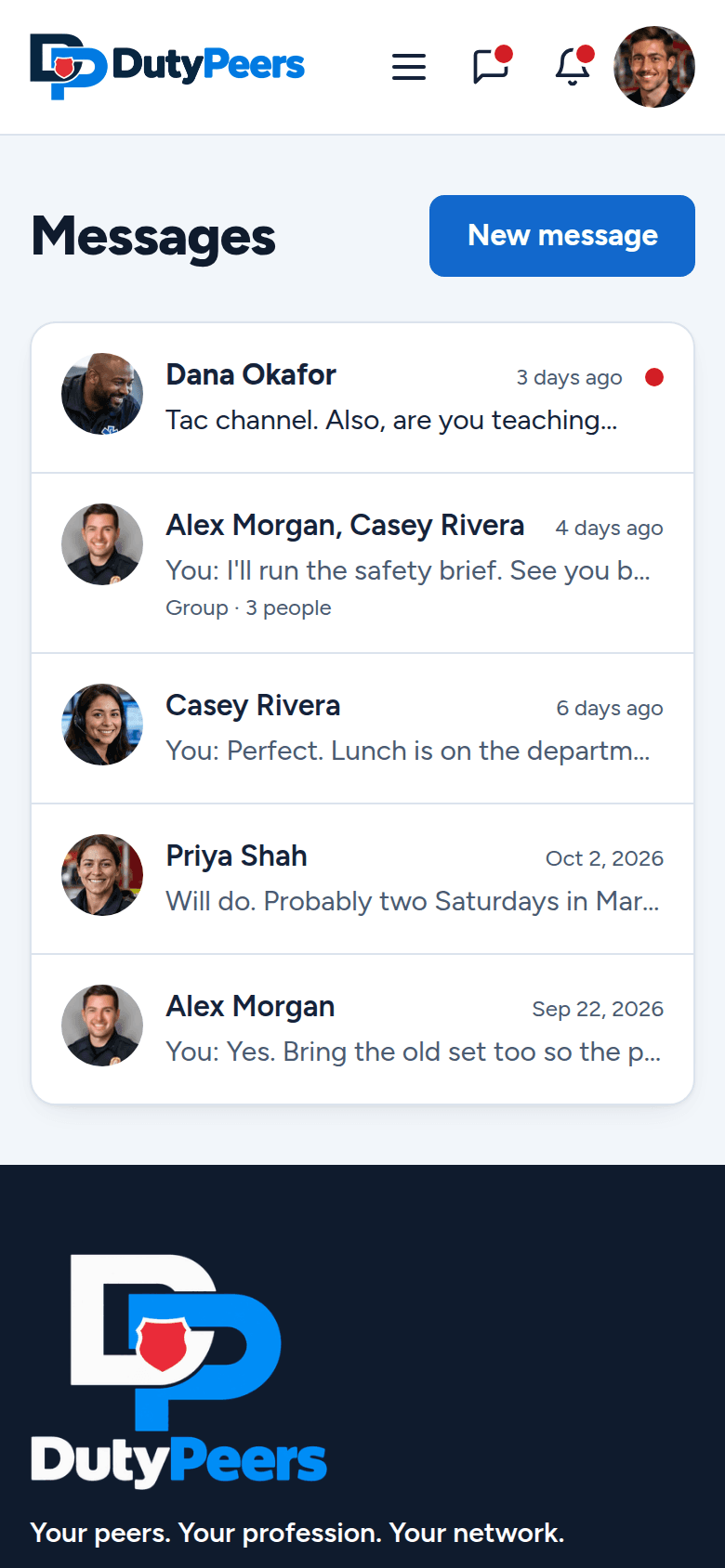
- Messages one to one or in a small group, from the people you allow: verified members, only your connections, or no one.
- You choose who can ask to connect: all members, people in your Crews or groups, verified members only, or nobody.
Your groups
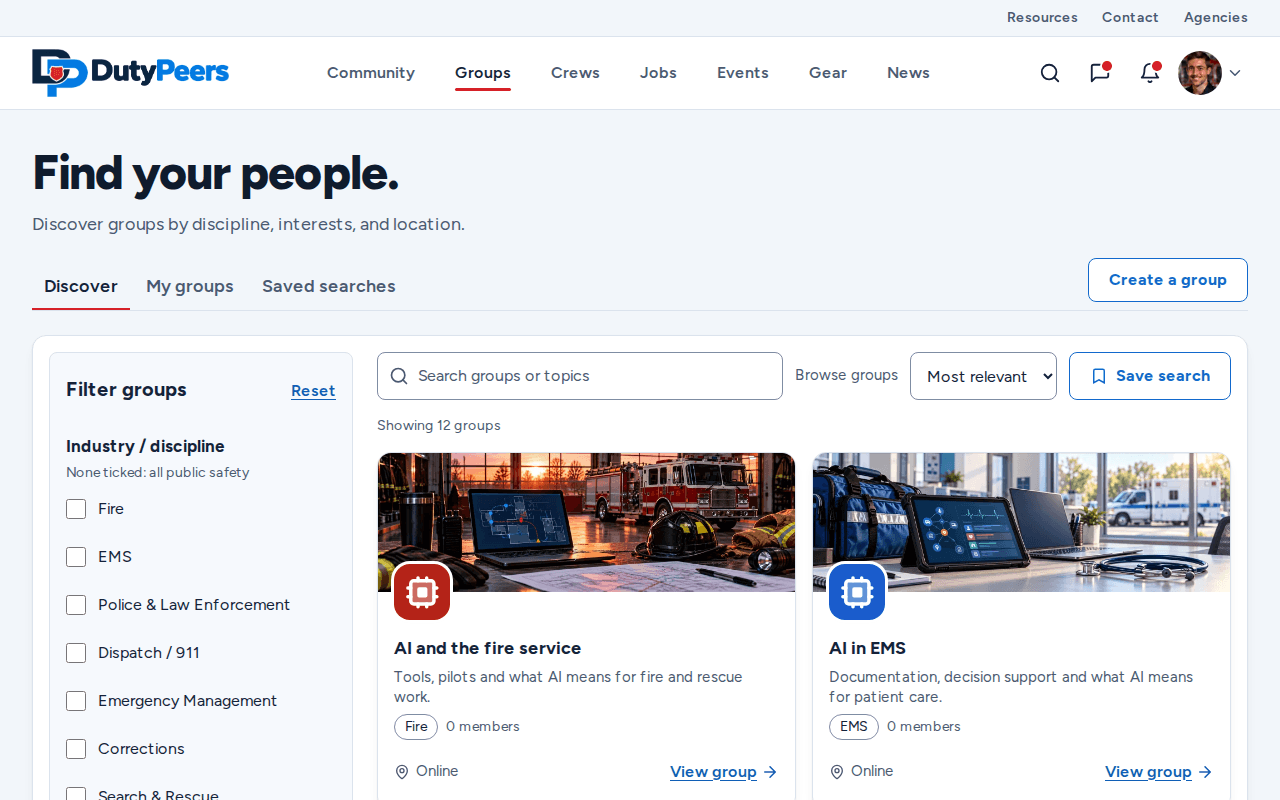
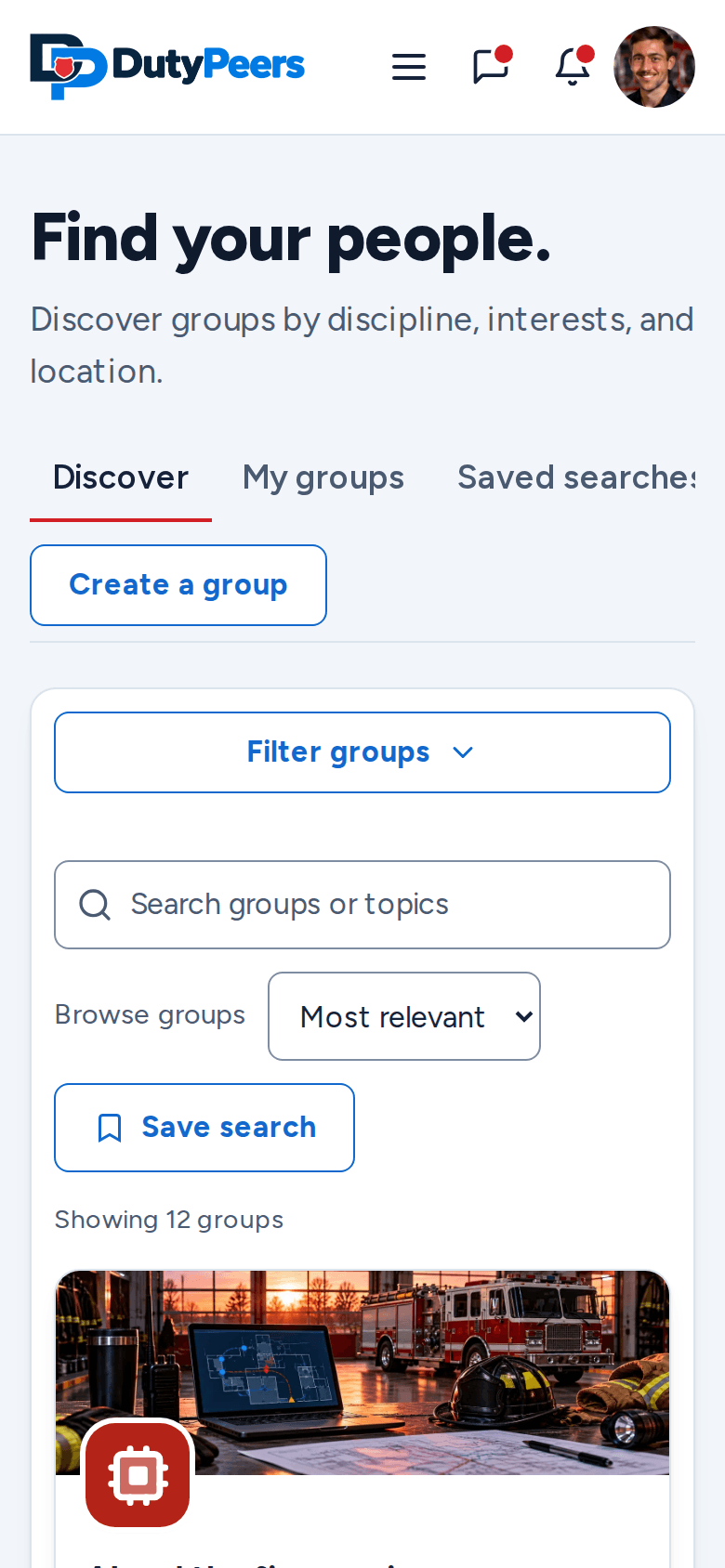
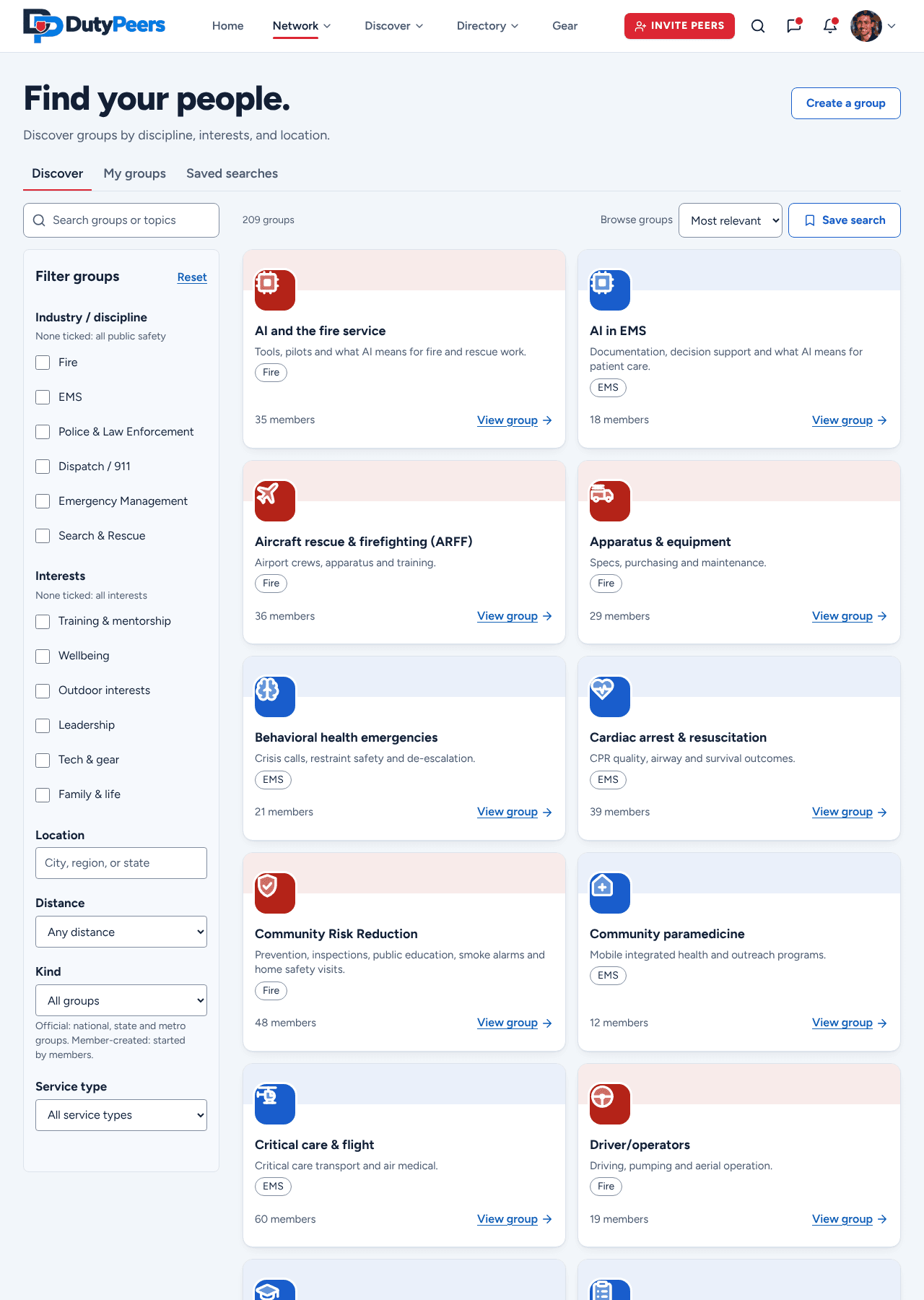
118 national groups by discipline and topic, a hub for every state, and the groups you start yourself, each with its own mark and cover.
- Discussions with the people who share your work, from hazmat to dispatch to wellness.
- Start a group for your team, your class or your cause.
- Search by discipline, interest and place, and save a search.
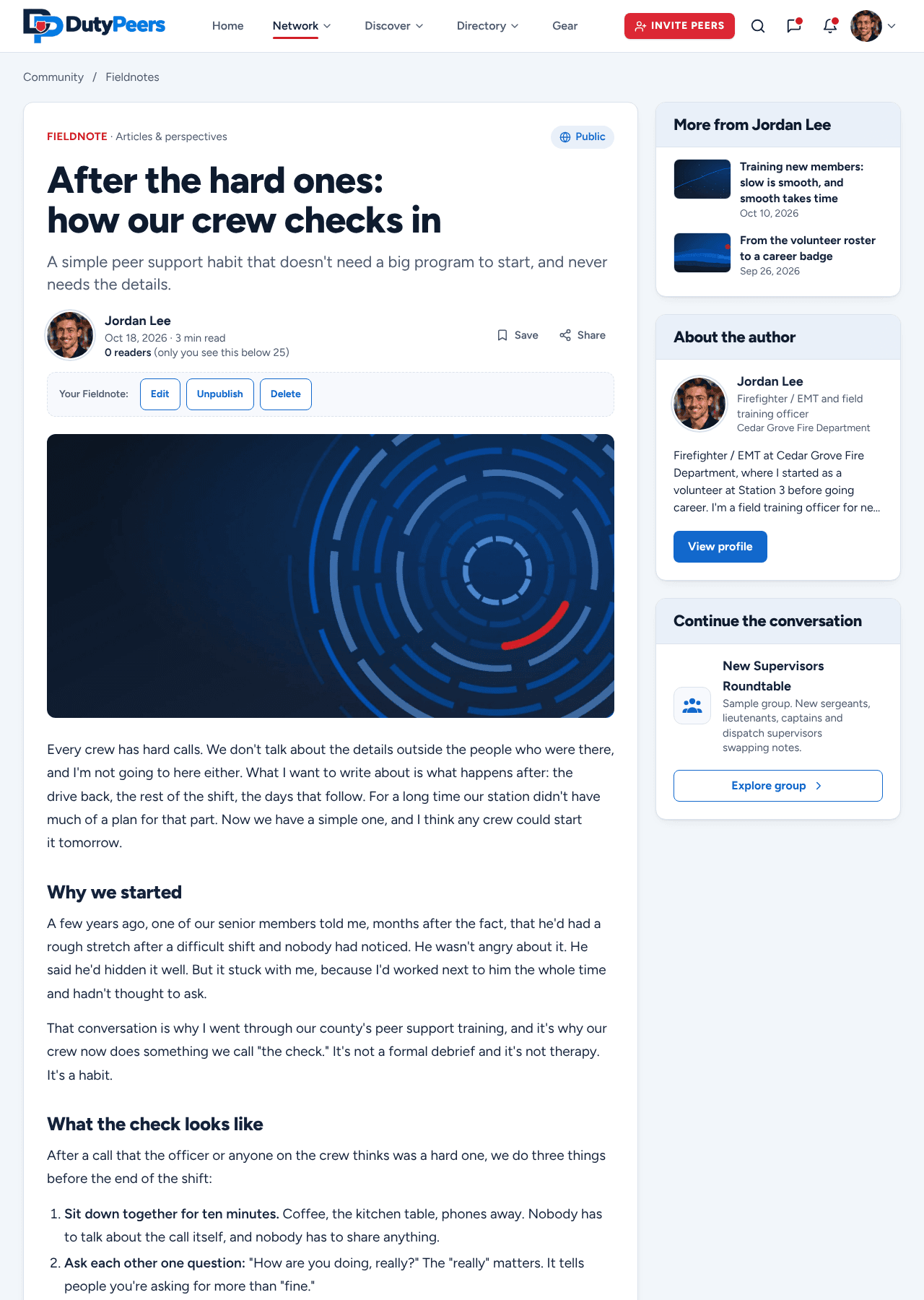
Fieldnotes: write what you've learned
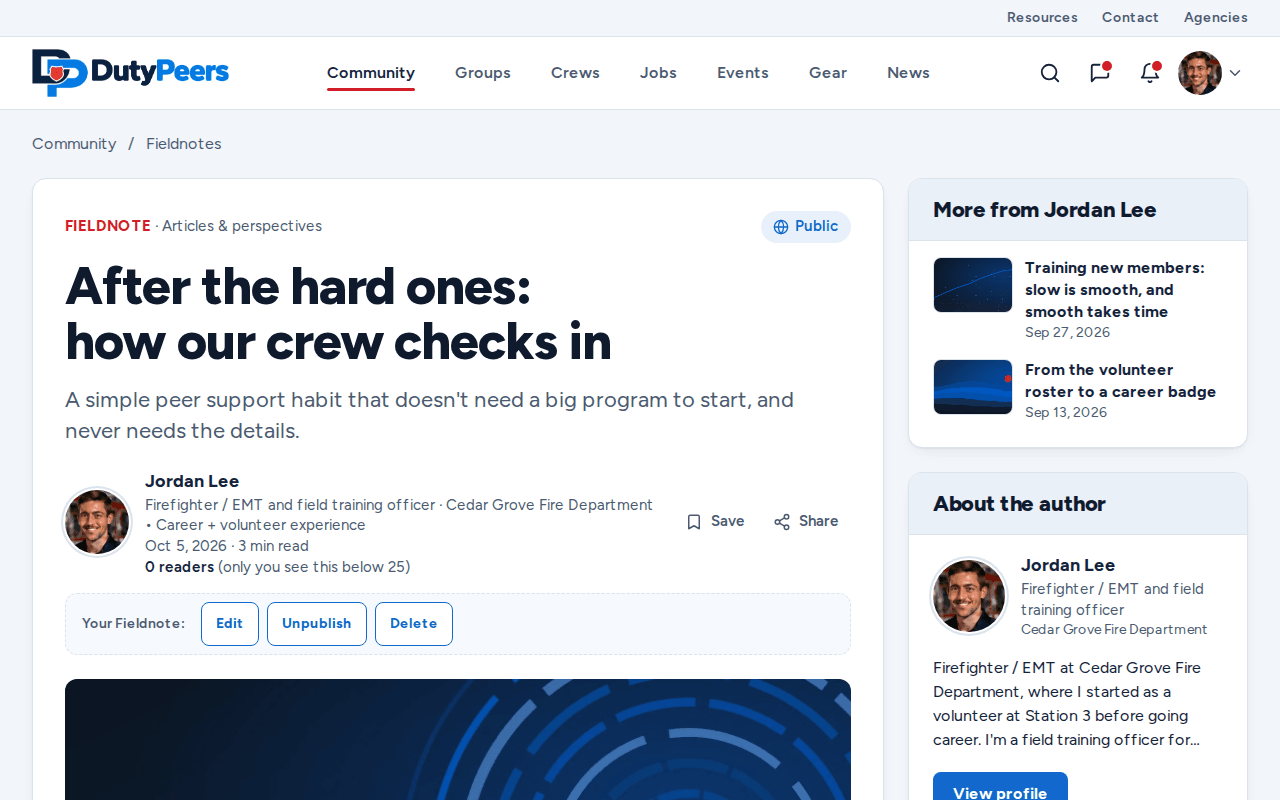
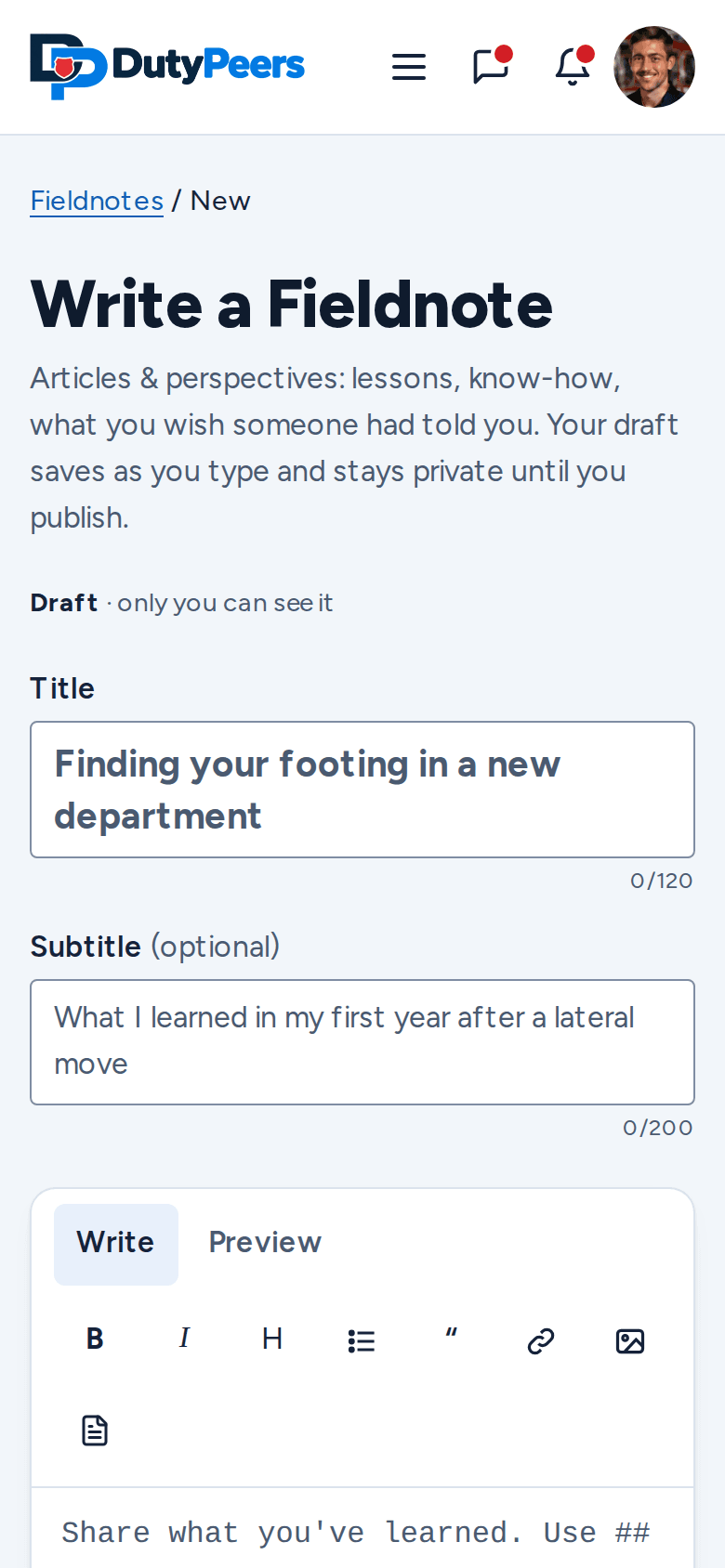
Articles and perspectives by people who serve: lessons, know-how and what you wish someone had told you.
- A cover image, headings, lists, quotes and links. Your draft saves as you type and stays private until you publish.
- Pick who reads each one: Public, Verified members or Connections.
- A public Fieldnote gets its own share card wherever you post the link.
- Share the lesson, not the call: no patient or victim details, and nothing that identifies an incident.
Your Crew, and every other Crew
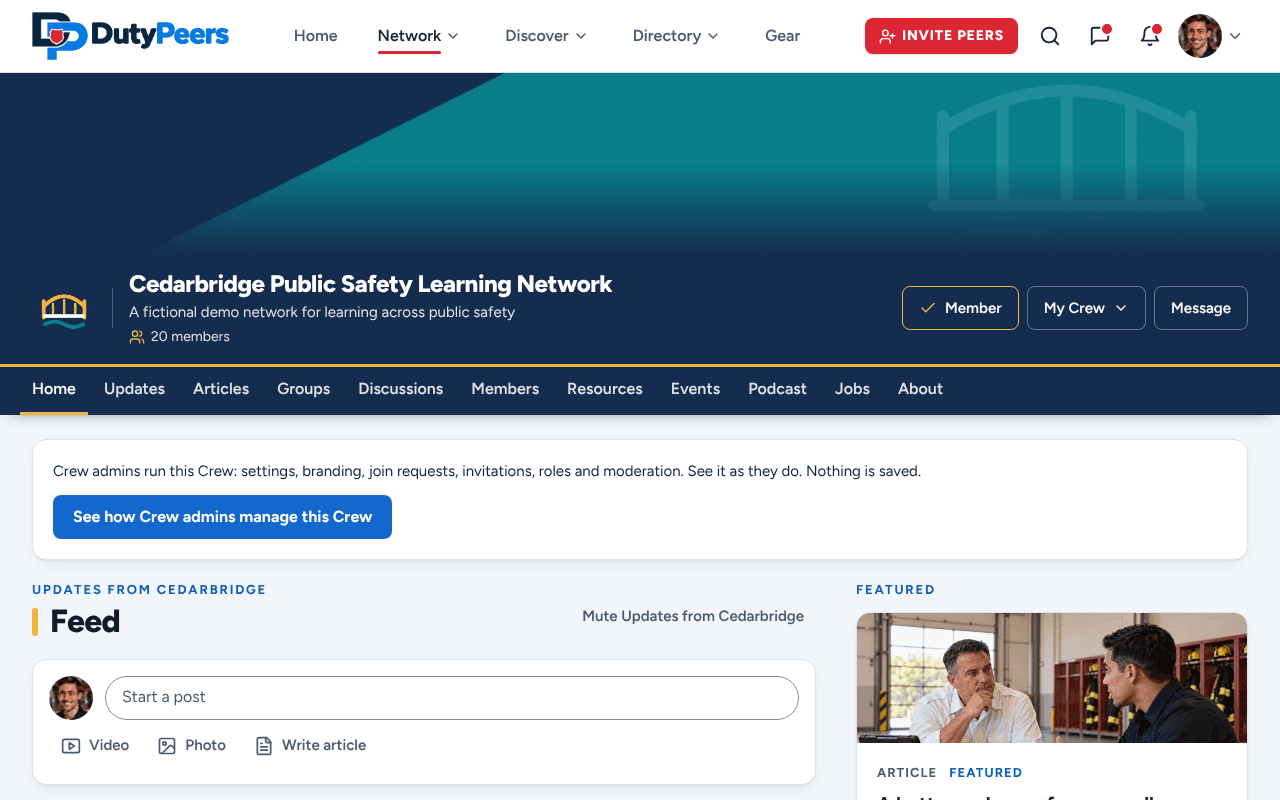
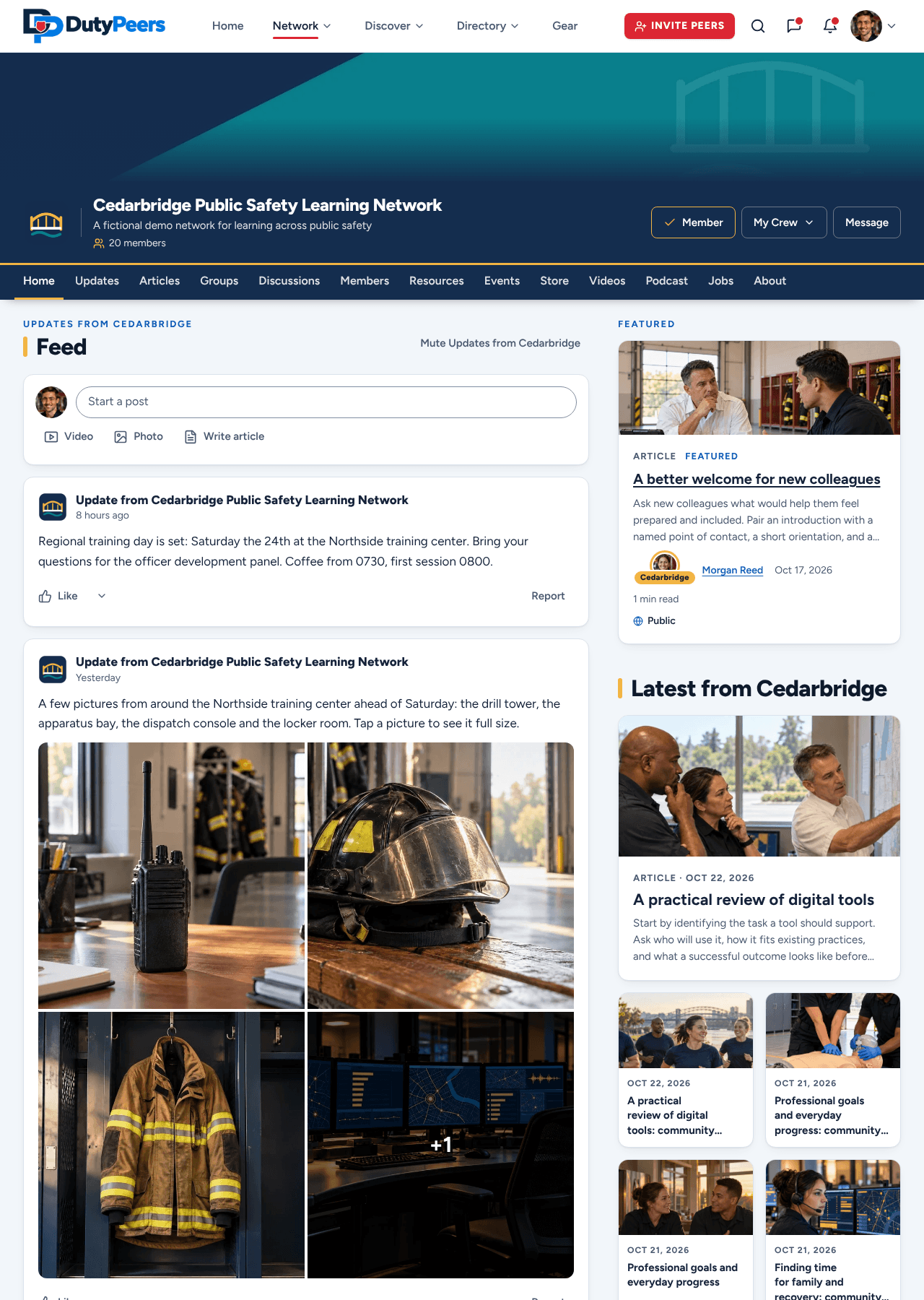
A Crew is a branded space of its own inside DutyPeers: groups, discussions, articles, events and resources, run by its own admins.
Run your own space: a Crew
- OrganizationsAssociations, unions, foundations and training networks: groups, events and resources, and your sources kept up to date for you.See what organizations get
- MediaMagazines, podcasts, newsletters and publishers: your stories, episodes, videos and events brought in for you, and readers who talk back.See what media brands get
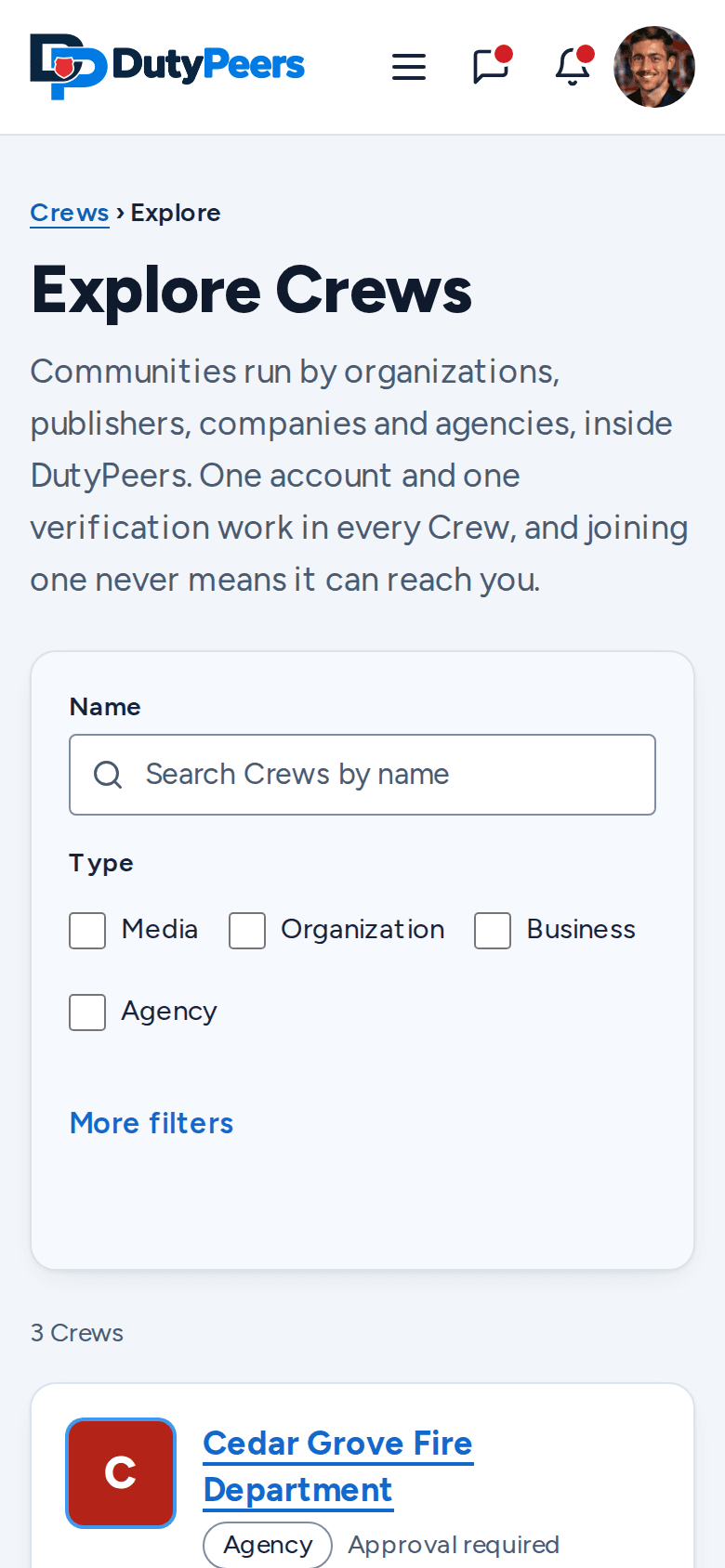
- AgenciesYour agency page, with the news, videos and events we find for it, your people current and retired, Capabilities and Agency Tech for verified peers, a bulk invite and a Crew of your own.See what agencies get
- BusinessesYour company's page, kept up to date from your own site, for the people who choose to follow it. No cold outreach, ever.See what businesses get
Your Crew runs itself: connect your website, store, YouTube, events calendar and training once, and your Crew stays up to date on its own. When you're ready, turn on the Feed, Discussions and Groups to engage your community.
Agencies: Create your agency's Crew to bring in your news, videos, events and training automatically. Turn on discussions and groups when you're ready.
Joining or following a Crew never lets it reach you: every channel to a member is off until that member turns it on. And with one account and one verification, you belong to as many Crews as you like.
See a Crew before you start one
Total privacy control
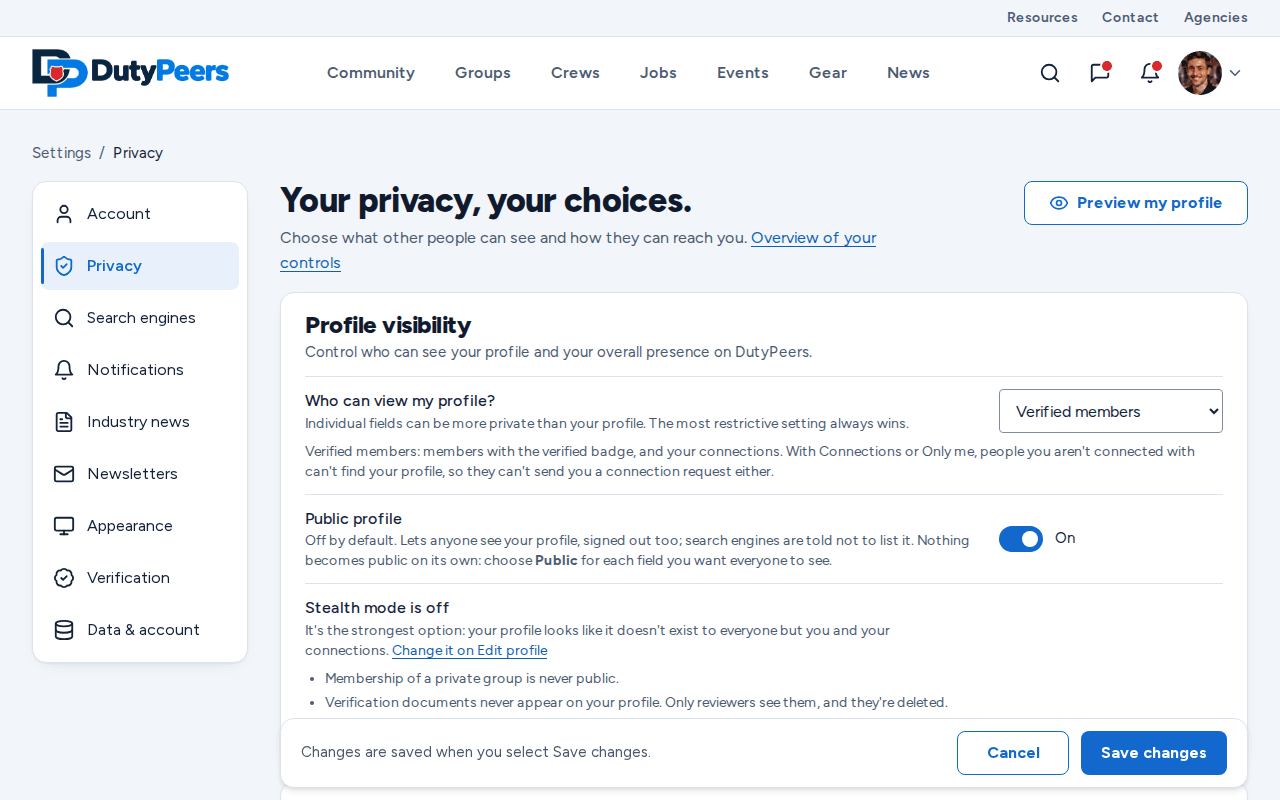
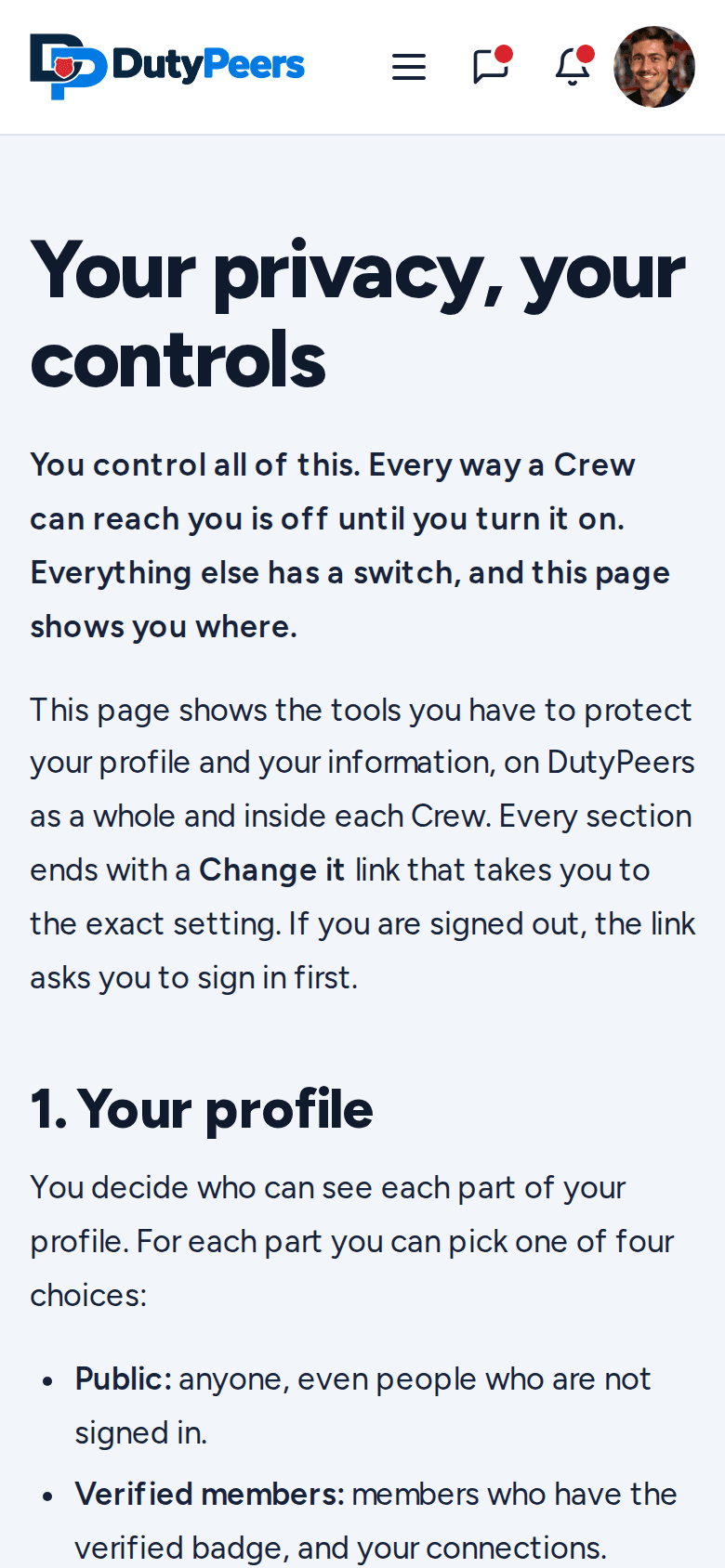
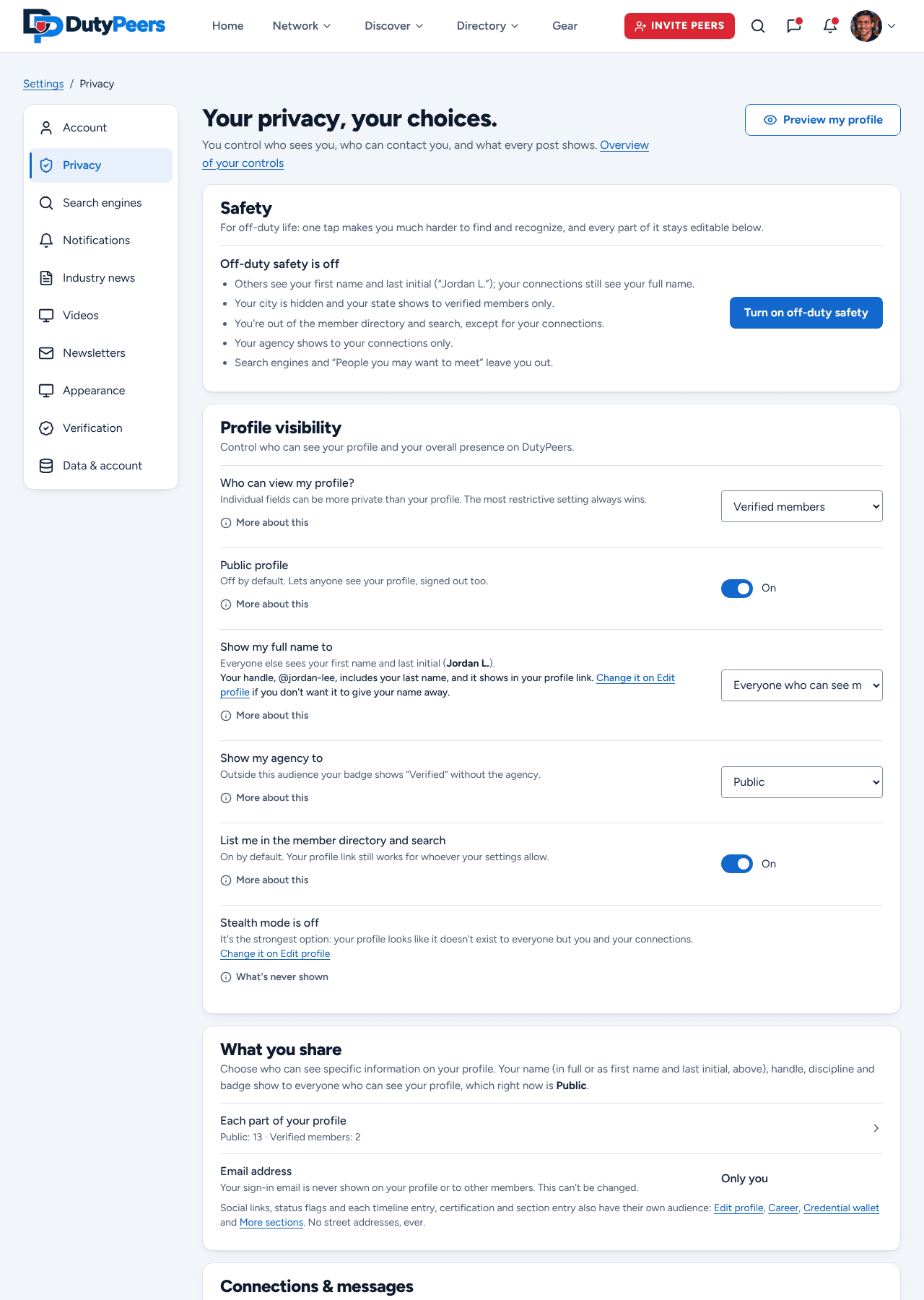
You control all of it. Every way a Crew can reach you is off until you turn it on, and everything else has a switch.
- Four audiences for every part of your profile: Public, Verified members, Connections or Only you.
- Stealth mode: your profile looks like it doesn't exist to everyone but you and your connections.
- Off duty means off the map: others can see “Jordan L.” instead of your full name, your state instead of your city, and no agency at all.
- Leave the member directory and search, or turn on off-duty safety in one tap. Preview your profile as each audience sees it.
- Block anyone, quietly, and report fake profiles, spam and soliciting.
- No spam from businesses: following a Crew or going to an event never opens a way to reach you.
Invite colleagues and industry peers
Your network starts with the people you know. Bring them in from your department, your agency and the rest of the industry.
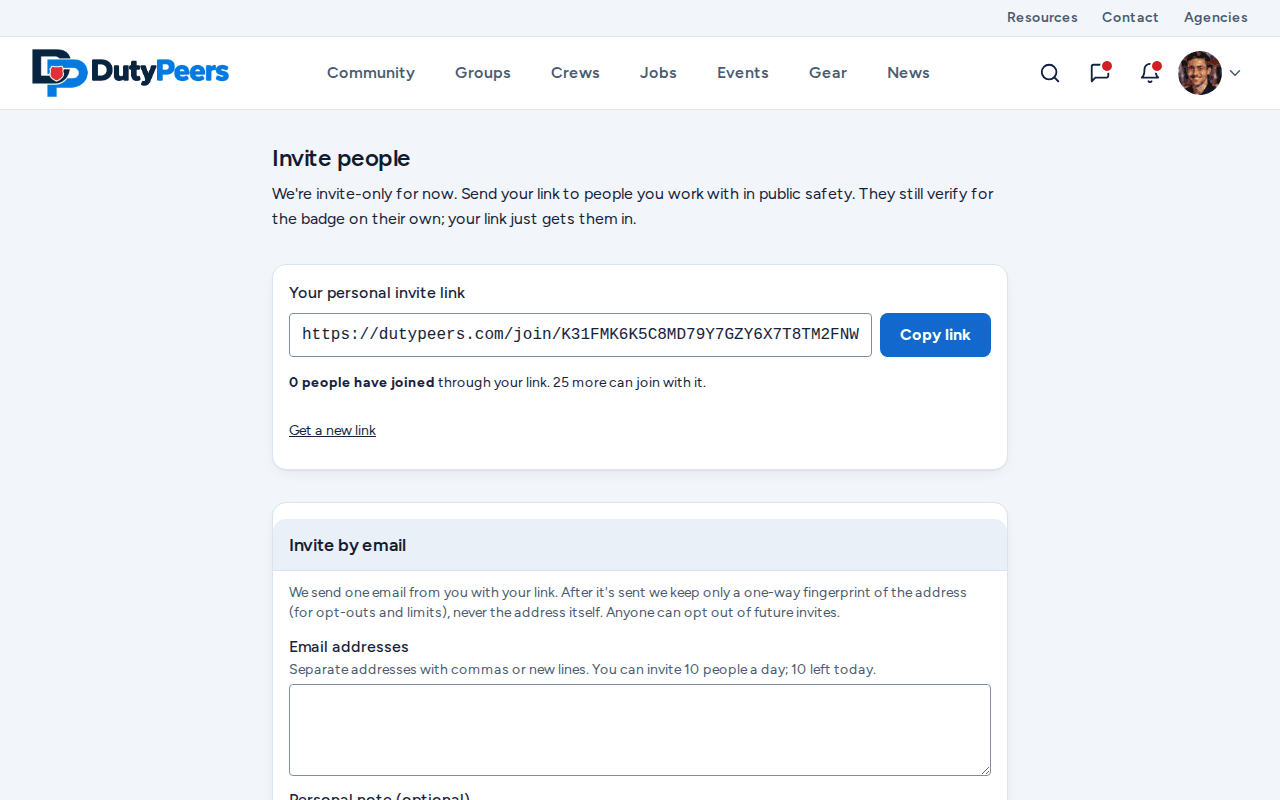
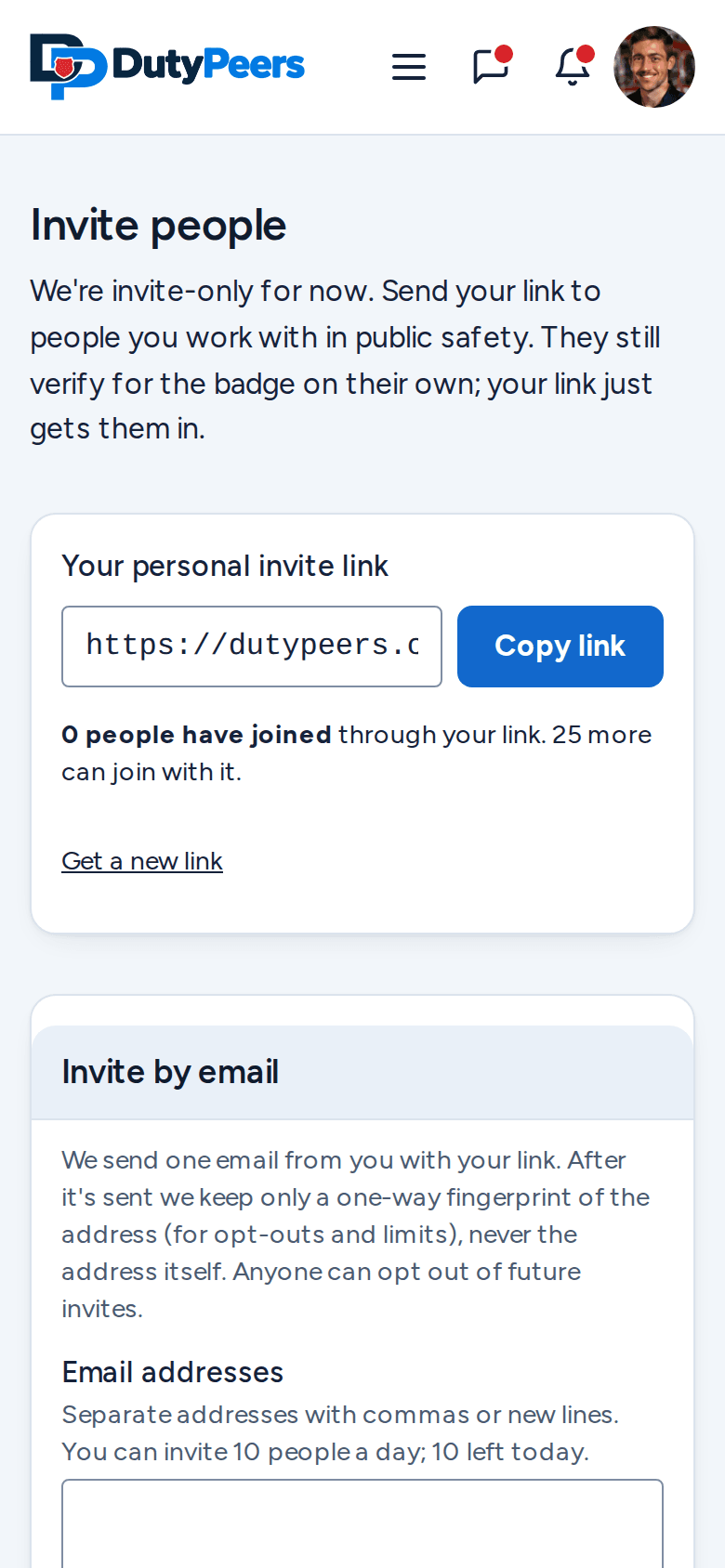
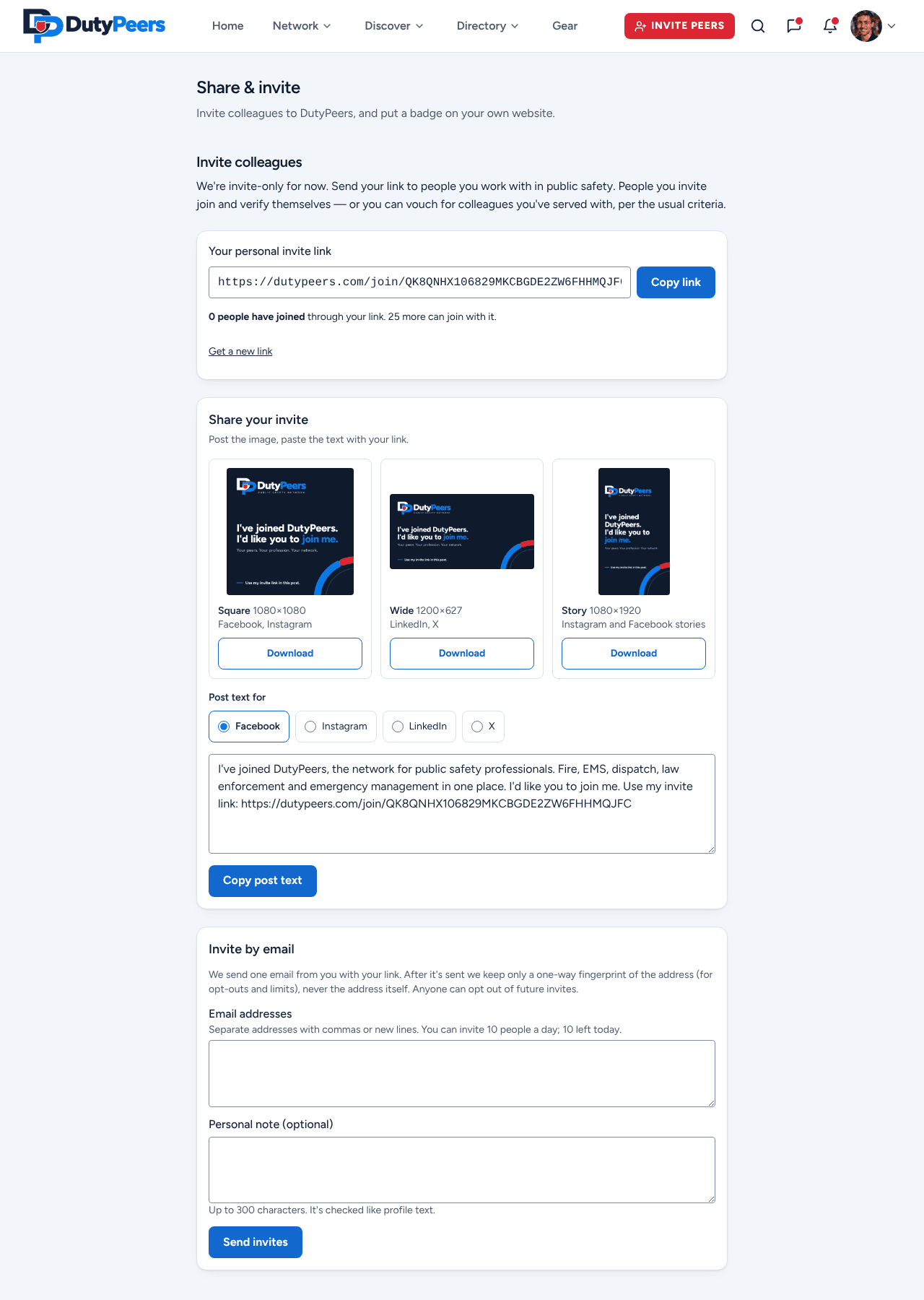
- Your personal invite link, to copy into a text, an email or a group chat.
- Email invites sent from you. Anyone can opt out of future invites.
- Founding members get a founding-member link to bring their people in.
- Each person still verifies on their own; your link just gets them in.
For departments
Bring your whole department at once. Ask for a bulk invite and we set it up with you: each of your members and personnel gets a personal invite from your agency, and everyone who joins with the address it was sent to is verified at your agency. No one is signed up without accepting their own invite, and anyone can opt out of our emails.
See what a department gets
Bring your whole department
Request a bulk invite for your members and personnel. Everyone who joins with their invited work address is verified through the agency automatically, and the same rules apply afterward.
Request a bulk inviteThe Verified badge, four ways to earn it
Verification is optional — join now and verify when you're ready. Paid, volunteer, paid-on-call or reserve: the badge means your department, the people you serve with or a person on our team confirmed you serve where you say you do.
Department email
Fastest, if your department or agency gives you an address.
Two verified colleagues confirm you
For anyone whose crew is already here.
Your department confirms you
For members without a department mailbox of their own.
Send supporting documents
For volunteer, paid-on-call and small departments.
And the rest of your day
Your credentials, gear, news, jobs, events and resources, in the same place.
Credential wallet
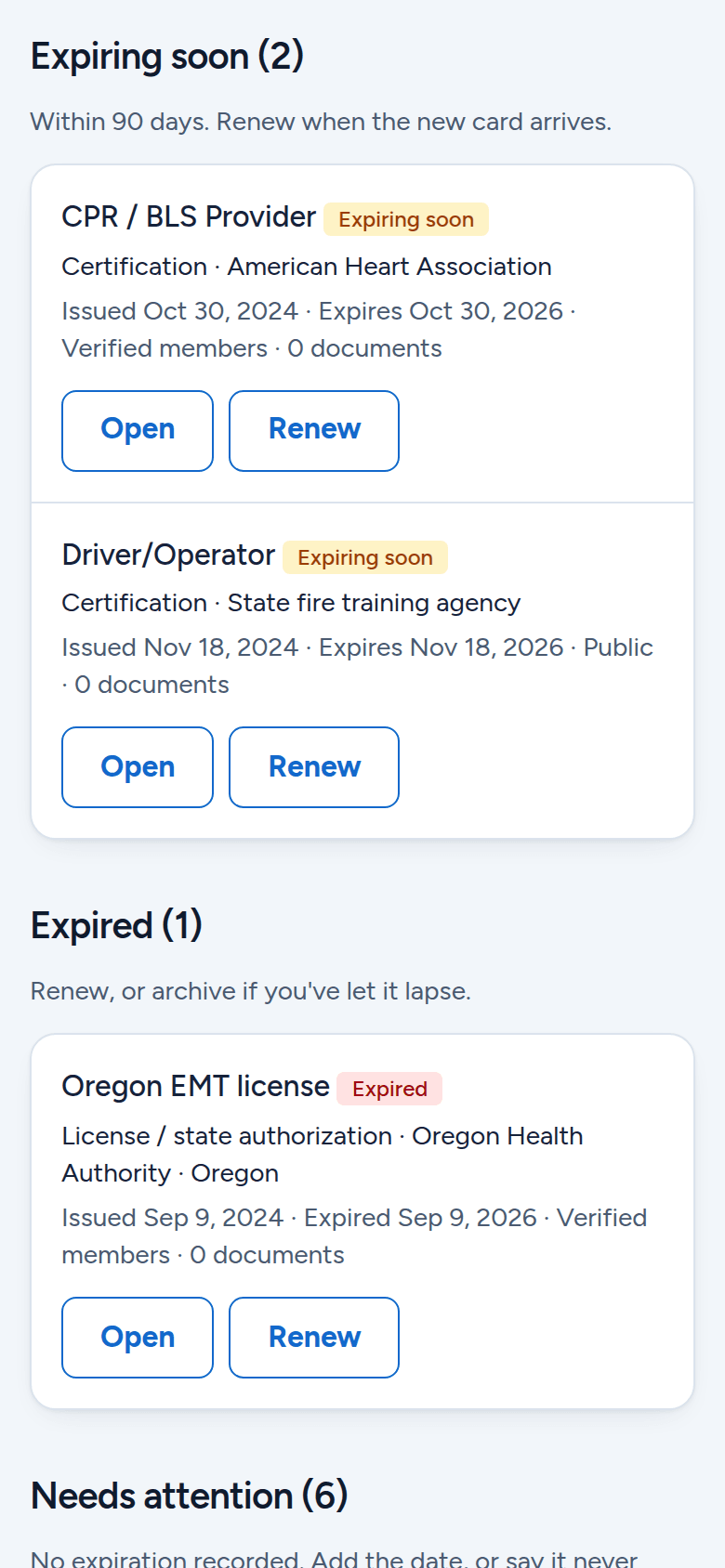
Certifications, licenses and course completions with documents and renewals. NREMT, AHA, fire training, POST, APCO, FEMA ICS and more, or your own, with a reminder email before one runs out.
About the wallet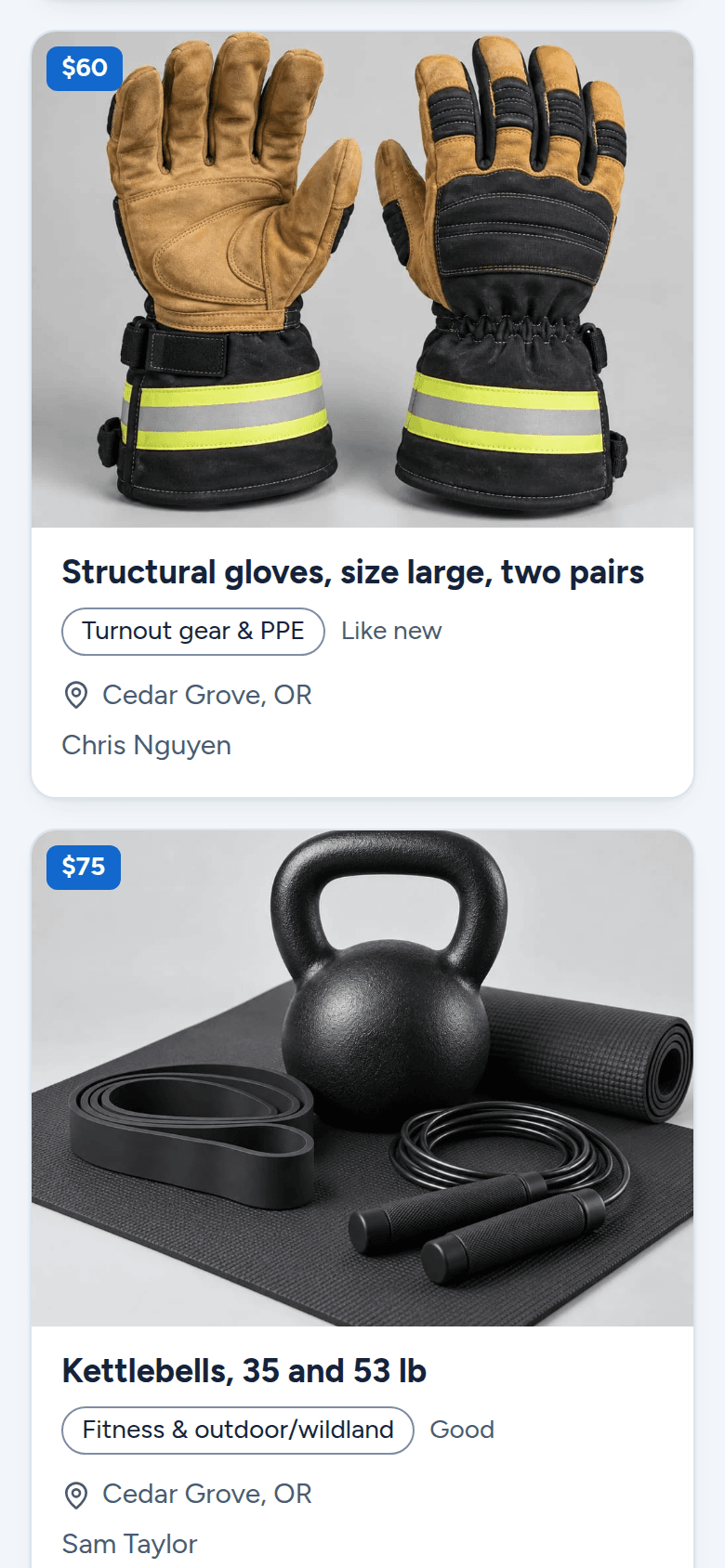
Gear Locker
Buy, sell, trade and give away gear with verified responders, and post what you're looking for.
Open the Gear Locker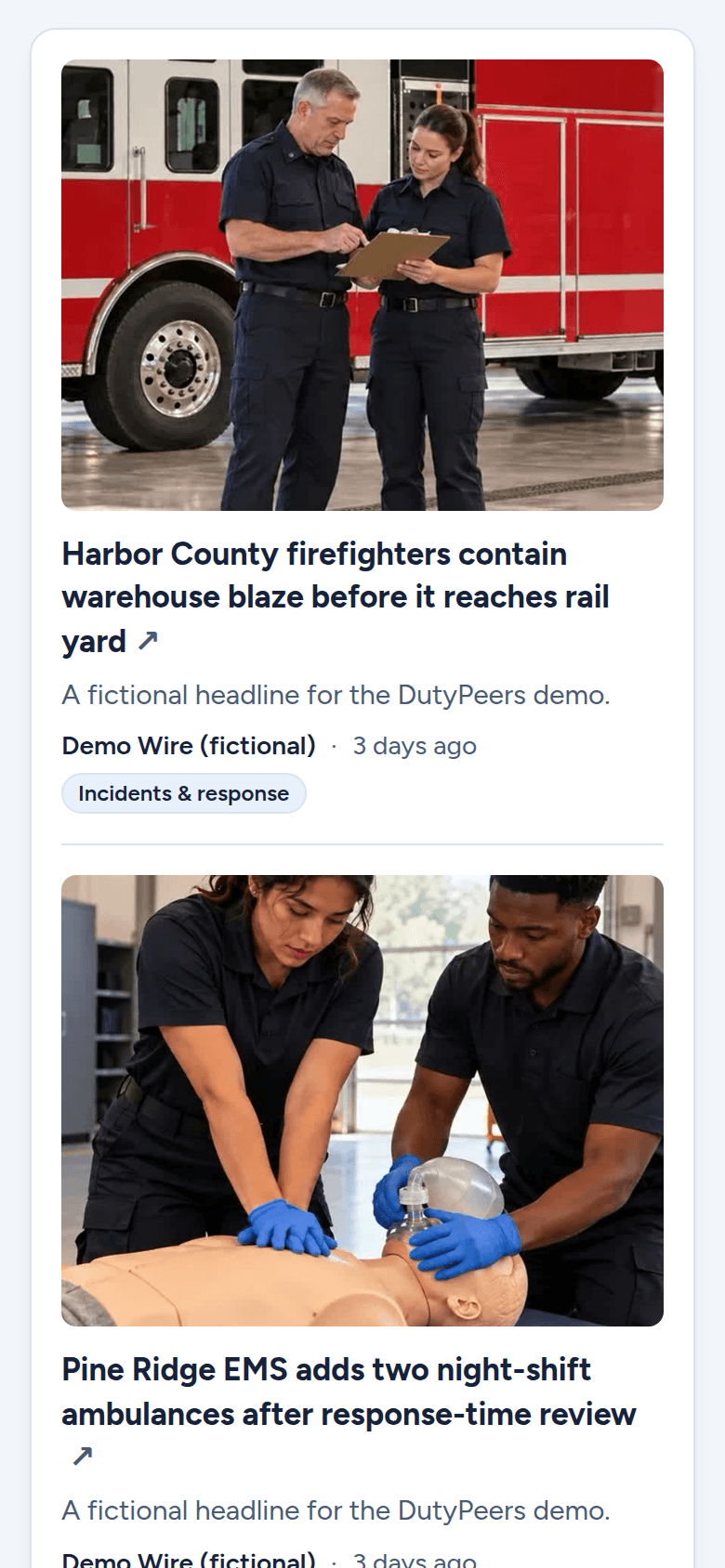
News
Headlines for your discipline from public sources, off until you turn it on.
Read the news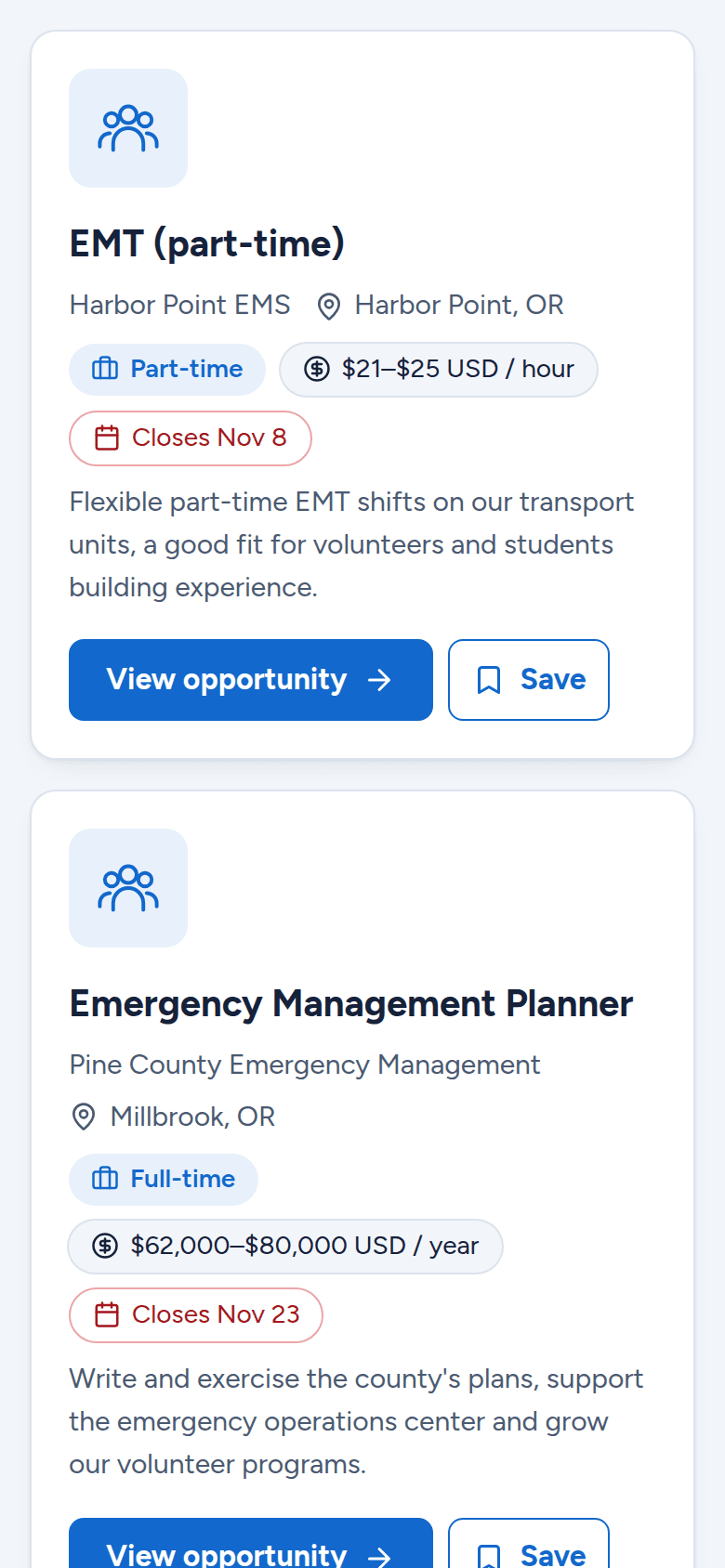
Jobs
Career and volunteer roles: search by keyword and place, save openings, apply on the department's site.
Browse jobs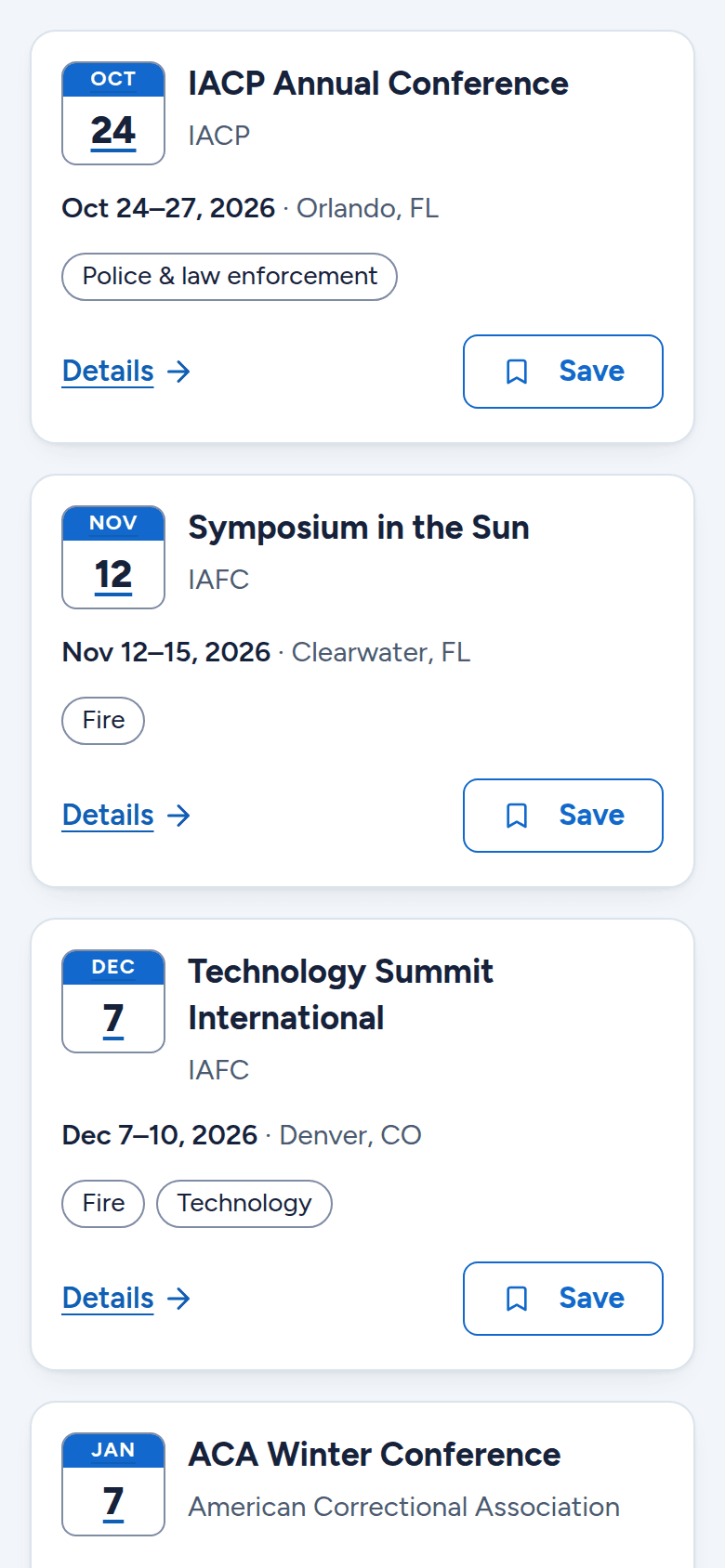
Events
Conferences, courses, exercises and webinars, with a reminder a week ahead and the day before.
See events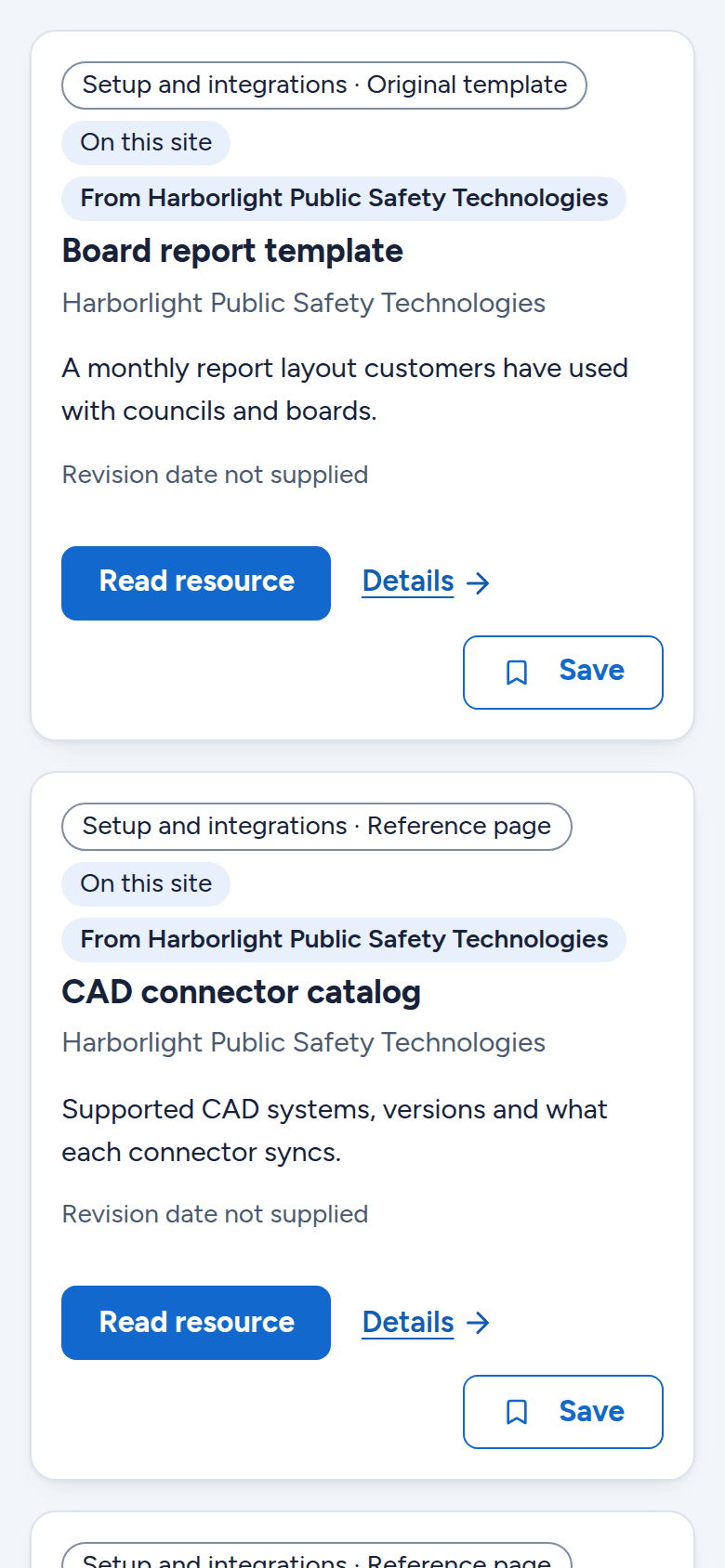
Resources
References, forms, training directories and templates, each with its publisher up front.
Open the library
PeerCoins
The challenge coin tradition, for every discipline. Verified members get 3 coins a month to give to the people who earned one, each with a note about what they did.
- LifelineHad my back on the radio or the call.
- Mutual AidMade inter-agency work happen.
- GritLeadership and resilience.
- 3 a month, no rollover, so every coin means something.
- The person who receives it decides whether it shows. Nothing posts without their OK.
- Coins show in their coin case and their connections' feeds, never to the public web.
Who it's for
See what you get as a member, an agency, an organization or a business, with screenshots.
- Members, current and retiredPeople who serve now or have served: your profile and service record, connections, groups, Fieldnotes and credentials, with you in control of who sees what.See what members get
- AgenciesA department's page with its news, videos and events, its people current and retired, a bulk invite for the whole department and a Crew of its own.See what agencies get
- OrganizationsAssociations, unions, foundations and training networks, each with a Crew that fills itself from its own site, feeds and calendar.See what organizations get
- MediaMagazines, trade publications, podcasts and newsletters, with a Media Crew that brings in their stories, episodes and events.See what media brands get
- BusinessesVendors and companies that build for, sell to or serve public safety, with a Crew and a company page they can claim.See what businesses get
- Agency TechAgencies list the systems they run, from CAD and records to alerting and body-worn video, so a peer can ask a neighboring agency. Companies are listed by their products. Only verified agency members and our staff see which agencies use what.How Agency Tech works
Wellness, on every page
988, responder peer lines, chaplains and CISM teams, linked at the bottom of every page and saved on your phone so they work without a signal.
See a sample member profileSee a sample organization Crew
There is a place for you here.
Career, volunteer, paid-on-call or reserve. Public safety only, no ads, and private by default.
Opening in waves with an invite link or code.