


How it works
Five steps to your people
Join, set up your profile, get verified when you're ready, find your people, and share what you know. You decide who sees every part of it.
For public safety only: you're welcome if you serve now or have served, paid or volunteer. Organizations, businesses and media that serve public safety join through their Crew. No civilians, no fans.
Step 1Join
Tell us who you are, then sign in with a six-digit code sent to your email, or with Google, Microsoft or LinkedIn. No passwords.
- You serve or servedYou get a member account. Set up your profile next.
- You're with an organizationFind your organization's Crew, or ask us to set one up.
- Got an invite link?A colleague's link brings you straight in.
- No link yet?Ask someone you serve with for their link, or ask us to join.
Sign-in is handled by WorkOS. We never see your Google, Microsoft or LinkedIn password, and from LinkedIn we get your name and email, not your work history.
Step 2Set up your profile
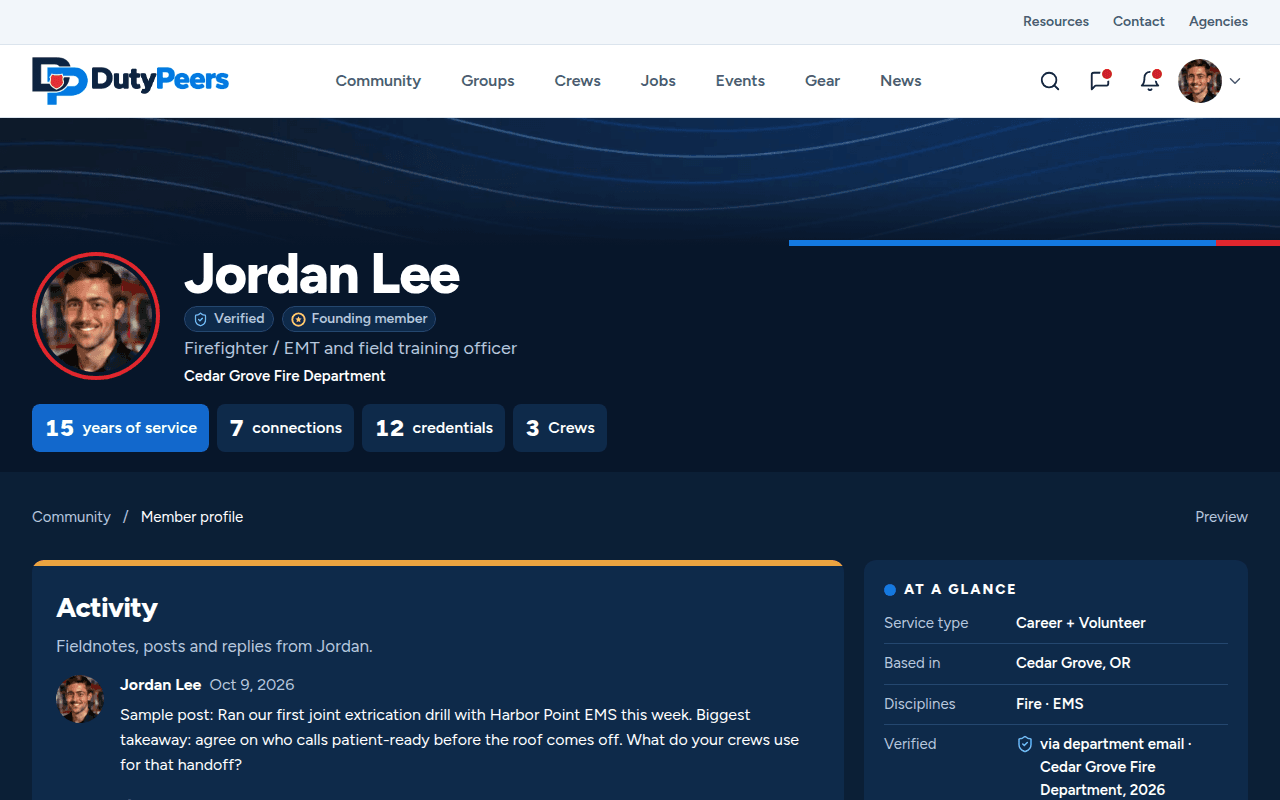
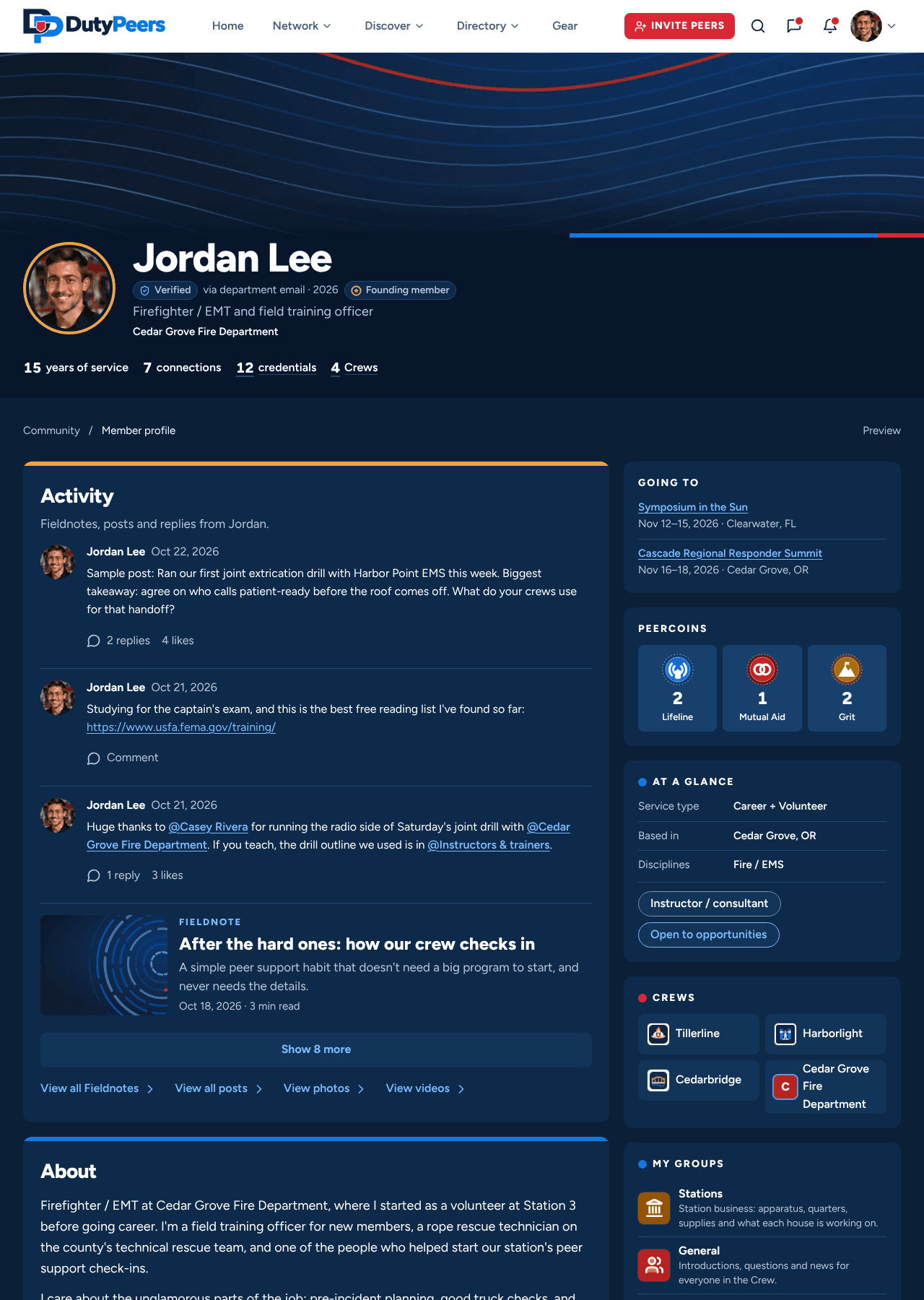
Start with your name, photo and where you serve. Add your service record and credentials whenever you like, and choose who sees each part.
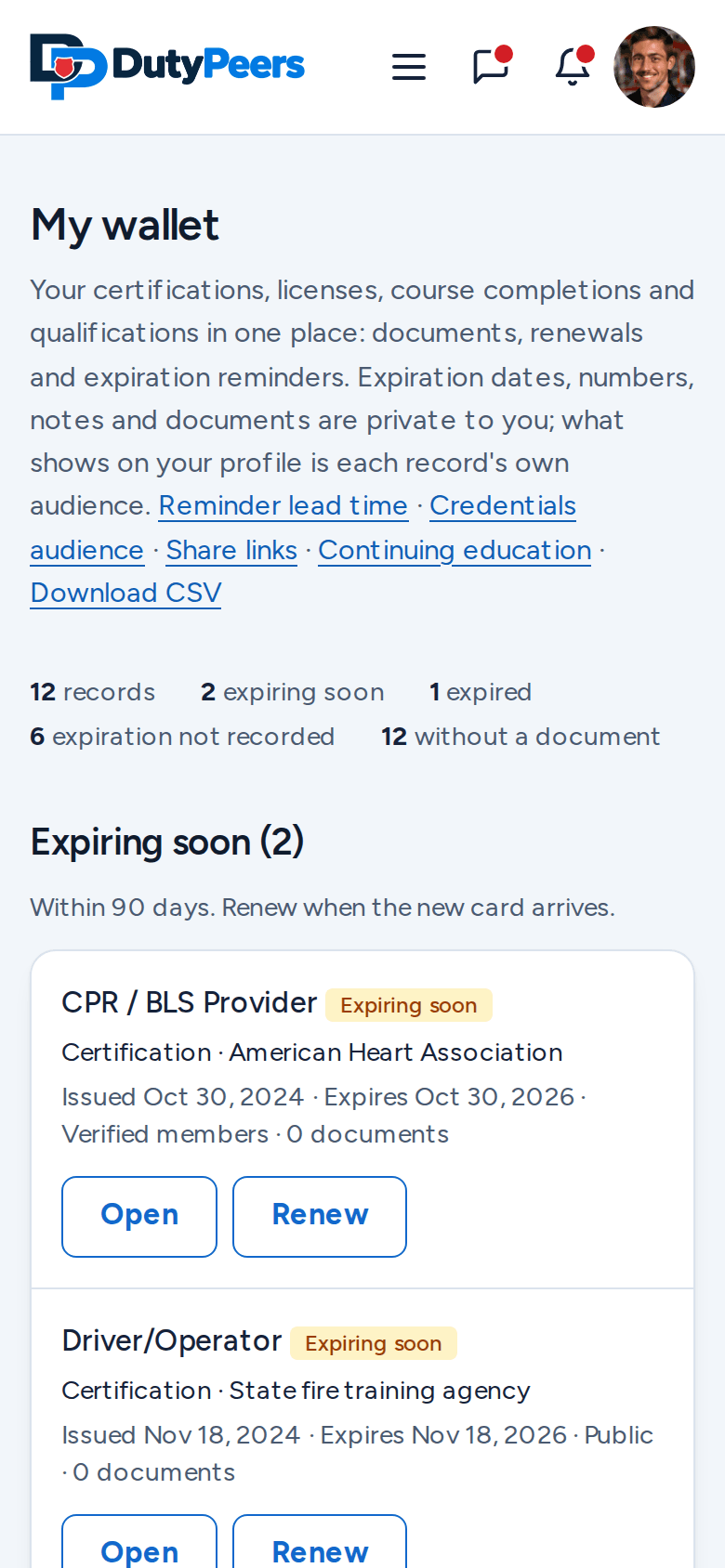
Career, volunteer, paid-on-call and reserve positions, special teams, deployments, awards and certifications all sit on one timeline. Certification expiry dates are private to you, with an optional reminder email.
Who sees a field at each setting
Public
- Signed out: Yes
- Members: Yes
- Verified members: Yes
- Connections: Yes
- You: Yes
Verified members
- Signed out: —
- Members: —
- Verified members: Yes
- Connections: Yes
- You: Yes
Connections
- Signed out: —
- Members: —
- Verified members: —
- Connections: Yes
- You: Yes
Only me
- Signed out: —
- Members: —
- Verified members: —
- Connections: —
- You: Yes
| Setting | Signed out | Members | Verified members | Connections | You |
|---|---|---|---|---|---|
| Public | Yes | Yes | Yes | Yes | Yes |
| Verified members | — | — | Yes | Yes | Yes |
| Connections | — | — | — | Yes | Yes |
| Only me | — | — | — | — | Yes |
- Stealth modeYour profile returns the same “not found” page as one that doesn't exist, to everyone but you and your connections.
- Show my agency toPublic, verified members, connections or only you. Outside it, your badge just says Verified. Still used, privately, to verify you.
- Off-duty safetyOne tap: others see “Jordan L.”, your state but not your city, and you leave the member directory and search engines.
- View asPreview your own profile exactly the way each audience sees it.
- Screening and appealsPhotos and profile text are checked before anyone else sees them. Turned down? You see why, and a person reads every appeal.
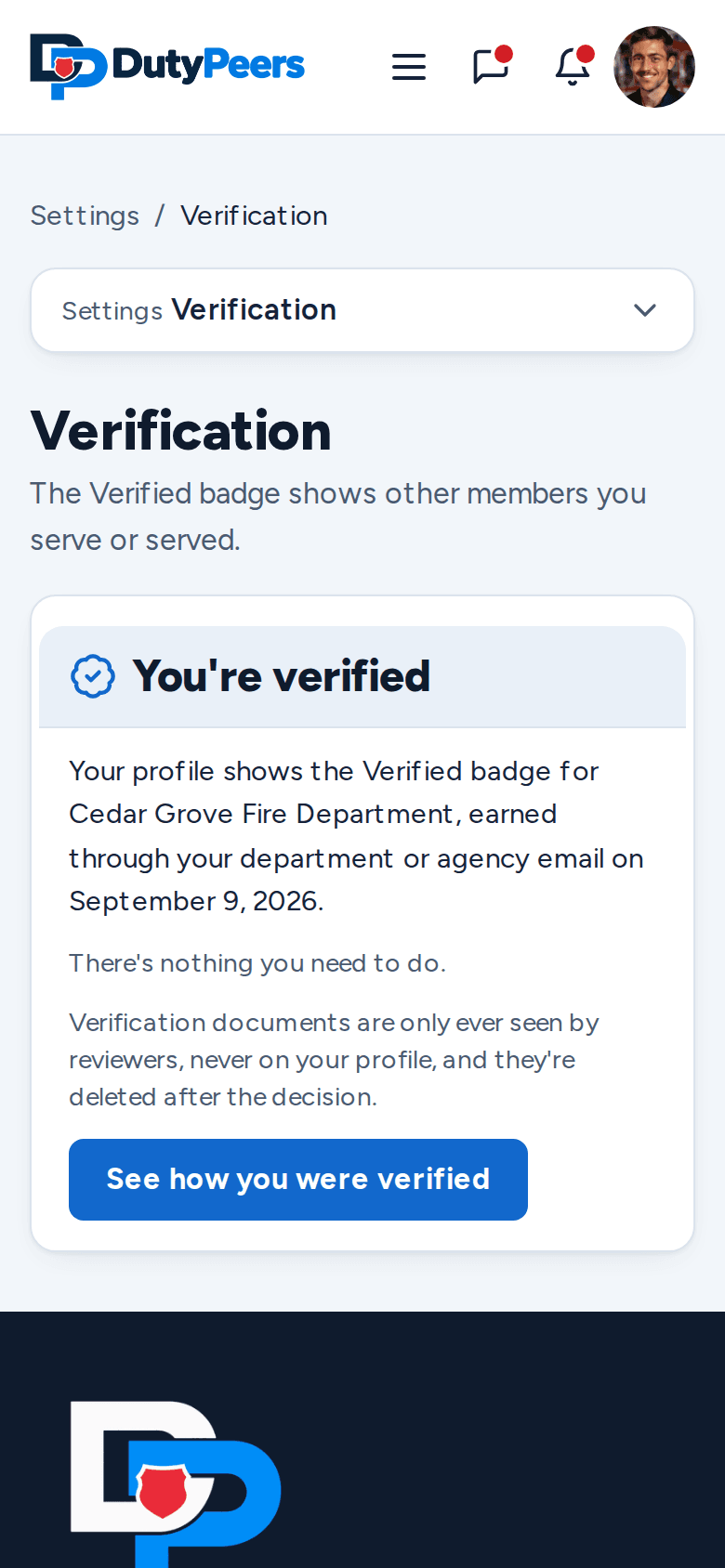
Step 3Get verified
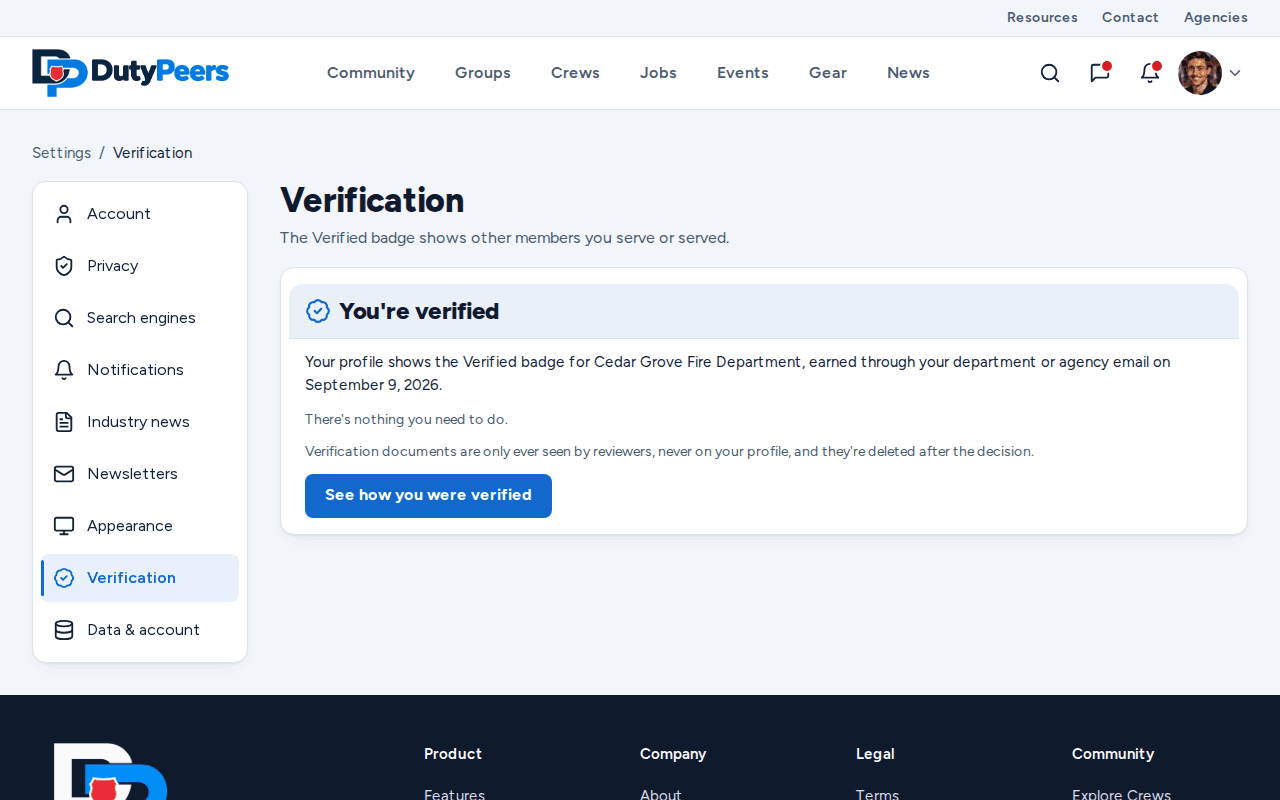
Optional, and right after your profile if you want it. Verified members get the Verified badge and can join private groups. Most people use their department email; there are three other ways.
1. Department email. A six-digit code to the address your department gave you.
More about this way
The code expires in 10 minutes. If the domain belongs to one department, the badge is instant. A confirmed city, county or state .gov address verifies you at a public-safety agency in that same place.
2. Two verified colleagues. Two verified members from your department or company confirm you through a private link.
More about this way
Paid or volunteer. At least one of them must have been verified by department email, supporting documents or department confirmation, so fake accounts can't vouch each other in.
3. Department confirmation. Your chief, an officer or HR answers yes or no from their official department address.
More about this way
They get a one-time link that works for 7 days and see your name, department, title and service type. Their address is cleared from our mail log within 30 days of sending.
4. Supporting documents, reviewed by a person. For departments with no email domain and no members here yet: one document, read by our team.
More about this way
A department ID or membership card, a roster letter from your chief, or a state certification card with your name. Only you and the reviewer see it, and the file is deleted once it's decided, or after 30 days if nobody has reviewed it.
Skip it for now and verify any time from your profile. Your badge stays if you retire or move departments.
Step 4Find your people
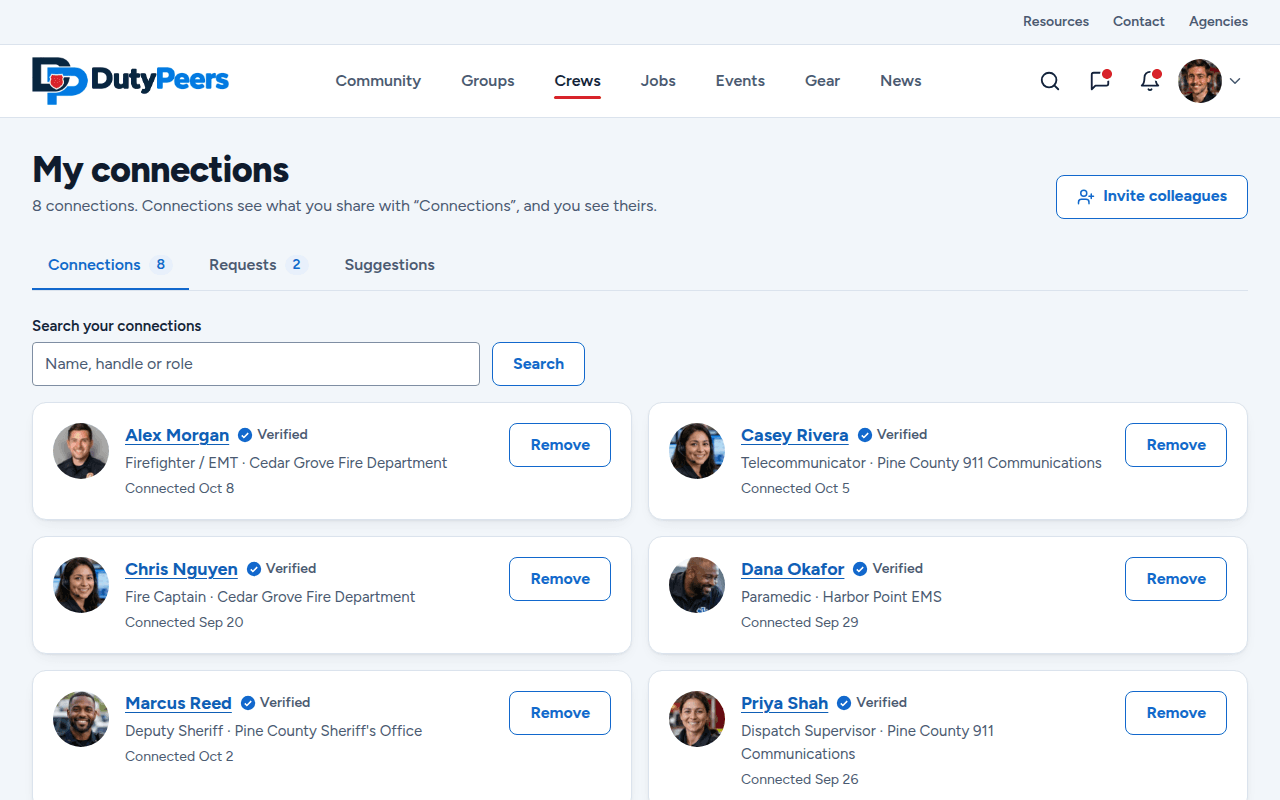
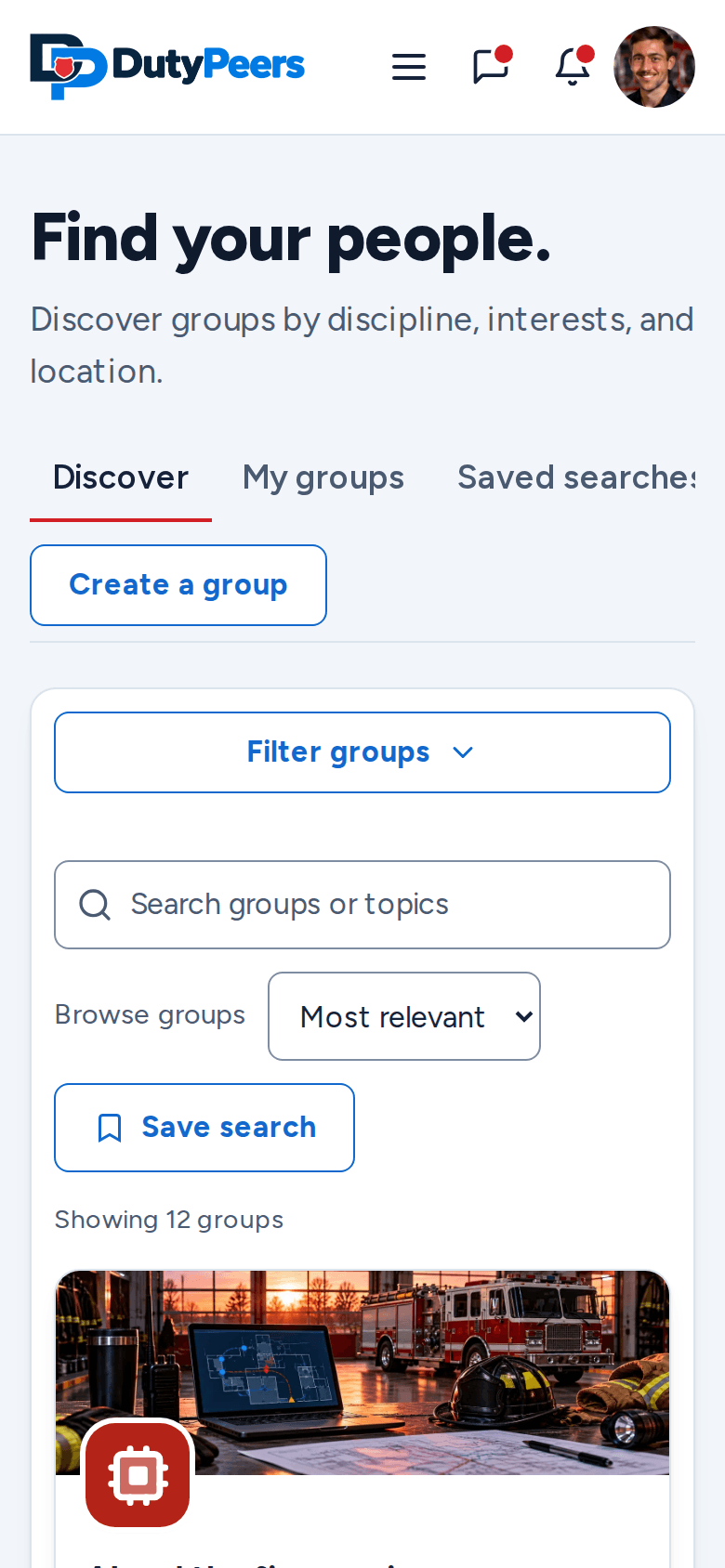
Groups for your discipline, your topic and your state; Crews run by agencies, organizations, businesses and publishers; and connections with the people you serve with.
- Groups: join the national and state groups that fit, or start one for your team.
- Crews: join or follow as many as you like. None of them can reach you until you say so.
- Running a Crew? Your Crew runs itself: connect your website, store, YouTube, events calendar and training once, and your Crew stays up to date on its own. When you're ready, turn on the Feed, Discussions and Groups to engage your community.
- Running an agency? Create your agency's Crew to bring in your news, videos, events and training automatically. Turn on discussions and groups when you're ready.
- Connections: My connections suggests people you may know from your department, groups and Crews.
Step 5Share
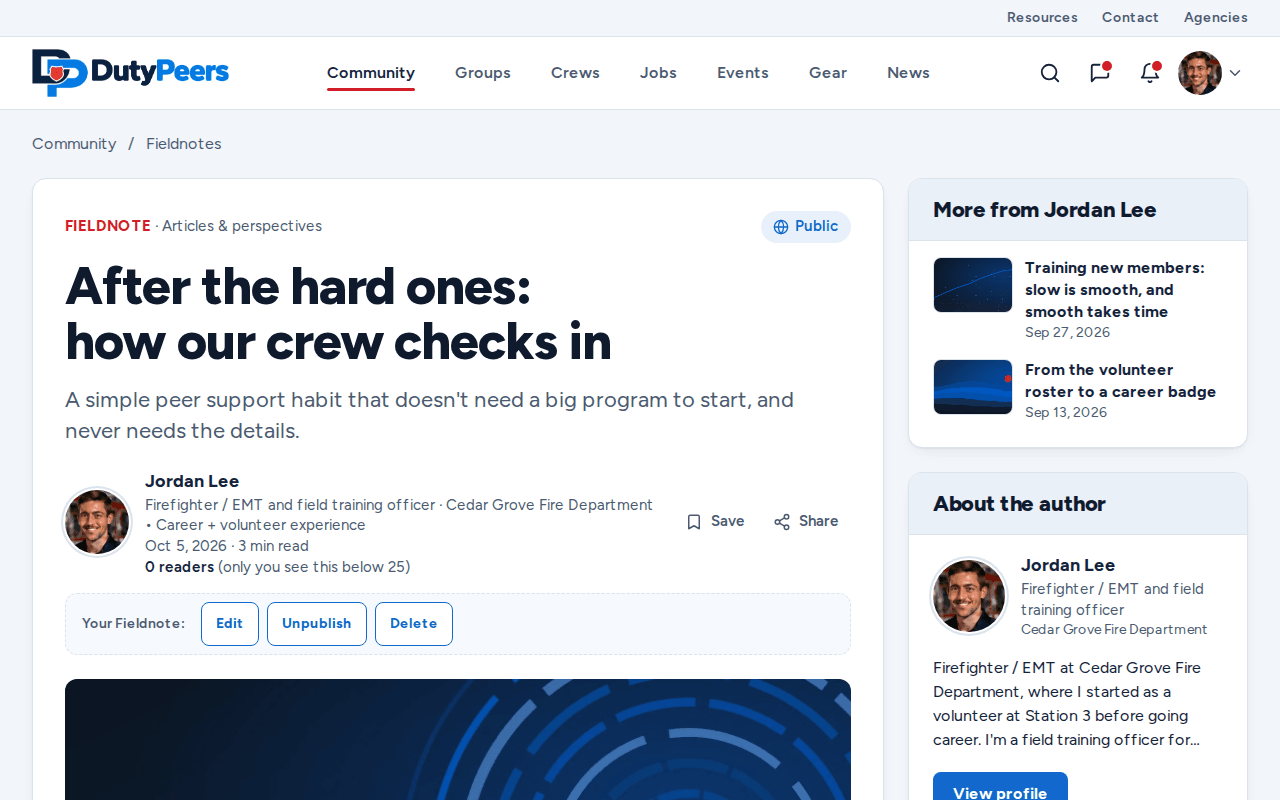
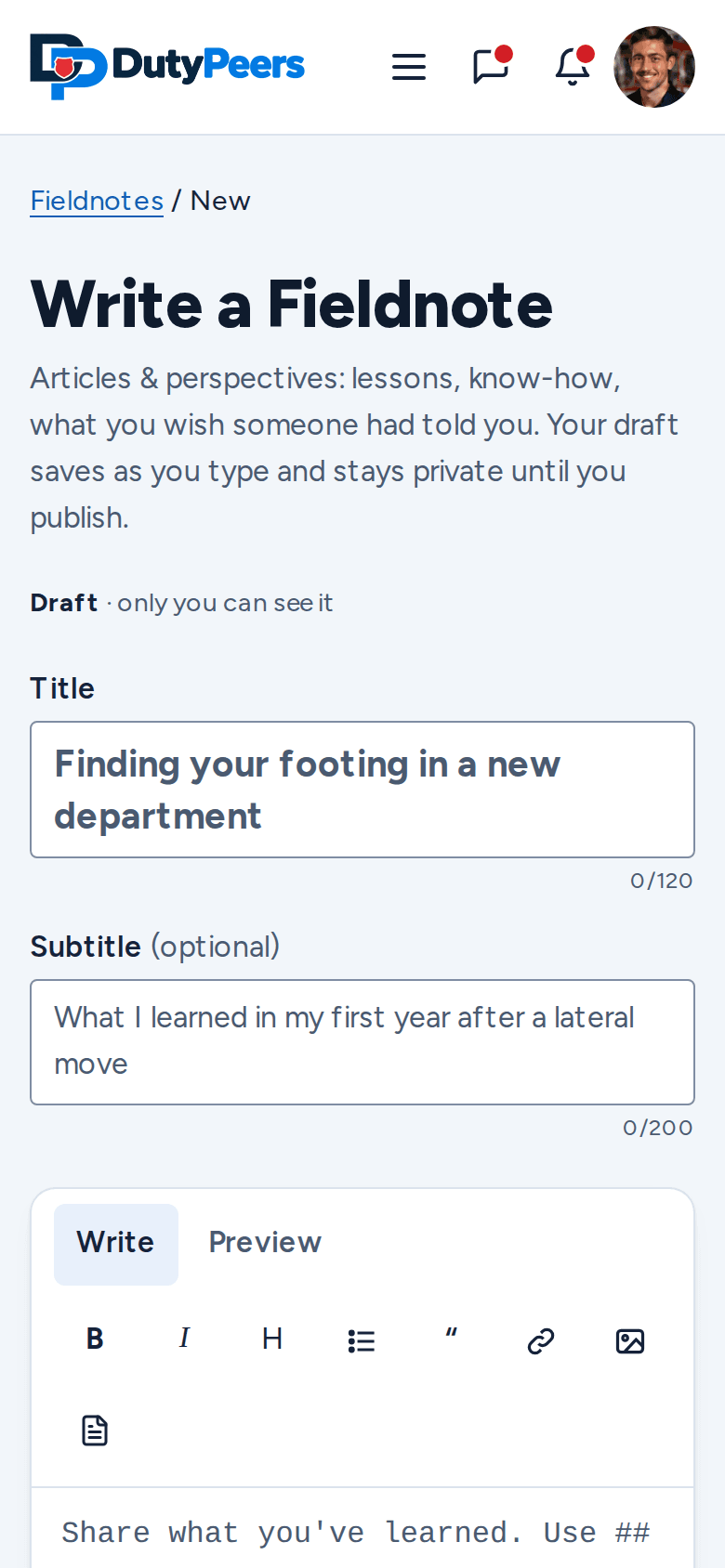
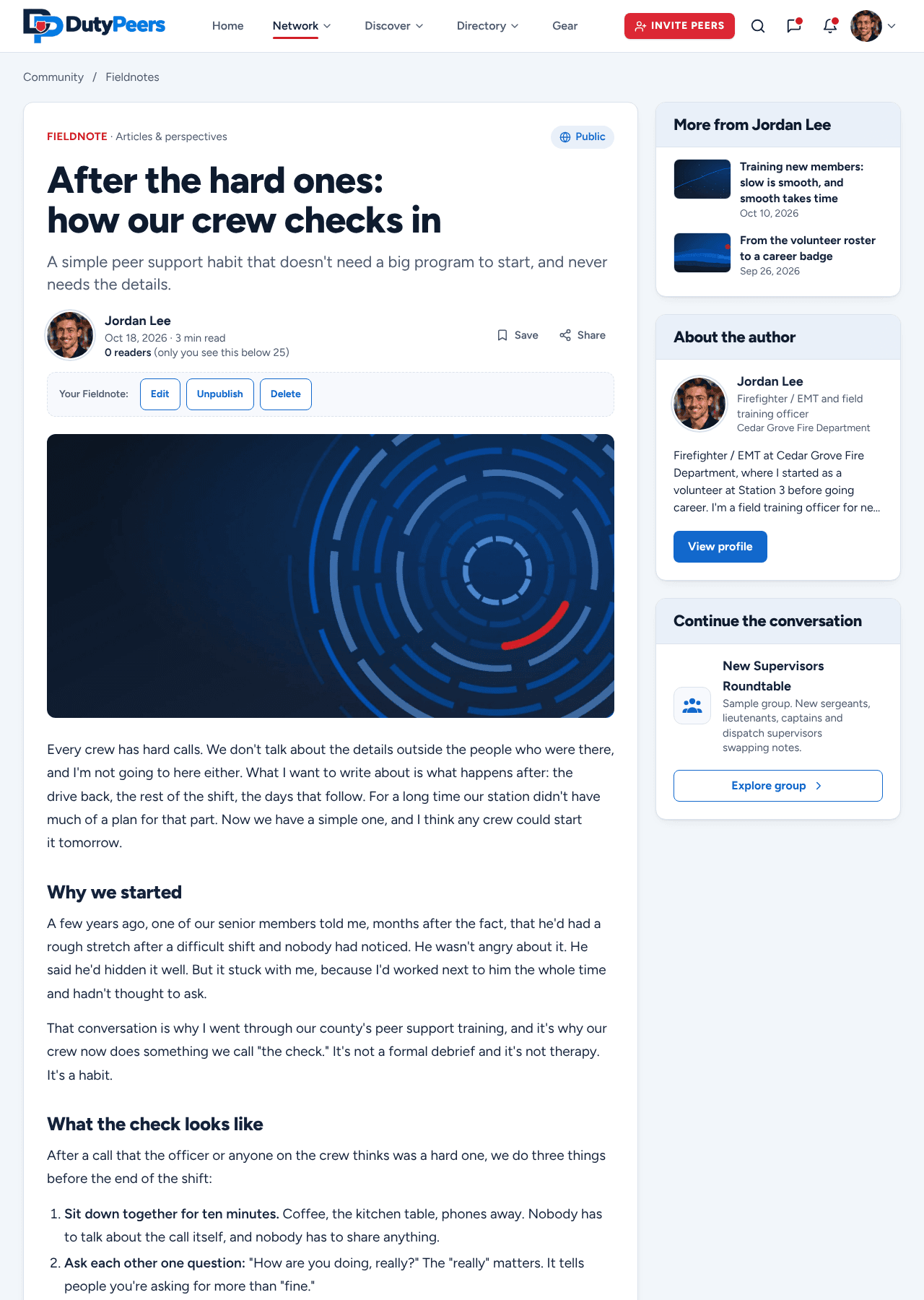
Write a Fieldnote about what you've learned, post to your feed or a group, and pick who reads each one.
- Fieldnotes: articles with a cover, headings, quotes and links, for the public, verified members or your connections.
- Posts: a quick update, a question or a photo, to your connections or a group.
- Share the lesson, not the call: no patient or victim details, and nothing that identifies an incident.
Then it's your home
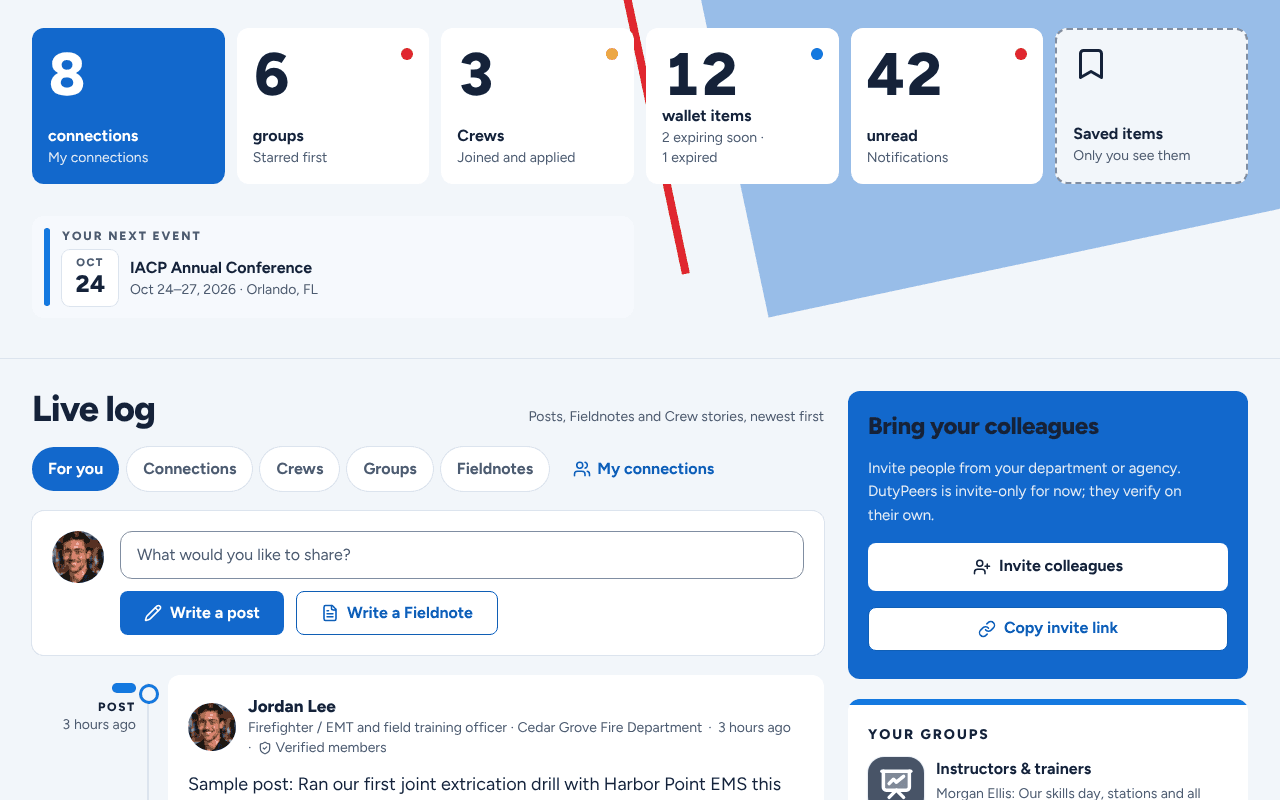
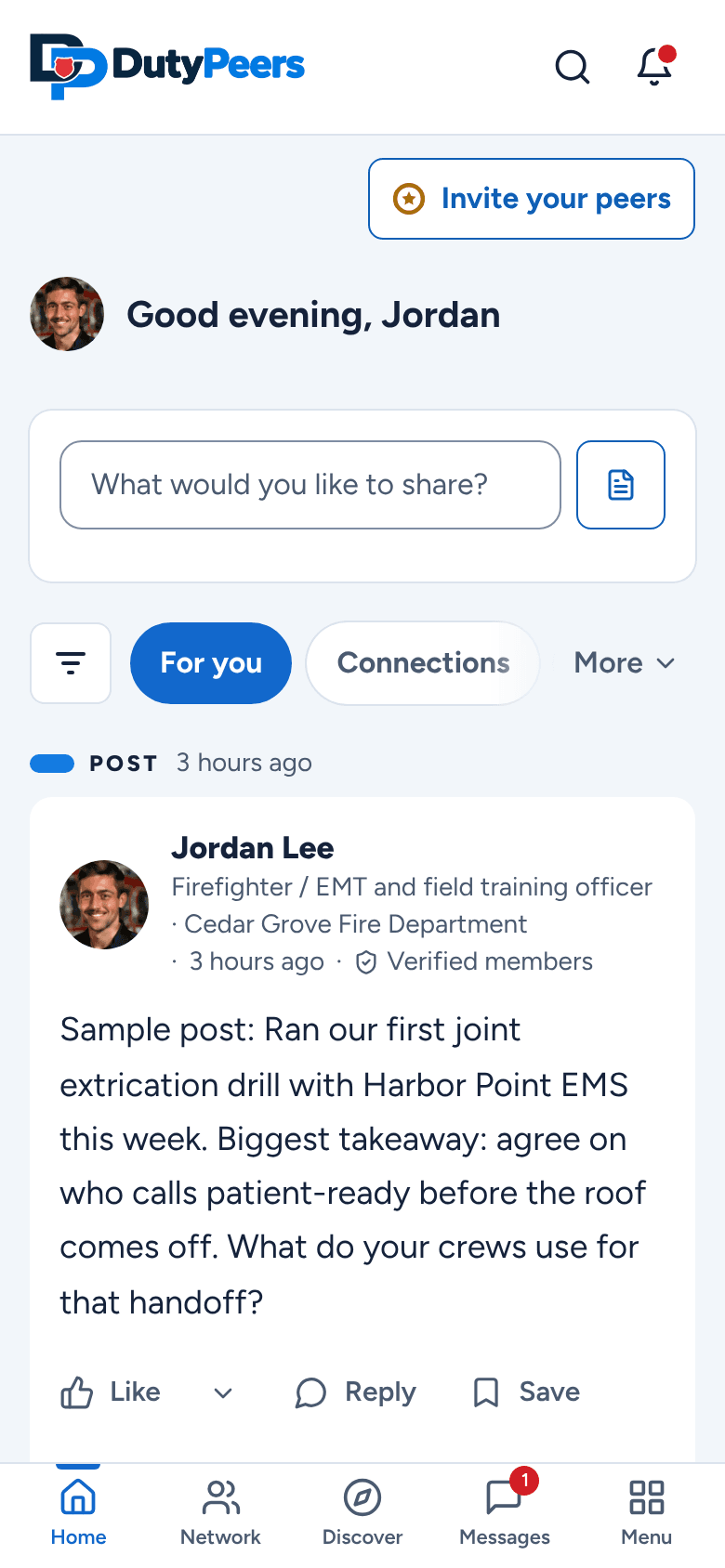
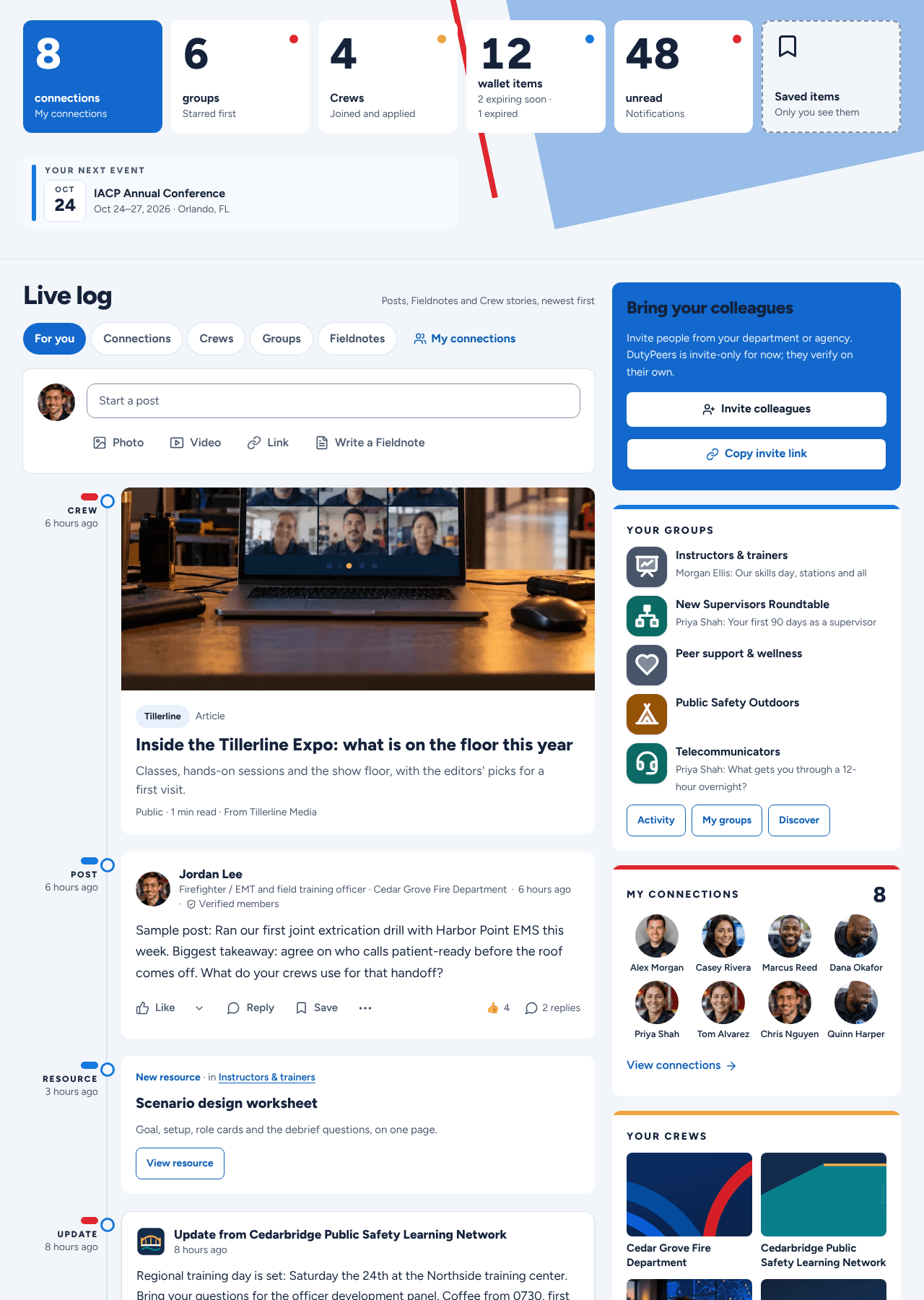
Once you're in, Home brings your feed, your groups and Crews and what's coming up into one place, on a desktop or a phone. The pictures are screens from the demo, with fictional people and data.
Where to next
See every feature
Crews, groups, Fieldnotes, the credential wallet, privacy controls and more, with screenshots.
See every featureInvite your colleagues
Send your personal link to the people you serve with and the rest of the industry.
Join, then inviteJoin Now
Career, volunteer, paid-on-call or reserve: there is a place for you here.
Join DutyPeers
Running a business, an agency, an organization or a media brand?
See what each gets, with screenshots.
See a sample member profileSee a sample organization Crew
There is a place for you here.
Career, volunteer, paid-on-call or reserve. Public safety only, no ads, and private by default.
Opening in waves with an invite link or code.