




YouTube channel
Seiler Geospatial
8.2K subscribers on YouTube · 161 videos here
Businesses & vendors · Fire, Police & law enforcement · Seiler Geospatial
Be among the first to follow on DutyPeers
About Seiler Geospatial
Seiler Geospatial is your trusted source for surveying and geospatial equipment, training, rental & repair—including GNSS/GPS (RTK), 3D laser scanning, drones/UAS, LiDAR, & mobile mapping. We provide full support and service for the solutions we sell, including certified training & service/repair. We are Authorized distributors for Trimble, Spectra Precision, Esri, DJI, Laser Technology, & more. Here you’ll find: • How-to videos, tips & training for field and office workflows (surveying, mapping/GIS, construction, utilities, monitoring, public safety/forensics, transportation). • Workflow guidance on tools like Trimble Access / Trimble Business Center / Trimble Connect. • Product overviews, demos, & best practices for modern data collection & delivery. • Real-world customer success stories. Headquartered in St. Louis, Missouri, since 1945 with locations in Arkansas, Illinois, Indiana, Iowa, Kansas, Kentucky, Louisiana, Michigan, Mississippi, Nebraska, & Wisconsin.
From Seiler Geospatial's YouTube channel.
Trimble Access
All playlists18 videos
 1:05
Quick Tip: Project Data Folder on Android - Trimble Access
· Product demos & tech
 2:10
Mastering the use of the CAD and SNAP Toolbars in Trimble Access v2024.01
· Product demos & tech
 3:57
Trimble Access CAD Toolbar Measure Mode
· Product demos & tech
 4:01
Trimble Access CAD Toolbar Measure Mode - Seiler Quick Tip
· Product demos & tech
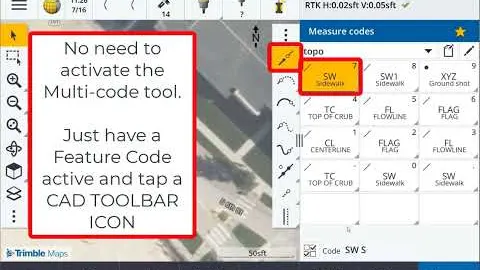 3:28
Trimble Access MEASURE Mode - Seiler Quick Tips
· Training & how-to
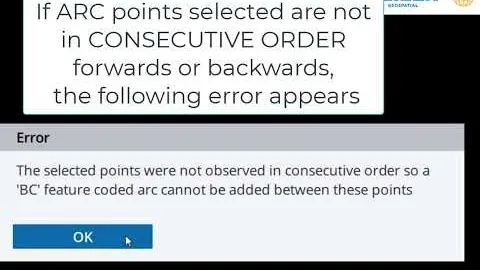 4:53
Seiler Quick Tip: DRAWING mode of the CAD Toolbar in Trimble Access
· Product demos & tech
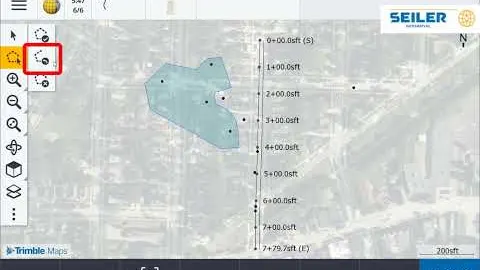 1:48
Trimble Access v2024.00 introduces the Polygon Select Tool!
· Product demos & tech
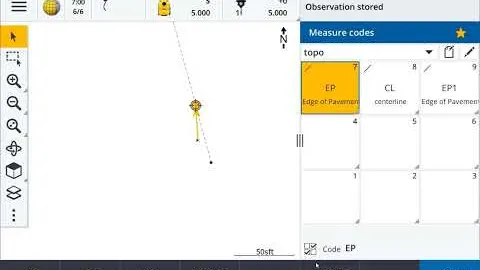 2:52
Mastering Trimble Access 2024.00 Measure Codes
· Product demos & tech
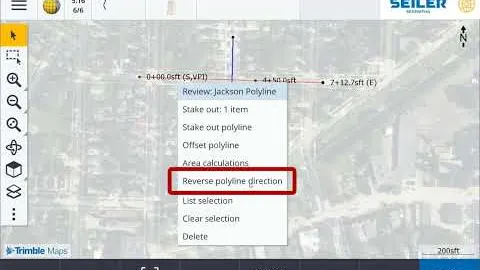 3:33
Trimble Access v2024.00 for using Lines and Polylines
· Training & how-to
 3:11
Streamline your data export with Trimble Access Field Software v2024.00!
· Product demos & tech
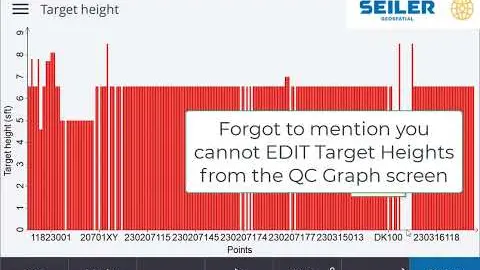 3:46
Enhance your data accuracy with the Quality Control (QC) Graph in Trimble Access!
· Product demos & tech
 2:37
Seiler Quick Tip - Trimble Access 2023.1 Stake to Two Alignments
· Training & how-to
 2:07
Trimble Access Snap-to Toolbar Intersection Tool
· Training & how-to
 2:29
Trimble Access on a TSC5: Graphic Stakeout Arrows
· Training & how-to
 17:51
Alignments in Trimble Access General Survey Module v2021.21+ - Seiler Quick Tips
· Training & how-to
 7:43
Migrating to version 2021 Trimble Access Roading Software – Seiler Quick Tips
· Training & how-to
 8:46
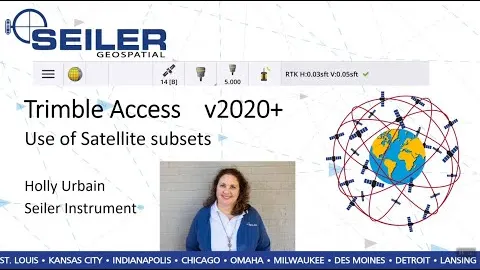
Trimble Access v2020: Satellite Subsets
· Training & how-to
 7:26
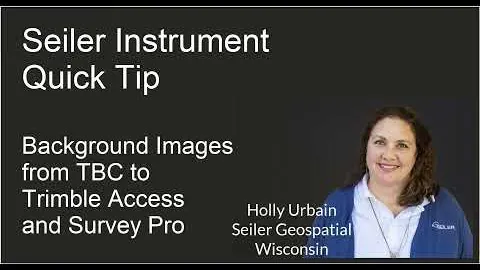
Background Images from Trimble Business Center TBC to Trimble Access TA and Survey Pro
· Training & how-to
Showing 1–18 of 18 videos