




YouTube channel
Seiler Geospatial
8.2K subscribers on YouTube · 161 videos here
Businesses & vendors · Fire, Police & law enforcement · Seiler Geospatial
Be among the first to follow on DutyPeers
About Seiler Geospatial
Seiler Geospatial is your trusted source for surveying and geospatial equipment, training, rental & repair—including GNSS/GPS (RTK), 3D laser scanning, drones/UAS, LiDAR, & mobile mapping. We provide full support and service for the solutions we sell, including certified training & service/repair. We are Authorized distributors for Trimble, Spectra Precision, Esri, DJI, Laser Technology, & more. Here you’ll find: • How-to videos, tips & training for field and office workflows (surveying, mapping/GIS, construction, utilities, monitoring, public safety/forensics, transportation). • Workflow guidance on tools like Trimble Access / Trimble Business Center / Trimble Connect. • Product overviews, demos, & best practices for modern data collection & delivery. • Real-world customer success stories. Headquartered in St. Louis, Missouri, since 1945 with locations in Arkansas, Illinois, Indiana, Iowa, Kansas, Kentucky, Louisiana, Michigan, Mississippi, Nebraska, & Wisconsin.
From Seiler Geospatial's YouTube channel.
Short How To Videos
All playlists35 videos
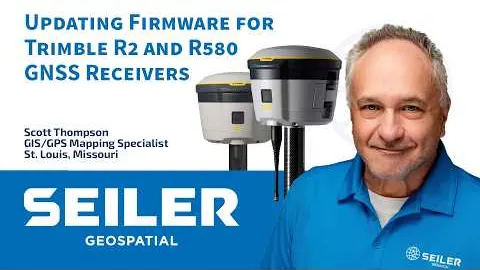 4:49
How to Install Trimble R580 & R2 Firmware Updates
· Training & how-to
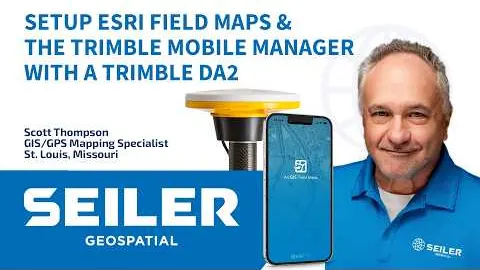 2:19
Setup ESRI Field Maps in Trimble Mobile Manager (TMM) for the Trimble DA2
· Product demos & tech
 2:39
Setup ESRI Field Maps in Trimble Mobile Manager (TMM) for the Trimble R580
· Product demos & tech
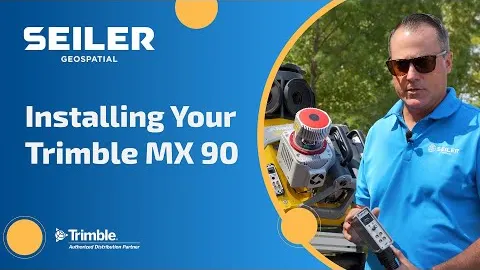 6:26
How To Install Your Trimble MX 90
· Training & how-to
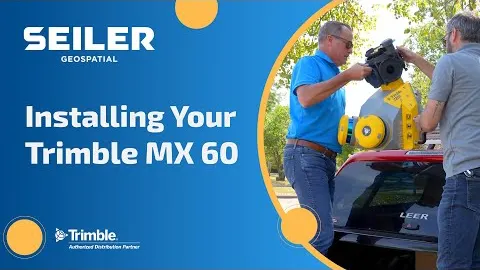 6:58
How To Install Your Trimble MX 60
· Training & how-to
 5:41
Backing Up the Trimble Data Folder Using a Flash Drive
· Training & how-to
 10:17
Trimble & Windows 10 End of Support
· News & updates
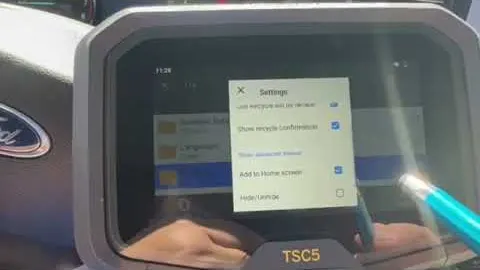 1:05
Quick Tip: Project Data Folder on Android - Trimble Access
· Product demos & tech
 1:07
Quick Tip - How to Assign a Catalyst license in the Trimble License Manager.
· Training & how-to
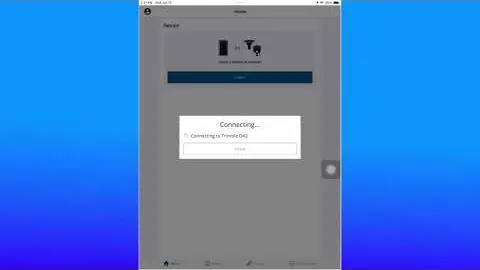 0:48
Quick Tip - How to update the GNSS Firmware on a Trimble DA2 Receiver.
· Training & how-to
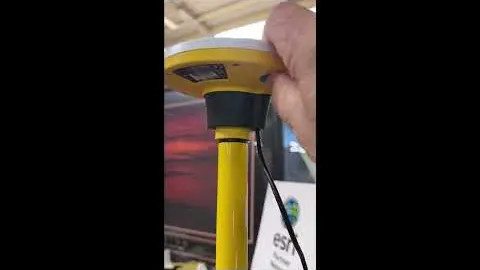 1:00
Quick Tip - How to Reset the Trimble DA2
· Training & how-to
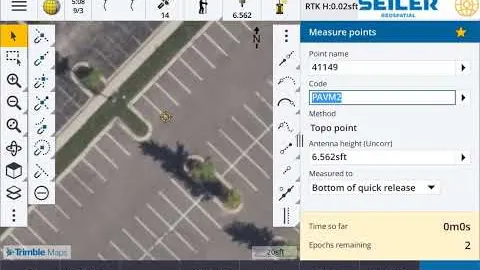 2:10
Mastering the use of the CAD and SNAP Toolbars in Trimble Access v2024.01
· Product demos & tech
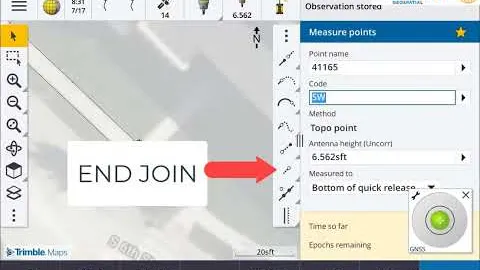 3:57
Trimble Access CAD Toolbar Measure Mode
· Product demos & tech
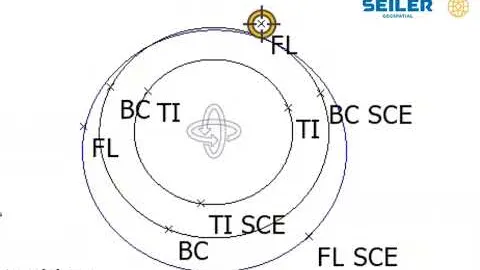 4:01
Trimble Access CAD Toolbar Measure Mode - Seiler Quick Tip
· Product demos & tech
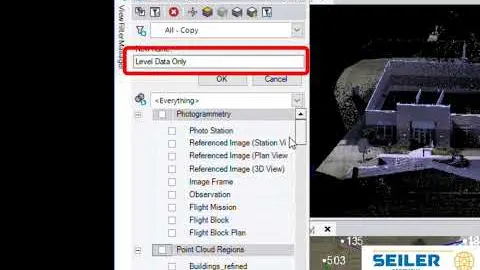 3:17
Trimble Business Center - View Filter Manager
· Training & how-to
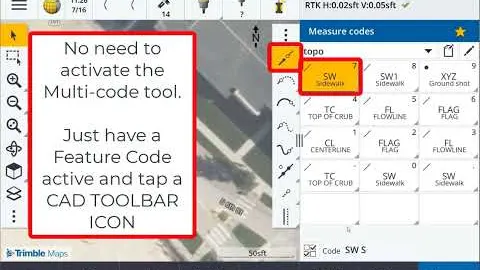 3:28
Trimble Access MEASURE Mode - Seiler Quick Tips
· Training & how-to
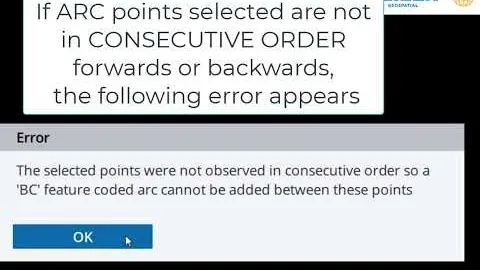 4:53
Seiler Quick Tip: DRAWING mode of the CAD Toolbar in Trimble Access
· Product demos & tech
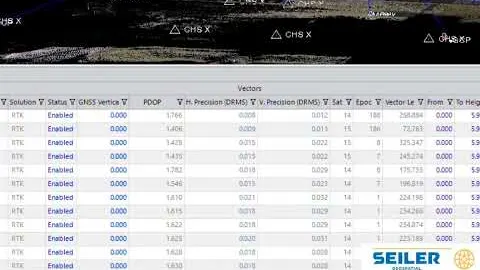 5:20
Trimble Business Center (TBC) v2024 Vector Spreadsheet
· Product demos & tech
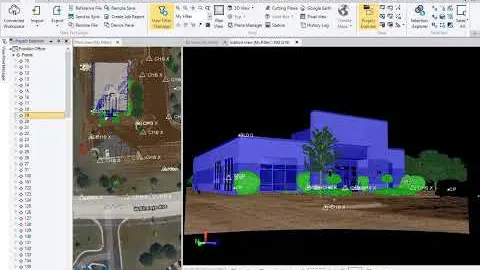 2:36
Trimble Business Center (TBC) v2024's Field of Vision Indicator Cone
· Product demos & tech
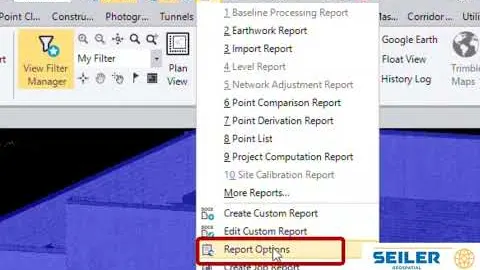 1:50
Trimble Business Center (TBC) v2024 - Floating and Docked Reports
· Training & how-to
Showing 1–20 of 35 videos